
June 22, 2026 · 10 min read · By MagicBG Team
Last updated: September 15, 2026
Are Online Background Removers Safe? A Privacy Guide
Most background removers upload your photos to a server. What really happens to your images, the privacy risks, and how to cut out backgrounds offline.
Every time you drag a photo into a typical online background remover, that image travels across the internet to a company's server, gets processed, and is stored — at least temporarily. For a meme that's fine. For a client's product shots, a passport photo, a child's picture, or anything tied to your identity, it's worth asking a simple question: are online background removers actually safe?This guide explains exactly what happens to your files and how to avoid the risk entirely.
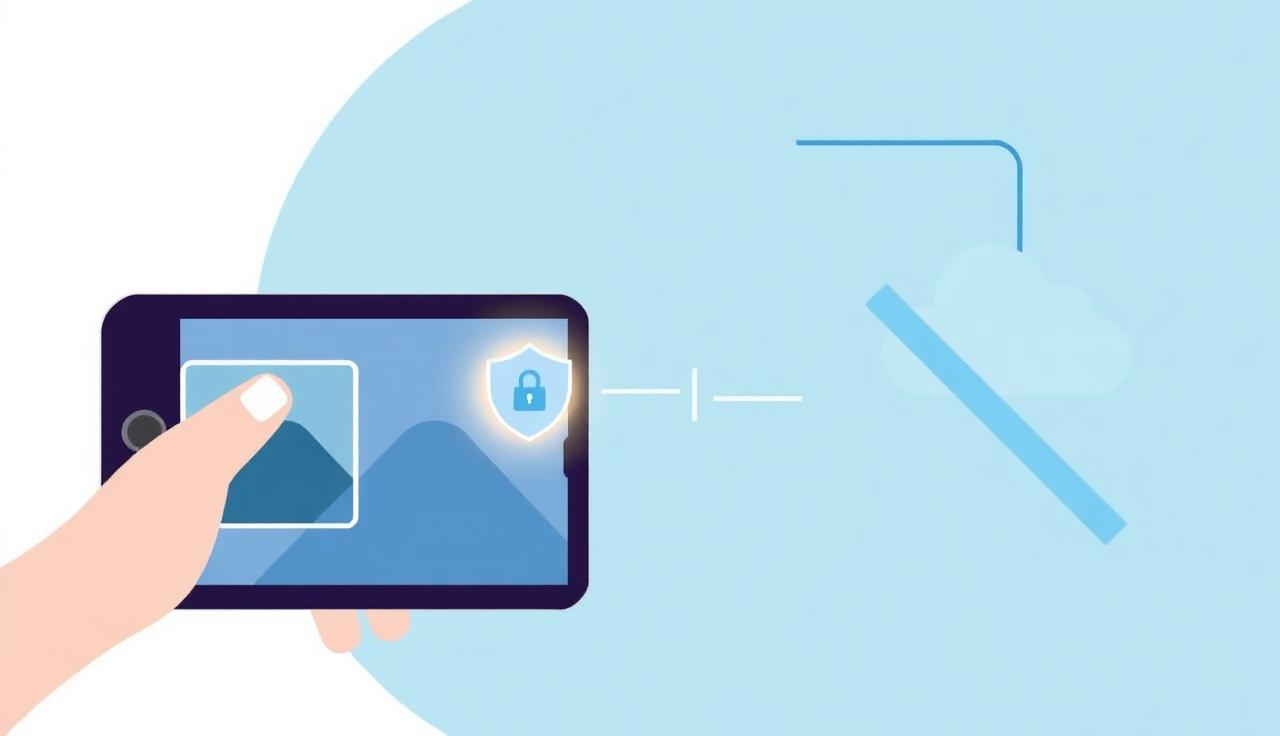
What "uploading" really means
When a website processes your image server-side, three things happen that you can't see:
- Transfer: your photo leaves your device and is sent to a remote server, often in another country.
- Storage: the file is written to disk or object storage so it can be processed and returned. "Deleted after 1 hour" is a policy, not a guarantee.
- Access: employees, sub-processors, and backups may all touch that file, and a breach exposes everything stored.
None of this is inherently malicious — it's just how most cloud tools work. The problem is that you're trusting a third party with the raw image, and you usually can't verify what they keep.
The real privacy risks (ranked)
1. Sensitive personal images
Passport and ID photos, medical images, photos of children, and anything containing faces are the highest-risk uploads. If you're preparing a passport photoor a professional headshot, on-device processing is the safer default.
2. Confidential or client work
Unreleased product shots, NDA-covered designs, and client deliverables shouldn't sit on an unknown server. Many freelance contracts technically prohibit sending client assets to third-party tools.
3. Metadata leakage
Photos carry EXIF data — GPS coordinates, device model, timestamps. Some tools strip it; many don't. Uploading a phone photo can quietly reveal where it was taken.
4. Account and re-use terms
Read the terms: some free tools grant themselves a license to use uploaded images to "improve their services," which can mean training models on your photos.
How to tell if a tool is private
- Does it work offline? Turn off your Wi-Fi and try it. If it still removes the background, processing is local and your image never left the device.
- Does it require an upload/account? Mandatory sign-up usually means server-side processing tied to your identity.
- Check the network tab. Open your browser's developer tools, go to the Network panel, and remove a background. If you see your image being POSTed to a server, it's leaving your device.
The private alternative: in-browser AI
The safest approach is to run the AI model inside your browser rather than on a server. Modern browsers can execute segmentation models locally using WebGPU and WebAssembly, so the photo is never uploaded — it's processed on your own hardware. This is exactly how MagicBG works: the first visit downloads a small model, then every cutout happens on-device, even offline. You can read more about the underlying tech in our explainer on how AI background removal works.

A safe default workflow
- Use an in-browser tool for anything sensitive, confidential, or identity-related.
- Strip EXIF data before sharing if you must use a cloud tool (re-export the PNG).
- Never upload client work to a free tool without checking its license terms.
- If a tool can't run offline, assume your image is stored somewhere.
FAQ
Do background removers keep my photos?
Server-based ones store your image at least long enough to process it, and often longer. In-browser tools like MagicBG never receive the file at all, so there's nothing to keep.
Is it safe to remove the background from a passport photo online?
Only with a tool that processes locally. Uploading ID documents to an unknown server is a real privacy risk — use an on-device option instead.
How can I verify a tool isn't uploading my image?
Disconnect from the internet and try it, or watch the browser Network tab while you process an image. No outbound upload means local processing.
Bottom line
Not all background removers are unsafe — but most send your photo to a server, and you can rarely verify what happens next. For anything sensitive, choose a tool that runs the AI in your browser. Try it now on the MagicBG background remover: your image never leaves your device.
Where this fits in the workflow
If privacy is the deciding factor, prefer tools that process in the browser — the MagicBG background remover runs the model on your device, and the compressor and resizer work the same way.