
Listing content
Product title, bullet points, description and keywords.
Product content, ready for every marketplace
Create professional product images, generate your title, bullets, description and keywords, then export everything in the right marketplace format — from one workflow.
No watermark · No signup for browser-based free tools
Complete Listing Generator
Turn product photos into marketplace-ready images, listing content and a ready-to-download export package.
Create My Product ListingProduct title, bullet points, description and keywords.
Correct image formats and dimensions for each selected marketplace.
Clear checks for size, format, background, framing and borders.
Images and editable listing data arranged by marketplace.
Removing the background is only the first step. You still need to create the title, bullets, description, keywords, resize your images and prepare the files for your marketplace. MagicBG takes you from a product photo to a complete, ready-to-publish listing in one workflow.
AI Product Photo Studio
Start with your original product photo, remove the background, choose a studio background, add a soft shadow and export a marketplace image.
Open Product Photo StudioMarketplace Image Optimizer
Resize, crop, optimize and export product images using MagicBG presets for each supported marketplace. Review current marketplace rules before publishing.
MagicBG product ecosystem
Move from product photo to marketplace listing with connected tools, or use any utility on its own.
Remove backgrounds, add studio scenes and shadows, resize for marketplaces, and export your product shoot.
Open toolTurn product photos into a full marketplace listing package.
Open tool Read guidePrepare product photos for Amazon, Shopify, Etsy, eBay and more.
Open tool Read guideCreate a transparent PNG cutout in your browser.
Open tool Read guidePut any product photo on a pure white (#ffffff) background.
Open tool Read guideCheck a photo against marketplace image requirements.
Open tool Read guideConvert PNG ↔ JPG ↔ WebP with quality control.
Open tool Read guideReduce JPG, PNG and WebP file size with adjustable quality. Results depend on the image.
Open tool Read guideResize by pixels or percentage while keeping aspect ratio locked.
Open tool Read guideCrop to square, 4:5, 16:9 or free — perfect for social posts.
Open tool Read guideExtract the dominant palette from any image as HEX and RGB.
Open tool Read guideTurn a scanned signature into a transparent PNG for documents.
Open tool Read guideGenerate high-resolution QR codes for URLs, WiFi and text.
Open tool Read guideRemove image backgrounds free in your browser — no watermark.
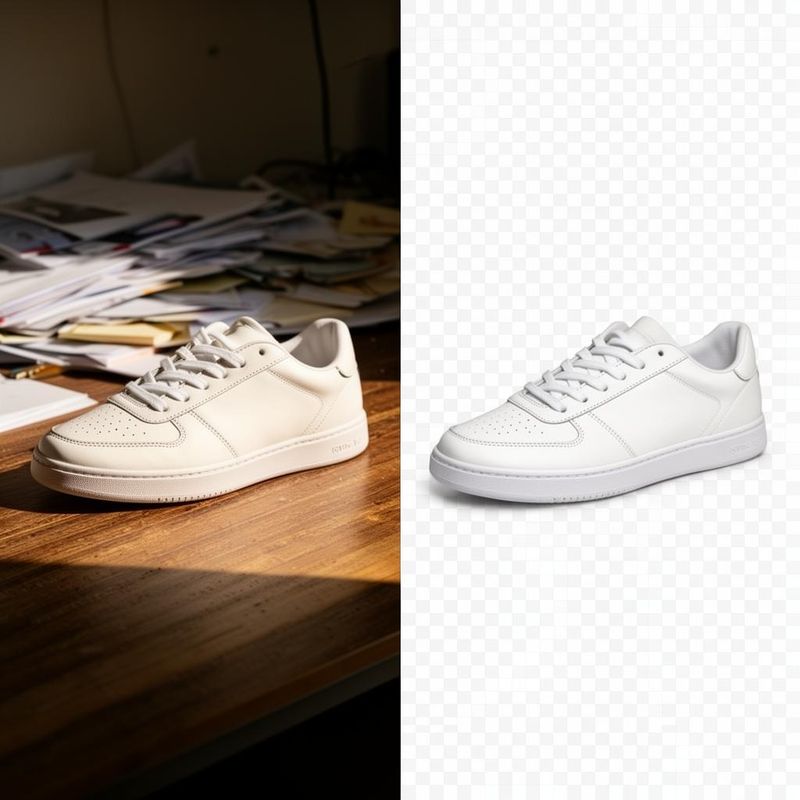
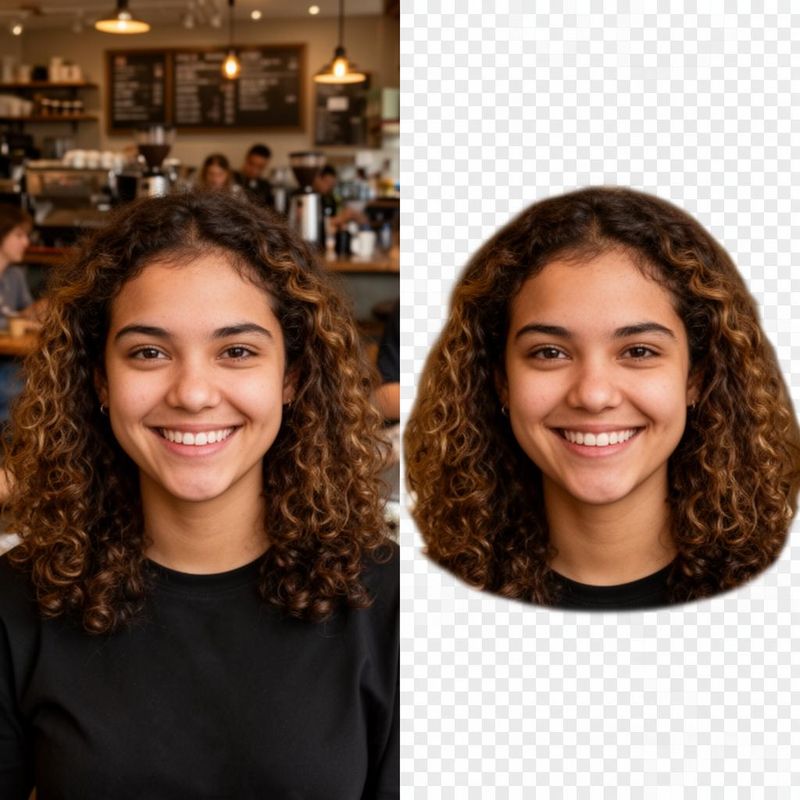
Drag each slider to compare the original photo with the existing MagicBG cutout example.
Product-first workflows for people preparing images and content for sale.
Create consistent product images and listing content for your online catalog.
Prepare images and copy for Amazon, Shopify, Etsy, eBay, Walmart and WooCommerce.
Turn client shoots into clean cutouts, studio images and organized exports.
Prepare repeatable product-content packages for multiple clients and channels.
Create cutouts, product visuals and correctly sized campaign assets.
Clear processing choices
MagicBG clearly distinguishes on-device image tools from features that require remote AI processing.
| Feature | Processing | What this means |
|---|---|---|
| Background removal | On-device | Runs entirely in your browser. Your images are not uploaded to our servers. |
| White background maker | On-device | Runs entirely in your browser. Your images are not uploaded to our servers. |
| Image resizing | On-device | Runs entirely in your browser. Your images are not uploaded to our servers. |
| Image cropping | On-device | Runs entirely in your browser. Your images are not uploaded to our servers. |
| Image conversion | On-device | Runs entirely in your browser. Your images are not uploaded to our servers. |
| Image compression | On-device | Runs entirely in your browser. Your images are not uploaded to our servers. |
| Marketplace image optimization | On-device | Runs entirely in your browser. Your images are not uploaded to our servers. |
| Image compliance checker | On-device | Runs entirely in your browser. Your images are not uploaded to our servers. |
| Color picker | On-device | Runs entirely in your browser. Your images are not uploaded to our servers. |
| QR generator | On-device | Runs entirely in your browser. Your images are not uploaded to our servers. |
| Signature background remover | On-device | Runs entirely in your browser. Your images are not uploaded to our servers. |
| Photo analysis | Cloud AI | Sends your image to our AI provider for processing. Requires an account. |
| Listing copy generation | Cloud AI | Sends your image to our AI provider for processing. Requires an account. |
| AI scene generation (Product Studio) | Cloud AI | Sends your image to our AI provider for processing. Requires an account. |
| Complete Listing Generator | Cloud AI | Sends your image to our AI provider for processing. Requires an account. |
Applicable free tools need no signup and add no watermark. Read the privacy policy for details.
Free lets you discover MagicBG with browser-based image tools and limited marketplace workflows. Pro is built for processing more products.
The Complete Listing Generator can create marketplace-sized images, compliance checks, a product title, bullet points, description and keywords, then organize the result in a downloadable ZIP.
The Complete Listing Generator supports Amazon, Shopify, Etsy, eBay, Walmart, WooCommerce, TikTok Shop and a custom-store preset. The Marketplace Image Optimizer supports Amazon, Shopify, Etsy, eBay, Walmart and Facebook Marketplace.
No. Background removal is one free tool in a broader product-content workflow that includes product photography, marketplace image optimization, listing copy, compliance checks and export packages.
Background removal, white backgrounds, resizing, cropping, converting, compression and marketplace image optimization run in your browser. Features that analyze photos or generate listing copy use a remote AI service only when needed.
No account is needed for the free background remover and other browser-based image tools. An account is required for remote AI features, saved listings and Pro features.
The free browser-based image tools do not add a watermark.
You can import JPG, PNG, WebP and HEIC and download a transparent PNG or an image with a selected background color.
Yes. MagicBG includes marketplace presets that resize, crop, optimize and export product images for Amazon, Shopify and other supported marketplaces.
The MagicBG dispatch
Get a curated email when we ship a new free tool, drop a listing-photo tutorial, or publish a data-backed guide for marketplace sellers. No spam. Unsubscribe anytime.
Practical guides
Amazon product image requirements explained: size, format, file limits, white background and main image rules, plus a checklist for preparing listing photos.
Optimize Shopify product photos for quality, consistency and performance: verified size and format limits, cropping, backgrounds, compression and a full workflow.

Etsy image requirements explained: verified photo sizes, formats, upload guidance, backgrounds, aspect ratios and a practical listing checklist.
eBay image requirements explained: verified resolution, file size, formats, backgrounds, prohibited content and a practical listing checklist.
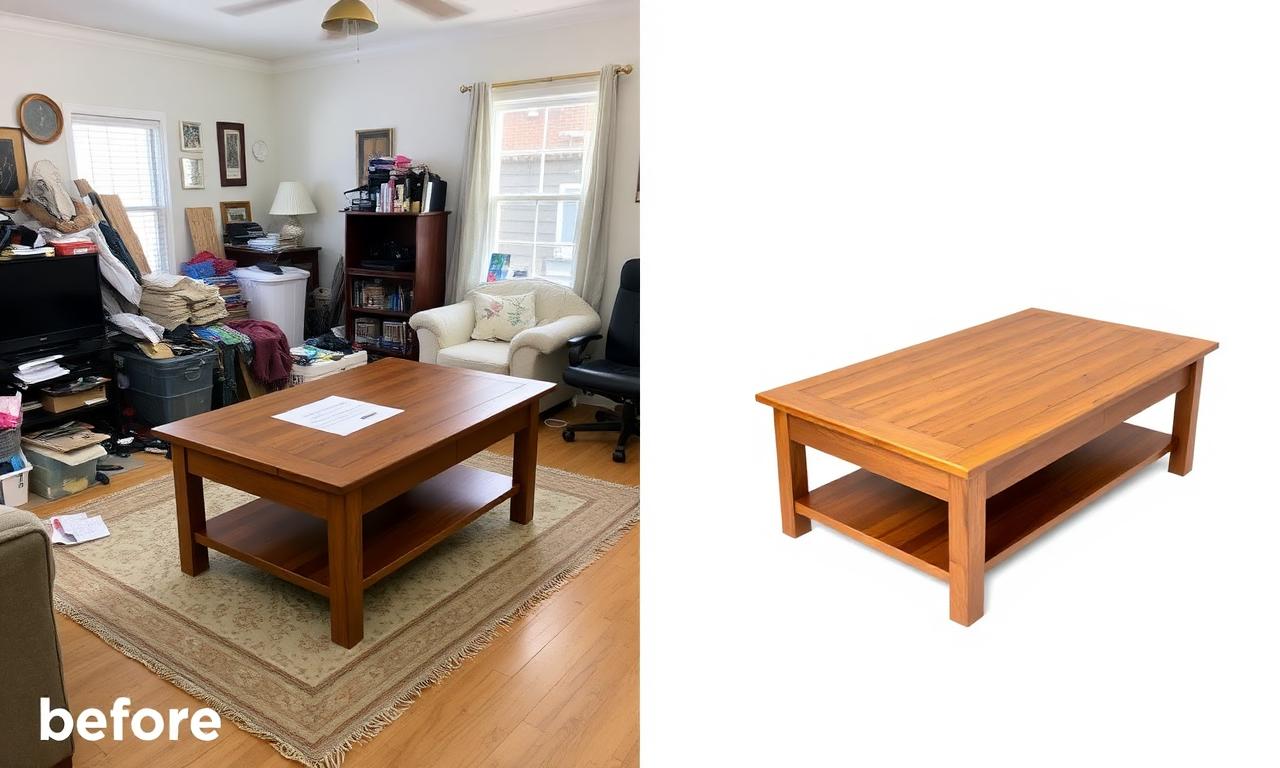
Walmart image requirements explained: verified minimum size, Main Image rules, prohibited content, category differences and a practical checklist.
TikTok Shop image requirements explained: verified size, 9-image limit, main-image background, prohibited content and listing-quality guidance.
Create product images, marketplace-ready content and a downloadable listing package.