
May 5, 2026 · 11 min read · By MagicBG Team
Last updated: September 15, 2026
PNG vs WebP for Transparent Images: Which Should You Use?
PNG vs WebP for transparent images in 2026: file size, quality, browser support, and SEO impact compared. Pick the right format for web and ecommerce.
AVIF compresses even better than WebP often noticeably smaller again — and supports 12-bit color and HDR. It is supported in current versions of every major browser (Edge was the last to add it, in early 2024). The catch: encoding is much slower than WebP, and tooling (Photopea, Canva, marketplace uploaders) hasn't fully caught up. For 2026, WebP remains the pragmatic default for transparent images on the web; AVIF is a worthwhile experiment for hero images and ad creatives where every kilobyte matters.
The quick answer
- Web pages, web apps, ads, social media: WebP. Google's own comparison puts lossless WebP around 26% smaller than PNG, and lossy WebP with transparency far smaller again — lighter pages, faster Largest Contentful Paint.
- Marketplace uploads (Amazon, Etsy, eBay), print, slide decks, archives: PNG. Universally accepted, lossless, no surprises.
- Source files you'll re-edit: PNG. Lossless re-encoding means no generational quality loss.
- Mobile apps: WebP almost always; the OS handles it natively on iOS 14+ and Android 4.0+.
How each format encodes transparency
PNG uses an 8-bit alpha channel alongside RGB color, all encoded losslessly with DEFLATE compression. Every pixel carries a value from 0 (fully transparent) to 255 (fully opaque). This makes PNG perfectly predictable: what you save is exactly what you get back. The cost is file size.
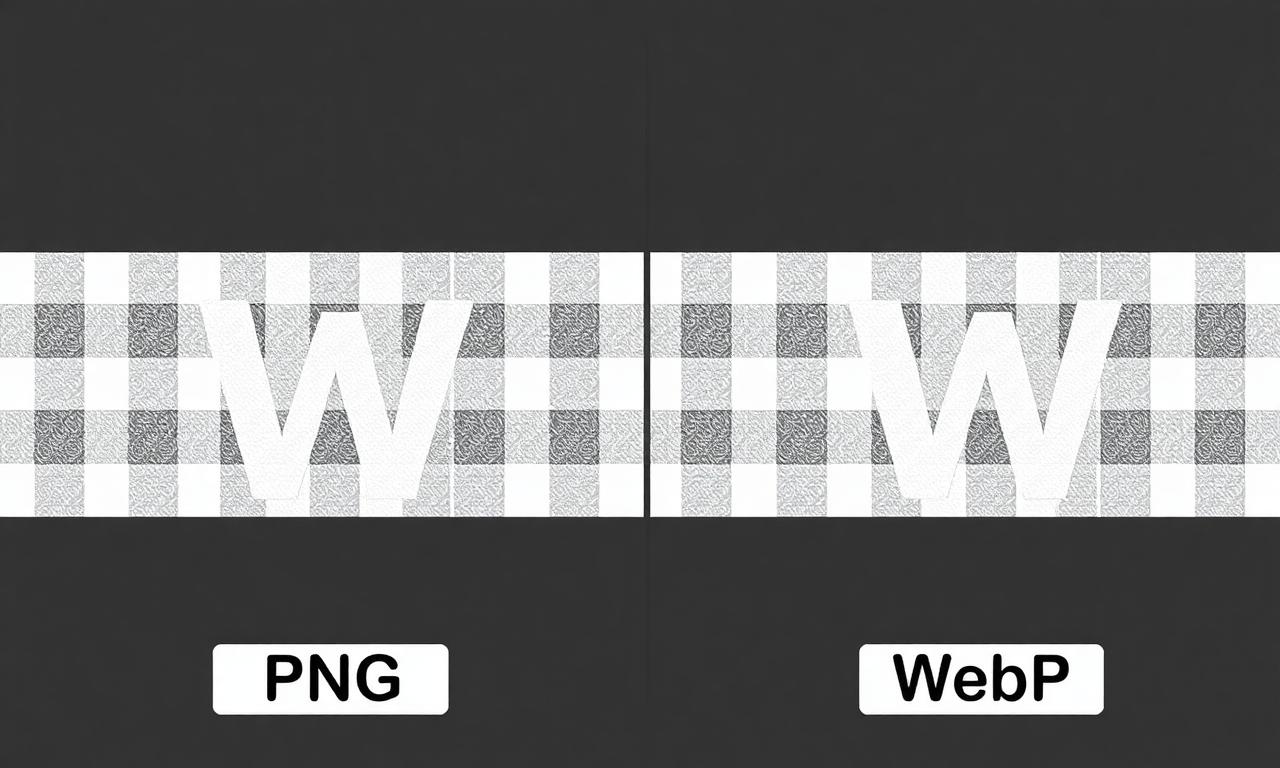
WebP supports two transparency modes. Lossless WebP behaves like PNG but uses a more efficient compression algorithm — typically 25% smaller files for identical visual output. Lossy WebP encodes the alpha channel separately from the color and applies VP8 video-style compression, achieving 50–80% smaller files at the cost of subtle artifacts around semi-transparent edges. The technical details are in Google's lossless and alpha compression study.
Real-world file size comparison
A 1200×1200 transparent product cutout encoded three ways:
- PNG (no compression tuning): 380 KB
- PNG (zopflipng, max compression): 290 KB
- WebP lossless: 220 KB
- WebP lossy (quality 90): 95 KB
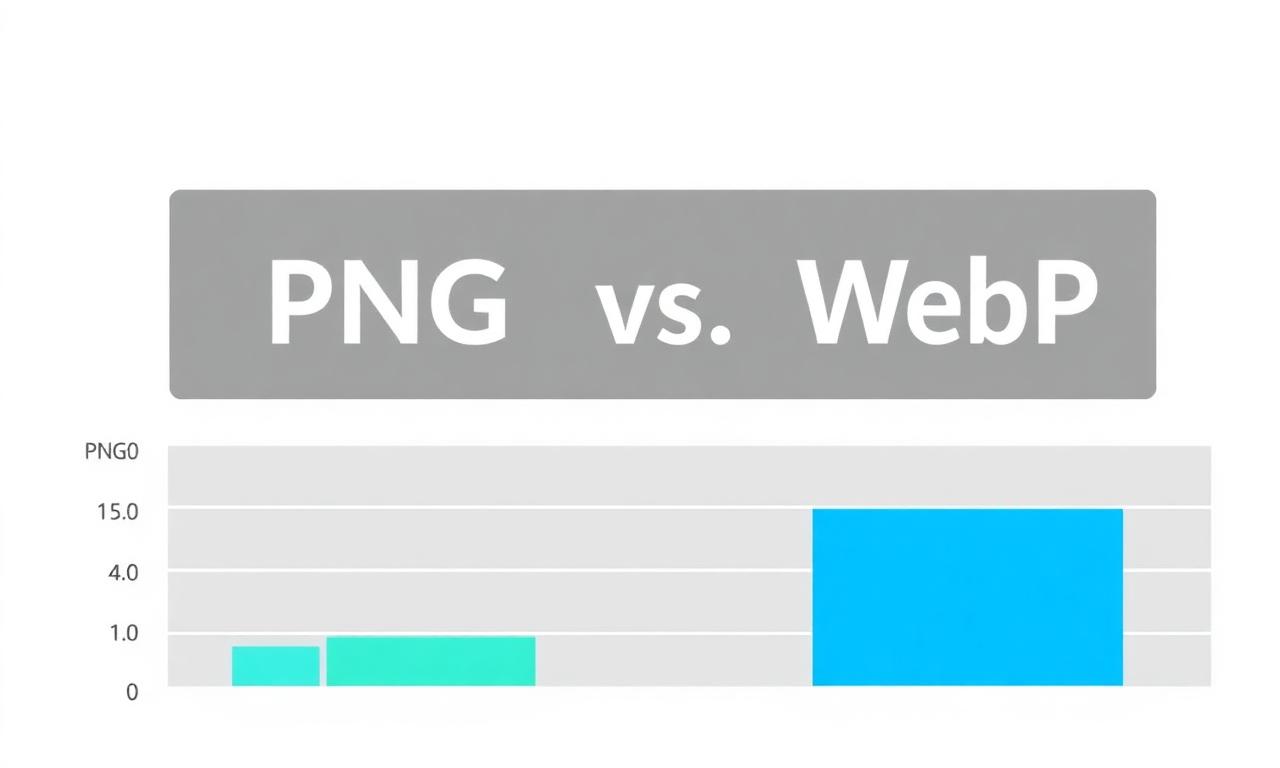
Across a 100-product catalog, that's 38 MB vs 9.5 MB. On mobile networks, that difference moves Largest Contentful Paint from "needs improvement" to "good" on most pages, which translates directly to Google rankings — see web.dev's LCP guide for the exact thresholds.
Quality differences worth knowing
For solid-edged graphics (logos, icons, UI elements), PNG and lossless WebP are pixel-identical and you should pick whichever is smaller — usually WebP. The interesting case is photographic cutouts with fine semi-transparent edges: hair, fur, glass, chiffon.
Lossy WebP can introduce "halos" — subtle color shifts where the alpha channel transitions from opaque to transparent. These are most visible against dark backgrounds. If your image will always sit on a white or near-white background, lossy WebP is essentially perfect. If it might land on a dark hero section, test before committing.
For fixing or preventing these halos at the source — i.e., during the background removal step itself — see how to fix jagged edges after background removal.
How to convert between formats
Three tools cover almost every case:
- Squoosh — Google's open-source web converter. Drag, pick PNG/WebP/AVIF, compare quality side-by-side.
- ImageMagick — command-line:
magick input.png -define webp:lossless=true output.webp. - Google's
cwebp— official encoder with the most tuning knobs.
If you generated the cutout with MagicBG, you'll already have a transparent PNG. Drop that into Squoosh, pick WebP at quality 90, and compare. In most cases the file shrinks substantially with no perceptible change; compare the two previews before you commit.
SEO and Core Web Vitals impact
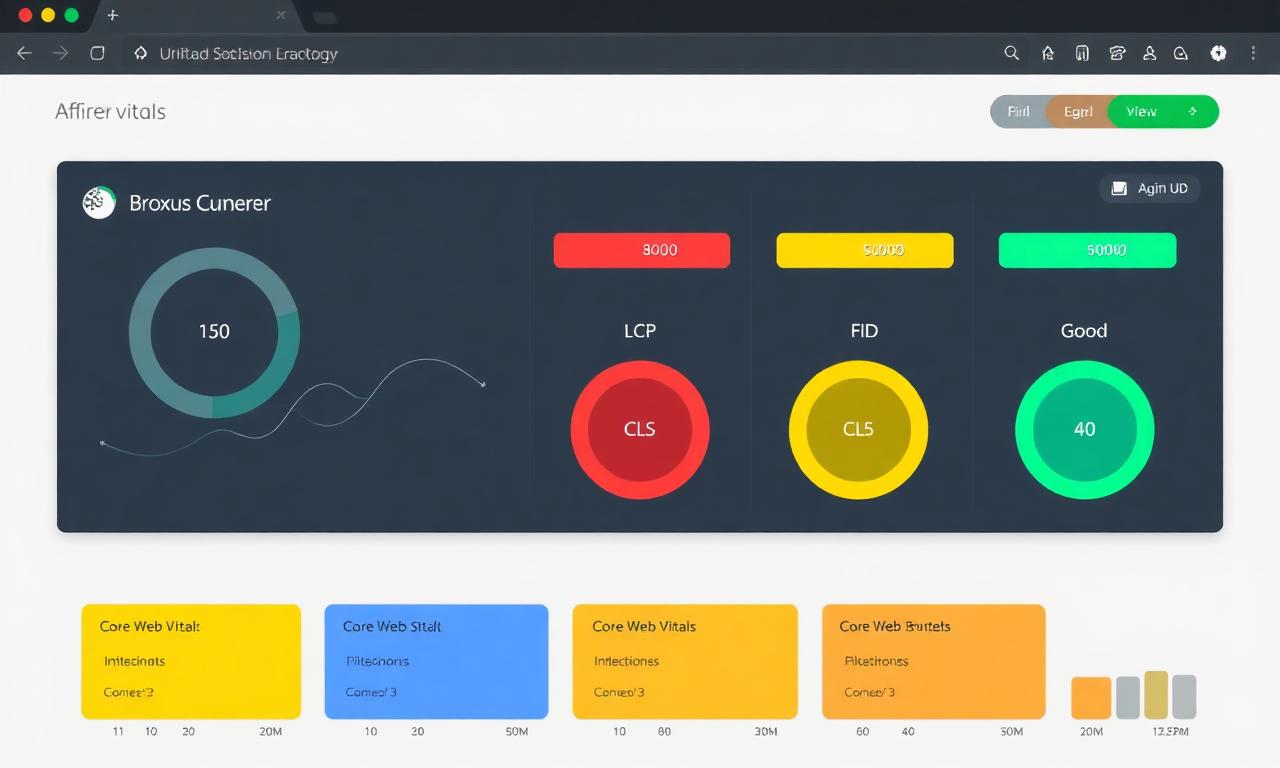
Google's Core Web Vitals directly affect ranking since 2021, and image weight is the single biggest contributor to Largest Contentful Paint on most content sites. Switching a heavy site from PNG to WebP often improves the LCP score by 10–20 points and bumps several pages from "Needs improvement" to "Good." Smaller images also reduce mobile data costs for users on metered plans, which Google's quality raters explicitly score.
A practical pattern that combines both formats safely is the <picture> element:
<picture>
  <source srcset="hero.webp" type="image/webp" />
  <img src="hero.png" alt="Product hero image on a transparent background" width="1200" height="800" />
</picture>
Modern browsers fetch the WebP; ancient ones fall back to PNG. You ship the smaller asset to 99% of users without breaking the 1%.
Where PNG still wins outright
- Amazon, Etsy, eBay product uploads. Marketplaces don't always re-encode WebP correctly. PNG is the safe choice. We cover the full workflow in Pure white background for Amazon listings.
- Print. Print RIPs sometimes choke on WebP. Stick with PNG or TIFF.
- Office documents. Word, PowerPoint, and Keynote all handle PNG perfectly; WebP support is patchy across versions.
- Master files. Always keep a PNG (or PSD) master. Re-export WebP from it as needed.
A word on AVIF
AVIF compresses even better than WebP — often noticeably smaller again — and supports 12-bit color and HDR. It is supported in current versions of every major browser (Edge was the last to add it, in early 2024). The catch: encoding is much slower than WebP, and tooling (Photopea, Canva, marketplace uploaders) hasn't fully caught up. For 2026, WebP remains the pragmatic default for transparent images on the web; AVIF is a worthwhile experiment for hero images and ad creatives where every kilobyte matters.
A simple decision checklist
- Will this image live on your own website? → WebP (with PNG fallback for hero images).
- Are you uploading to a marketplace or print shop? → PNG.
- Is it a master/source file you'll re-edit? → PNG.
- Will it sit only on a white background? → Lossy WebP at quality 90.
- Will it ever sit on a dark or busy background? → Lossless WebP, or PNG.
- Is it a logo or UI icon? → SVG first, otherwise WebP lossless.
Get started
Generate a clean transparent cutout on the MagicBG background remover, then run it through Squoosh to produce both a PNG (for marketplaces) and a WebP (for your site) from the same source. Two formats, one minute, fully optimized.
Where this fits in the workflow
Format is the last step of an export chain. If the file is simply too heavy, try the image compressor first; if you need the same picture in another format, the format converter handles PNG, JPG and WebP in the browser.