May 11, 2026 · 8 min read · By MagicBG Team
Last updated: September 15, 2026
How to Remove Background from Picture: Free AI Guide
Learn how to remove background from any picture in 5 seconds with a free AI tool — no Photoshop, no signup, no watermark. Step-by-step 2026 guide.
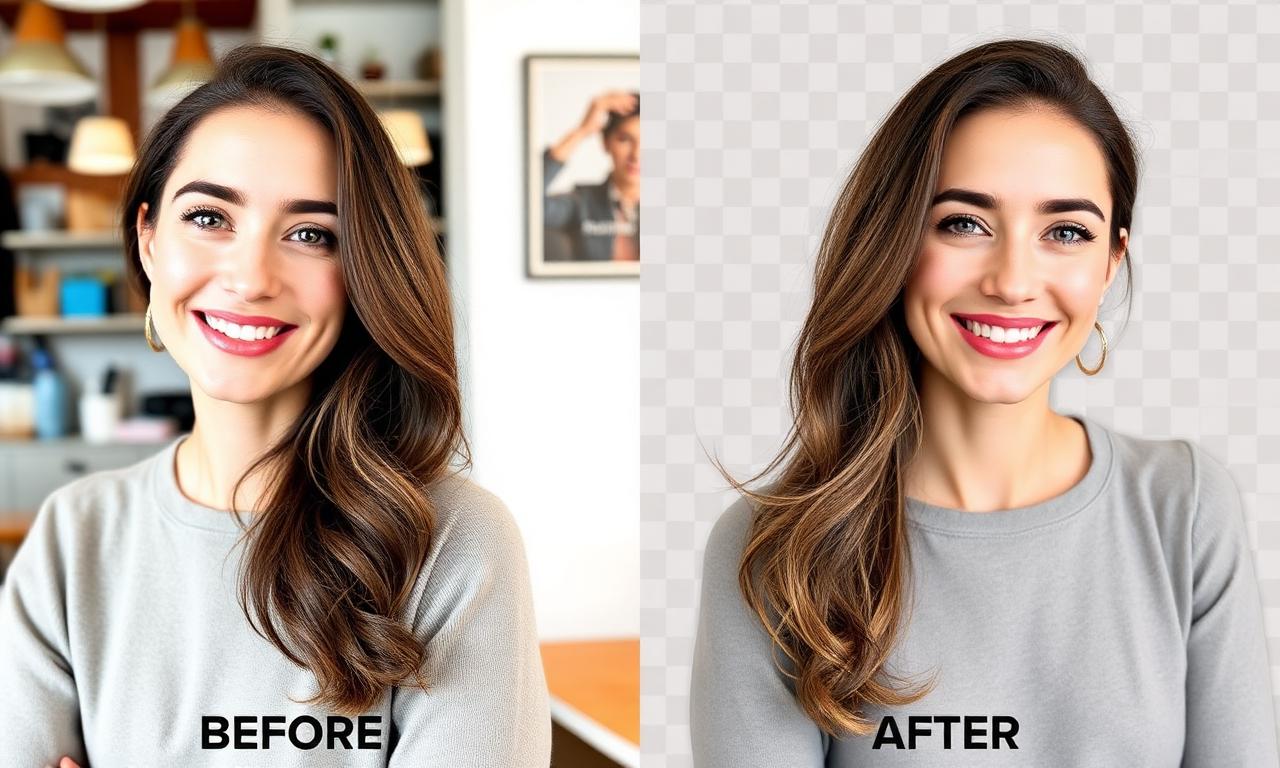
Learning how to remove background from picture used to mean hours in Photoshop or paying a designer. In 2026, an AI model running in your browser can do it in under five seconds for free, with no signup and no watermark. This guide walks through the full workflow.
The fast answer: 3 steps, 5 seconds
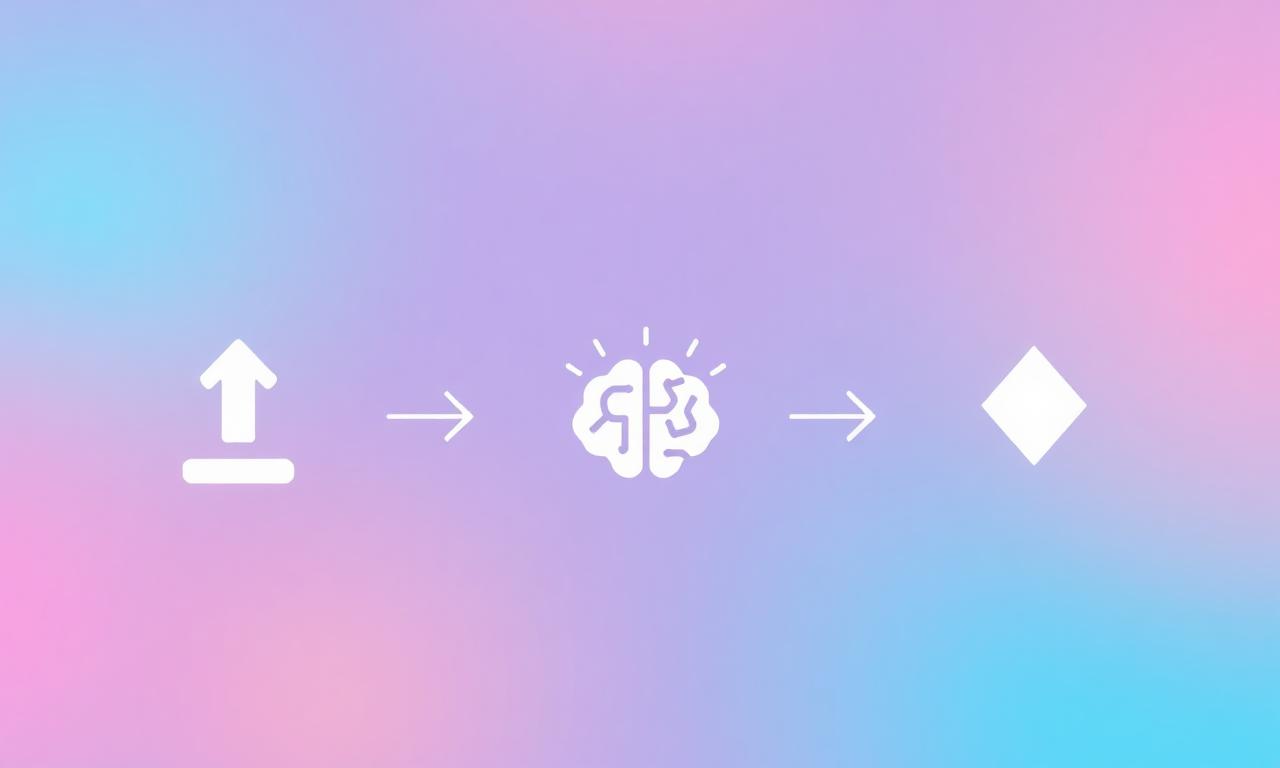
- Upload your picture to a free AI background remover.
- Wait a few seconds while the AI isolates the subject.
- Download the transparent PNG and use it anywhere.
Pick a good source picture
AI quality is mostly about the source. Sharp, well-lit, contrasting backgrounds always win.
Try the free in-browser tool
Open how to remove background from picture and drag your image into the upload zone. The first visit downloads a small AI model; after that everything runs locally and instantly.
Tricky edges
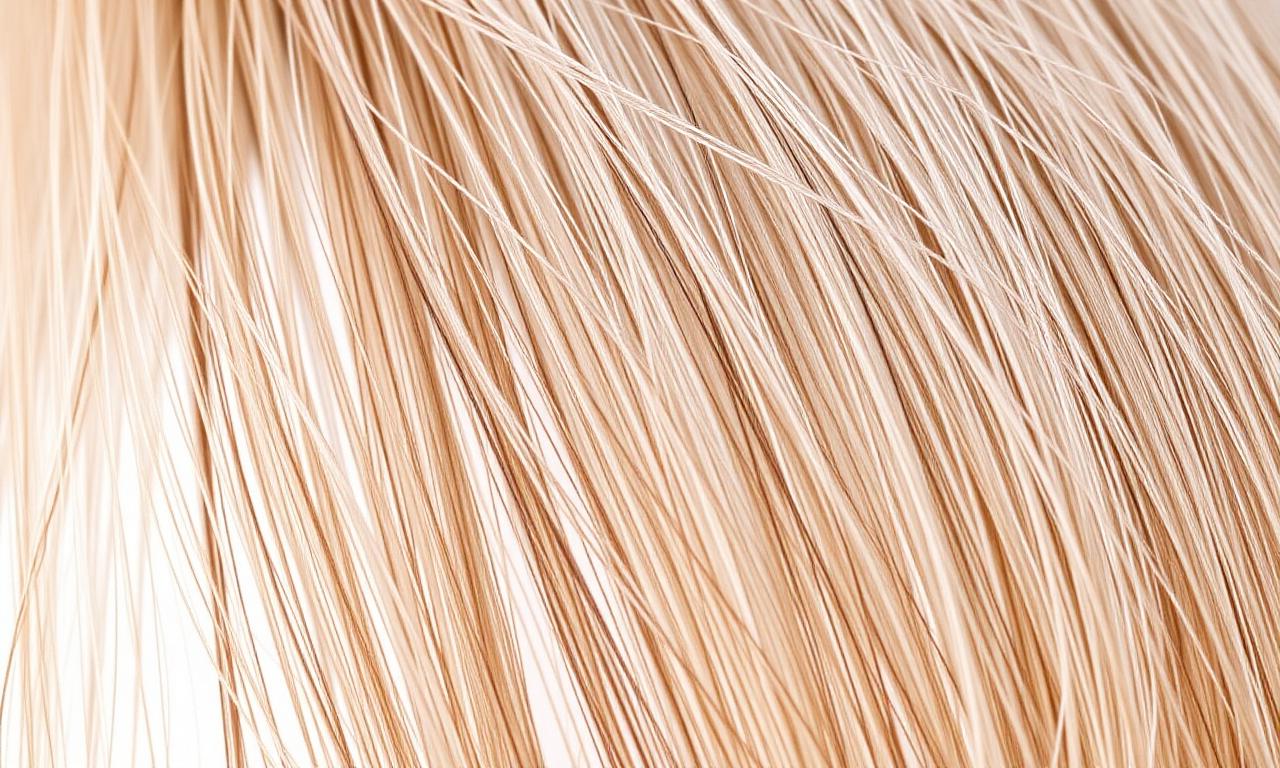
2026 segmentation models handle hair, fur, and even glass surprisingly well. Shoot against a contrasting background for the cleanest cutouts. The underlying technique is called image segmentation you can read a plain-English overview on Wikipedia or compare it with the classic manual route in Adobe's Select Subject documentation. For deeper edge cleanup, see our guide on fixing jagged edges.
Remove a background on iPhone

On iOS you can long-press the subject in the Photos app until it lifts from the background, then drag or copy it as a cutout. It's brilliant for quick stickers and messages. For a true transparent PNG at full resolution — or when the automatic lift grabs the wrong area — open MagicBG in Safari and process the photo in the browser; nothing uploads and you get a clean file you can save to Files.
Remove a plain white background
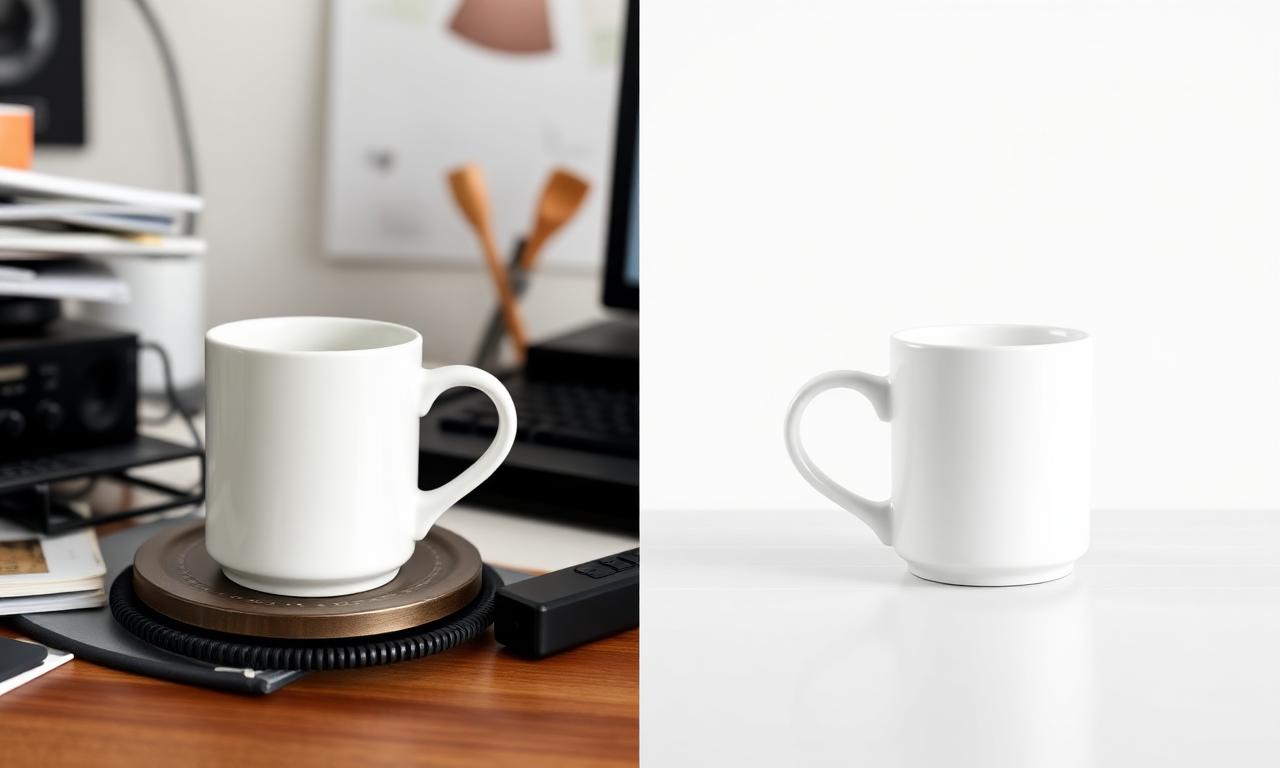
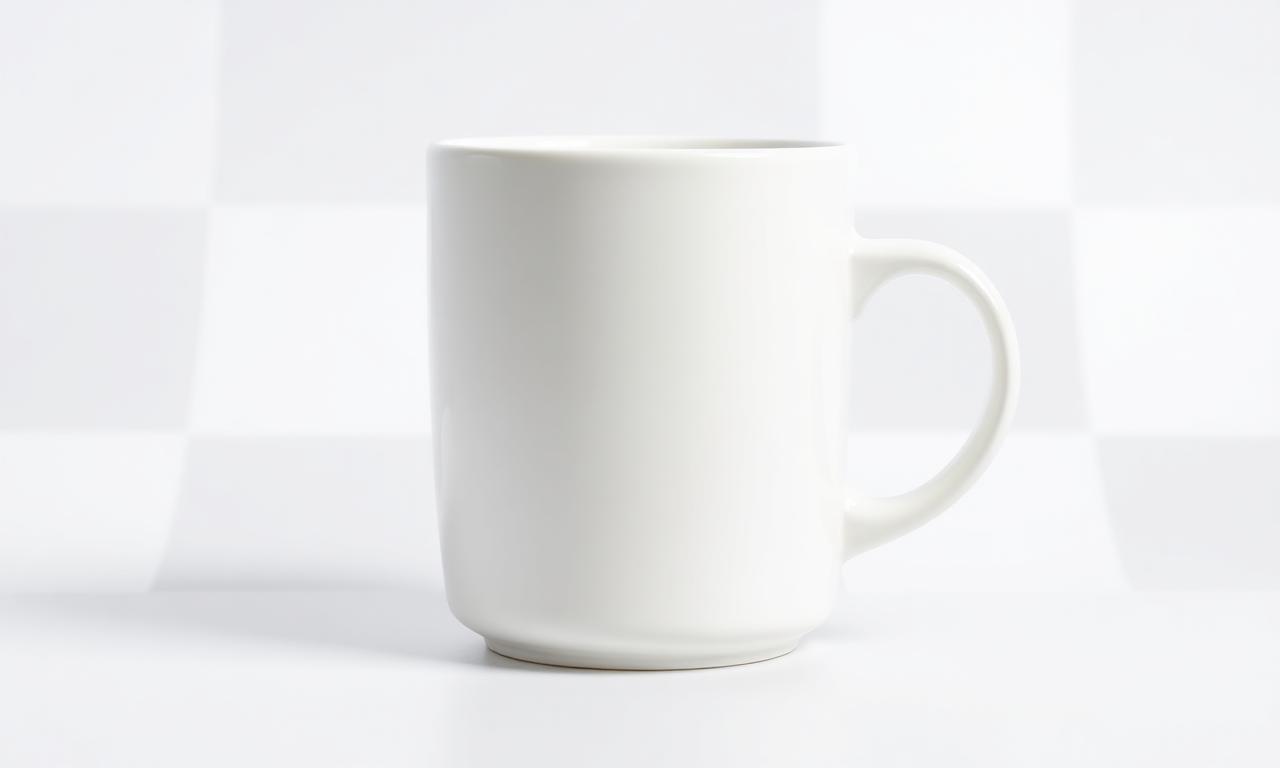
A white or light product on a white background is the trickiest case because there's almost no contrast for the AI to find the edge, which is where faint halos come from. Shoot on a slightly contrasting sweep (light gray works well) when you can, and if a fringe still appears, follow our guide to fixing white halos and edge fringing.
Remove the background from an AI-generated image
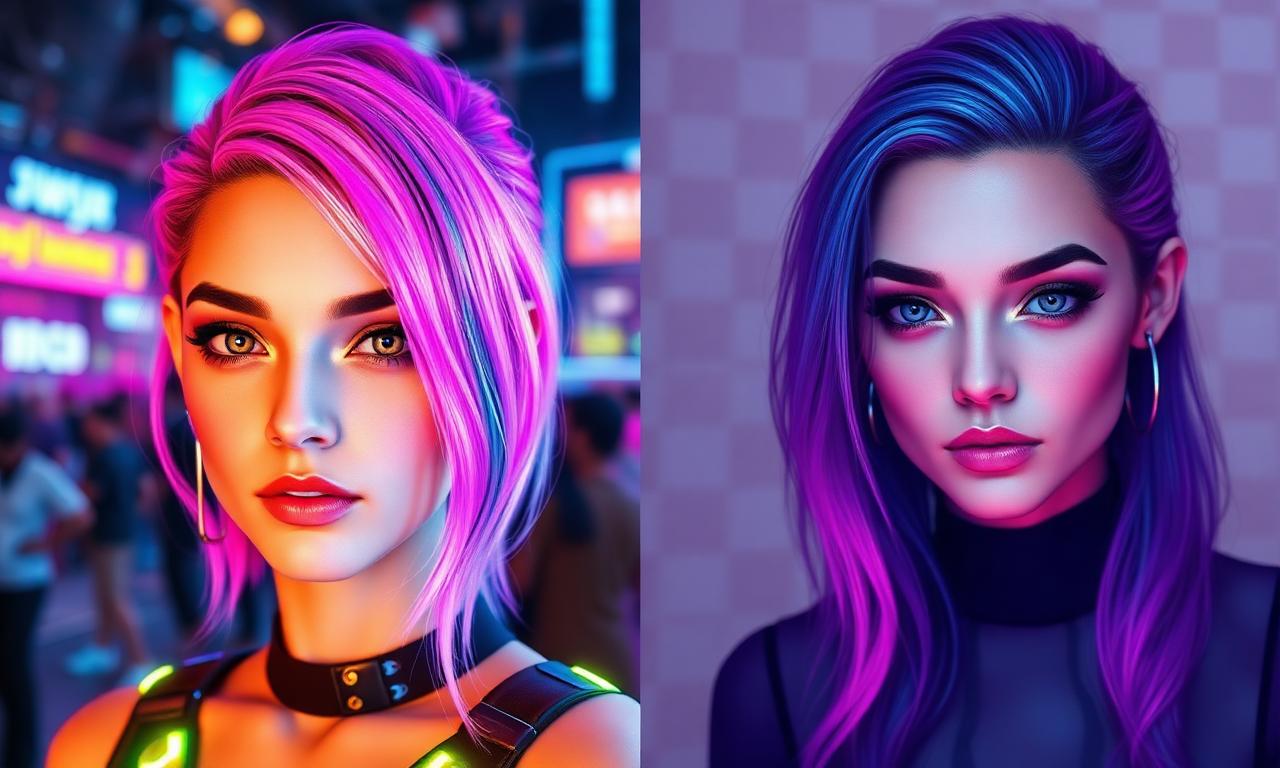
Images from Midjourney, DALL-E, or Stable Diffusion frequently come with elaborate backgrounds you didn't ask for. The same segmentation model that cuts photos works on AI art — upload the render, remove the background, and you have a transparent asset ready to composite into thumbnails, mockups, or product scenes.
Bottom line
Modern AI makes background removal a 5-second job. Try it now on the how to remove background from picture tool — free, no signup.
Where this fits in the workflow
Once the cutout is clean, the next decisions are usually the background colour and the export size. Drop the PNG into the white background maker if a marketplace expects plain white, then set the final pixel dimensions with the image resizer before you upload.