
June 17, 2026 · 13 min read
Vinted Photos That Sell: Remove the Background Free (2026)
Sell clothes faster on Vinted with clean, professional photos. Learn how to remove the background free with AI — no app, no watermark — plus lighting, flat-lay, and listing tips for 2026.
Vinted has become the default place to sell the clothes you no longer wear. Dresses, sneakers, coats, designer bags, kids' outfits — millions of items get listed every day, and most of them sell to whoever is scrolling at the right moment. The difference between a piece that sells in an afternoon and one that sits for weeks is rarely the price. It's the photo. A clean, bright, distraction-free image stops the scroll, builds trust, and makes a used item look genuinely worth buying. The single highest-impact edit you can make is removing the messy background behind your clothes — and in 2026 you can do it free, in your browser, in a few seconds. This guide covers exactly how, plus the lighting and listing habits that turn a casual seller into one who empties a whole wardrobe fast.
Why your first photo decides whether it sells
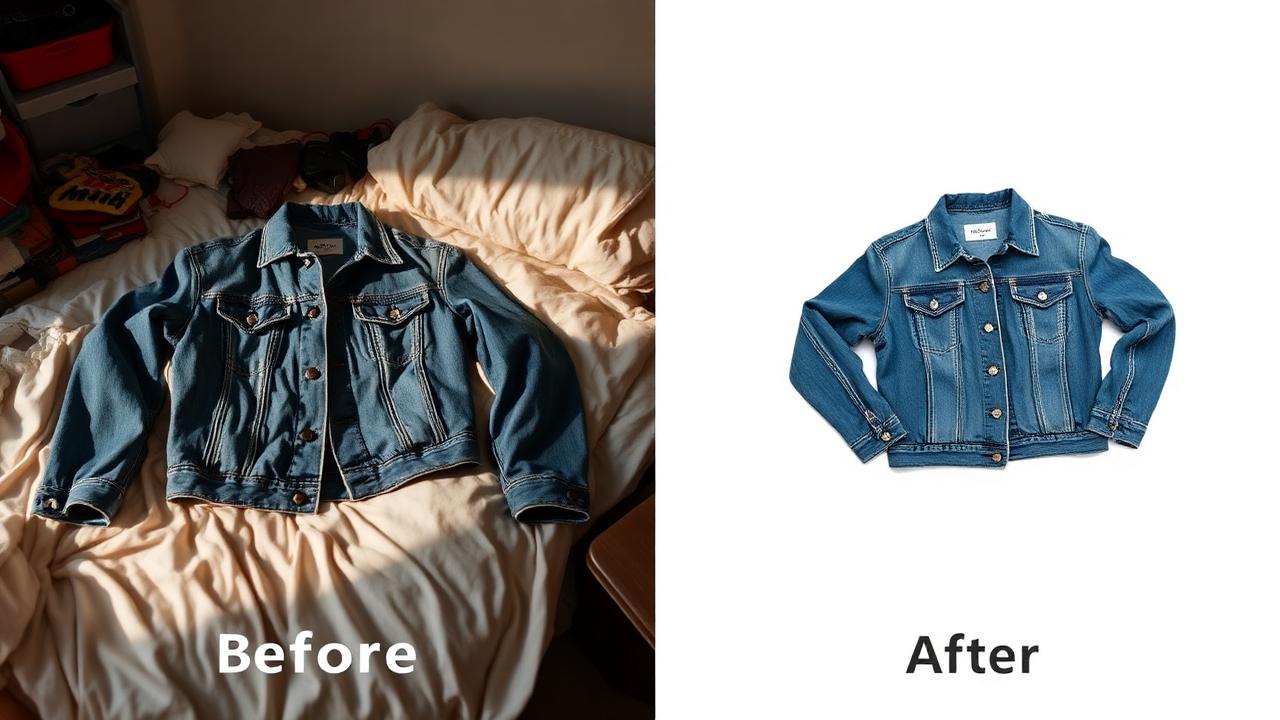
Vinted is a thumbnail game. Buyers swipe through a dense grid of small images and make instant decisions — tap or keep scrolling — in a fraction of a second. When your photo is full of background clutter (a duvet, a half-open wardrobe, laundry on a chair), the eye has to work to find the actual garment. That friction is enough to lose the tap. A clean background does the opposite: it isolates the item, signals that you cared enough to present it well, and makes the listing feel legitimate rather than a rushed phone snap.
There's a trust factor too. On a peer-to-peer app, buyers can't feel the fabric or try the item on, so they read everything into the photo. A cluttered, dim image makes people wonder about condition. A crisp, bright photo on a neutral background reads as "this seller is organized and the item is well kept" — which lowers perceived risk and gets you fewer lowball offers and time-wasting questions.
And it compounds across your whole closet. If you sell regularly, a consistent clean look across every listing makes your profile feel like a real boutique. That consistency is exactly what high-volume Vinted sellers use to move stock quickly, and it costs nothing to copy.
The fast way: remove the background in your browser
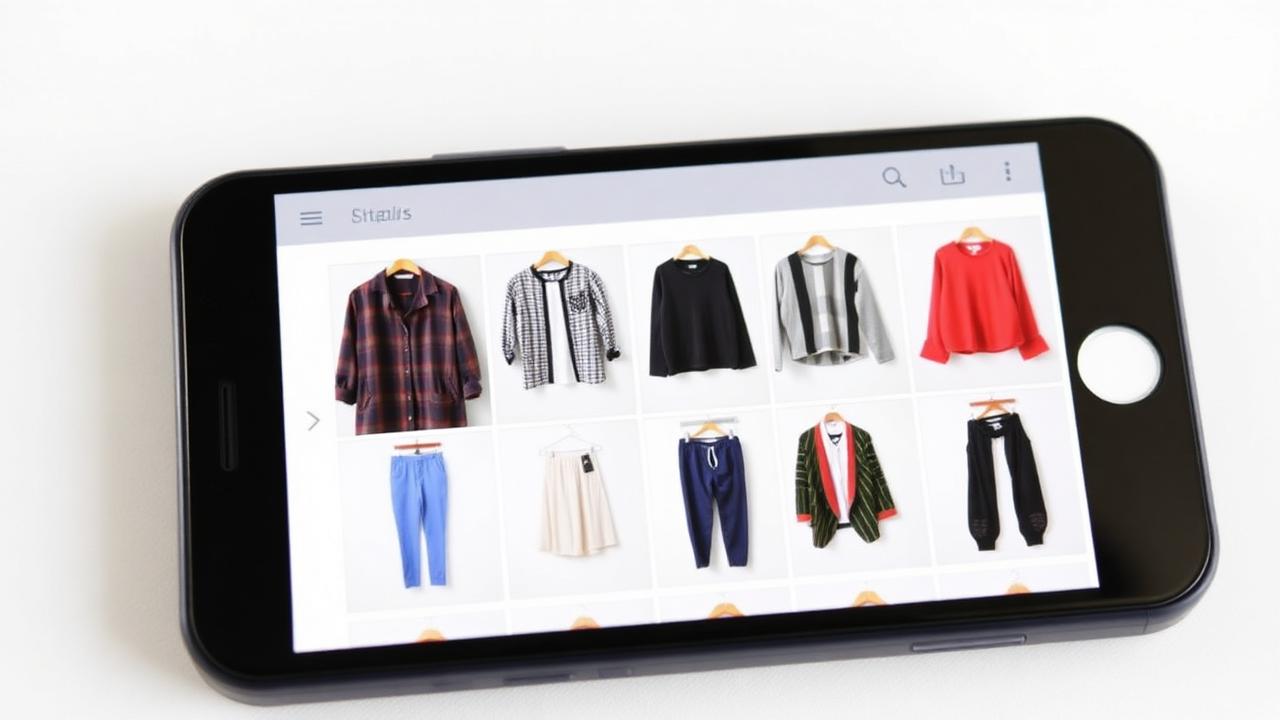
You don't need a photo studio, an editing subscription, or even a separate app. The quickest route in 2026 is a browser-based AI background remover that works on your phone or laptop. The full workflow:
- Open the tool. Go to the MagicBG background remover in any browser — no install, no signup.
- Upload your photo. Drag the image in or pick it from your camera roll. The AI separates the garment from the background automatically.
- Download the transparent PNG. A few seconds later you get a clean cutout with the background gone and no watermark.
- Add a backdrop (optional). Drop the cutout onto a solid white or soft neutral color so every listing matches.
Because the processing runs on your device, your photos never get uploaded to a server — a real plus when you're snapping pictures around your bedroom. New to this? Our step-by-step guide to removing a background from any picture walks through the same flow with examples.
Flat lay, hanger, or worn?
Vinted buyers want to judge fit, fabric, and condition. The strongest cover photo is almost always a clean flat lay or hanger shot on a neutral background — it looks like catalog product photography and reads instantly in the grid. From there, the best listings add context: a worn or styled shot so buyers can picture the item on, plus honest close-ups of the label, fabric, and any wear.
The pro move handles all of it: remove the background to get a clean transparent PNG as your cover shot (the image that shows in search and stops the scroll), then include a worn photo and detail close-ups further down the listing. You get the click-through power of a clean thumbnail and the context buyers need to commit.
Shoot a photo the AI can cut perfectly
AI background removal is excellent, but it does its best work when you give it a clean input. A few habits at the photography stage make the difference between a flawless cutout and one you have to fix:
- Use daylight. Shoot near a window during the day. Soft, even natural light shows true colors and avoids harsh shadows the AI can mistake for part of the garment.
- Create contrast. Put dark clothes on a light surface and light clothes on a darker one. The bigger the gap between item and background, the cleaner the edge.
- Avoid busy surfaces. A plain wall, a smooth bedsheet, or a sheet of poster board beats a patterned rug. Patterns near the garment's edge are the main cause of rough cutouts.
- Smooth and steam. Lay items flat and iron out creases, or hang them straight. Wrinkles read as "old" and make edges harder to cut.
- Fill the frame. Get close enough that the item dominates the shot. More detail means a sharper edge and a higher-resolution final image.
- Hold steady. A blurry photo blurs the edge between item and background. Brace your phone against something or use a 2-second timer.
Tips by clothing category
Dresses, tops, and knitwear
Lay flat on a smooth, plain surface or hang on a slim hanger against a clean wall. Flat lays are the most forgiving for AI removal because the item sits on one even surface. Smooth out wrinkles first, remove the background, and place the cutout on clean white so the color reads true.
Sneakers and shoes
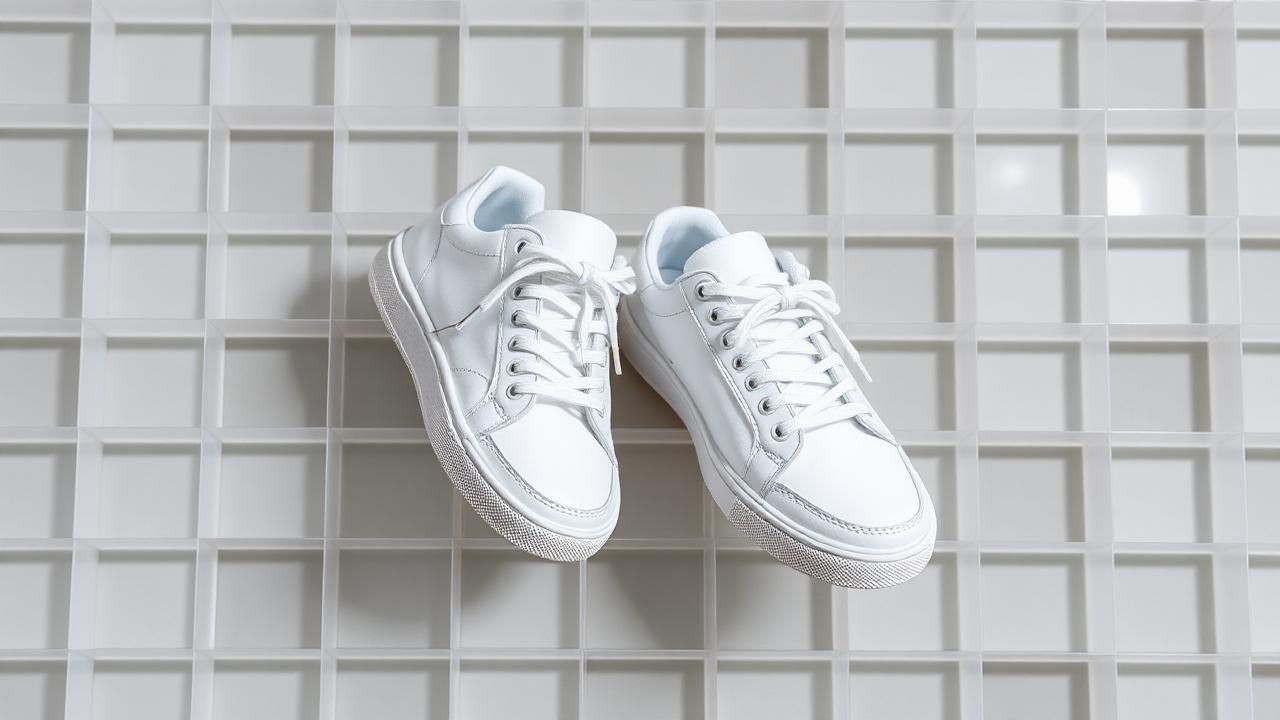
Clean them first — the AI removes the background, not the scuffs. Shoot the pair at a slight angle on a plain surface, remove the background, and add detail shots of the soles and any wear. Laces and thin edges cut cleanly with modern AI when there's good contrast.
Bags and accessories
Small, high-value items where presentation really pays off. Photograph the bag standing or hung against a plain backdrop, remove the background for a retail-style cover, then add close-ups of the hardware, lining, and brand stamp to build trust.
Coats and jackets
Hang against a plain wall or door so the shape shows. Remove the background for a clean cover, then add a worn shot for drape and fit plus a close-up of the fabric and any label so buyers know exactly what they're getting.
Handling tricky items: lace, fur, and shiny fabric
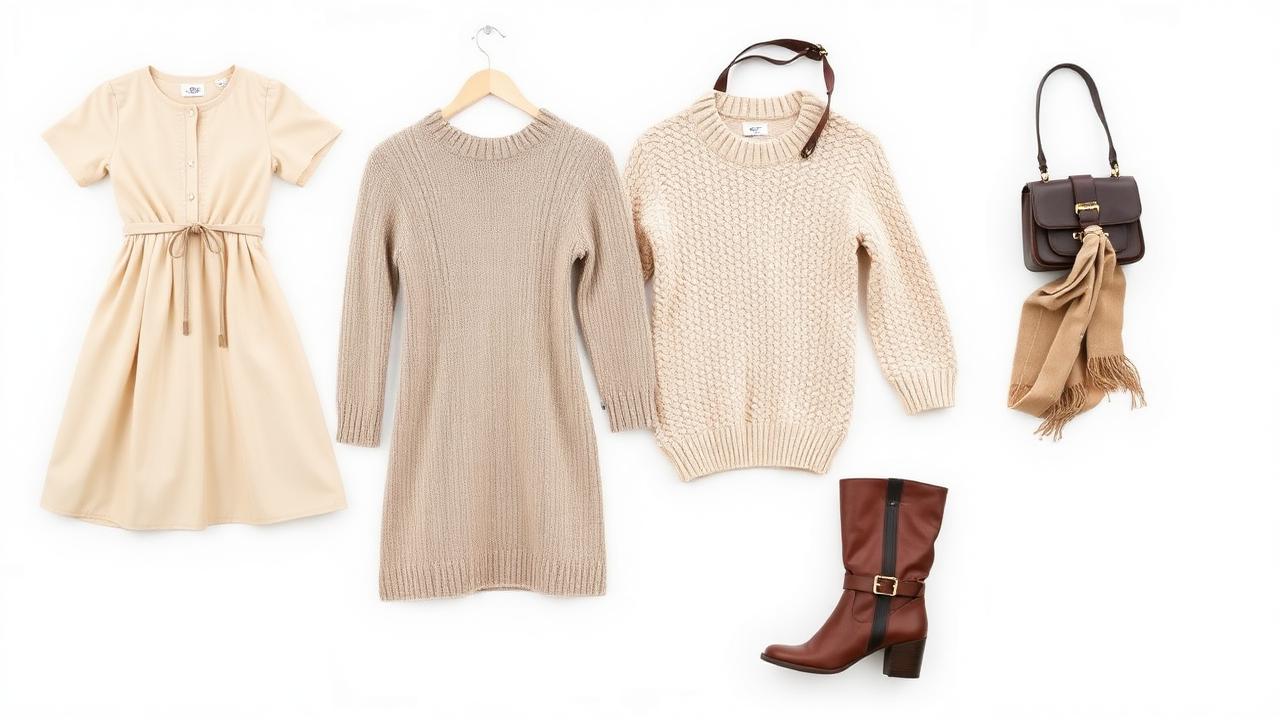
Some pieces are harder to cut than others. Fine detail (lace, fringe, knit texture), fluffy materials (faux fur, mohair), and reflective fabrics (satin, patent leather, sequins) can challenge any tool. Modern segmentation models handle these far better than the old manual lasso, but a couple of tricks help:
- For fluffy or fine detail: shoot against the most contrasting background you can, then zoom to 100% and check the edges before you publish.
- For shiny fabrics: diffuse your light to soften hot spots and reflections that can confuse where the garment ends.
- For sheer items: place them on a clearly different color so the background showing through is obvious to the model.
If a cutout comes out with a jagged or fringed edge, it's usually fixable in seconds. Our guide on fixing jagged edges after background removal covers the cleanup so your final image looks crisp.
A batch workflow for clearing out your wardrobe
Doing a big closet clear-out? Listing items one at a time is exhausting. Build a small production line instead:
- Shoot everything first. Set up your light and surface once, then photograph every item back to back. Don't stop to edit between shots.
- Remove backgrounds in one session. Run each photo through the remover in a single sitting. Because it's instant and free, you can clear dozens of items quickly.
- Apply one backdrop. Pick a single background color and use it on every cutout for that signature consistent grid.
- Name and stage files. Save exports with the item name so writing the listings later is fast.
Batching turns the tedious part of selling into a 30-minute task and leaves you with a library of clean, ready-to-post photos you can list whenever you have a spare moment.
Common mistakes that cost you sales
- One dark, cluttered photo. The most common reason an item doesn't sell. Brighten it and clear the background.
- Wrinkled, unsteamed clothes. Creases read as "old" and put buyers off. Smooth items before you shoot.
- Mixing backgrounds. Some white, some carpet, some bedsheet — inconsistency makes a profile look thrown together. Pick one look and stick to it.
- Hiding flaws. Use a clean background to present the item clearly, then add honest close-ups of any wear. Buyers reward transparency with better ratings.
- Forgetting the cover shot. Your first image is the one that shows in search. Make it your cleanest cutout.
- Only one photo. Add several angles — clean cover, worn shot, label, and detail close-ups together close the sale.
FAQ
Is it allowed to edit photos on Vinted?
Yes. Removing the background and adjusting brightness to present an item clearly is completely fine and common. What's not allowed is editing the item itself to hide damage or misrepresent it, so always add honest close-ups of any flaws.
Do I need to pay for an app to get clean Vinted photos?
No. MagicBG removes backgrounds free in your browser with no watermark, signup, or daily limit, so you can photograph and list your whole wardrobe without spending anything.
Should I use a white background or show the item being worn?
Use a clean flat-lay or hanger shot on white as your cover to stop the scroll, then add a worn photo so buyers can judge fit and drape. Keeping a transparent PNG as your master file lets you do both from one export.
Can I do all of this on my phone?
Yes. The whole workflow — shoot, remove the background, add a backdrop, and post — runs in your phone's browser, so you never need to move files to a computer.
Bottom line
On Vinted, your photo is the garment until the buyer holds it. A clean background is the cheapest, fastest upgrade you can make: it sharpens your thumbnails, builds trust, and gives your closet a consistent, professional look that sells faster. In 2026 it takes one upload and a few seconds — free, no app, no watermark. Open the MagicBG home page, drop in your first item, and start clearing your wardrobe faster.