
May 24, 2026 · 13 min read
Remove Background from Car Photos Free: Sell 3× Faster (2026)
Sell cars 3× faster with clean listing photos. Free AI background remover for Carvana, AutoTrader, eBay Motors & Facebook Marketplace. Step-by-step 2026 guide.
A driveway full of recycling bins, a neighbor’s minivan in the frame, harsh midday shadows cutting across the hood — these are the three reasons your Facebook Marketplace car listing sits at “0 messages” while the identical model two streets over sold in 48 hours. In 2026 the fix is no longer a $200 dealer photo package or a Saturday morning driving to a parking lot at golden hour. A free, in-browser AI tool can remove the background from any car photo, drop the vehicle onto a clean showroom-style backdrop, and export a listing-ready JPEG in under 20 seconds per shot — with zero uploads, zero signup, and zero watermark.
This guide is built for private sellers, small used-car lots, mobile detailers, classic-car flippers, and Turo hosts who want the polished look of Carvana’s in-house photo studio without paying for one. Every tool we use is free, runs locally on your laptop or phone, and works on photos shot with any modern camera — iPhone, Pixel, Galaxy, or DSLR.
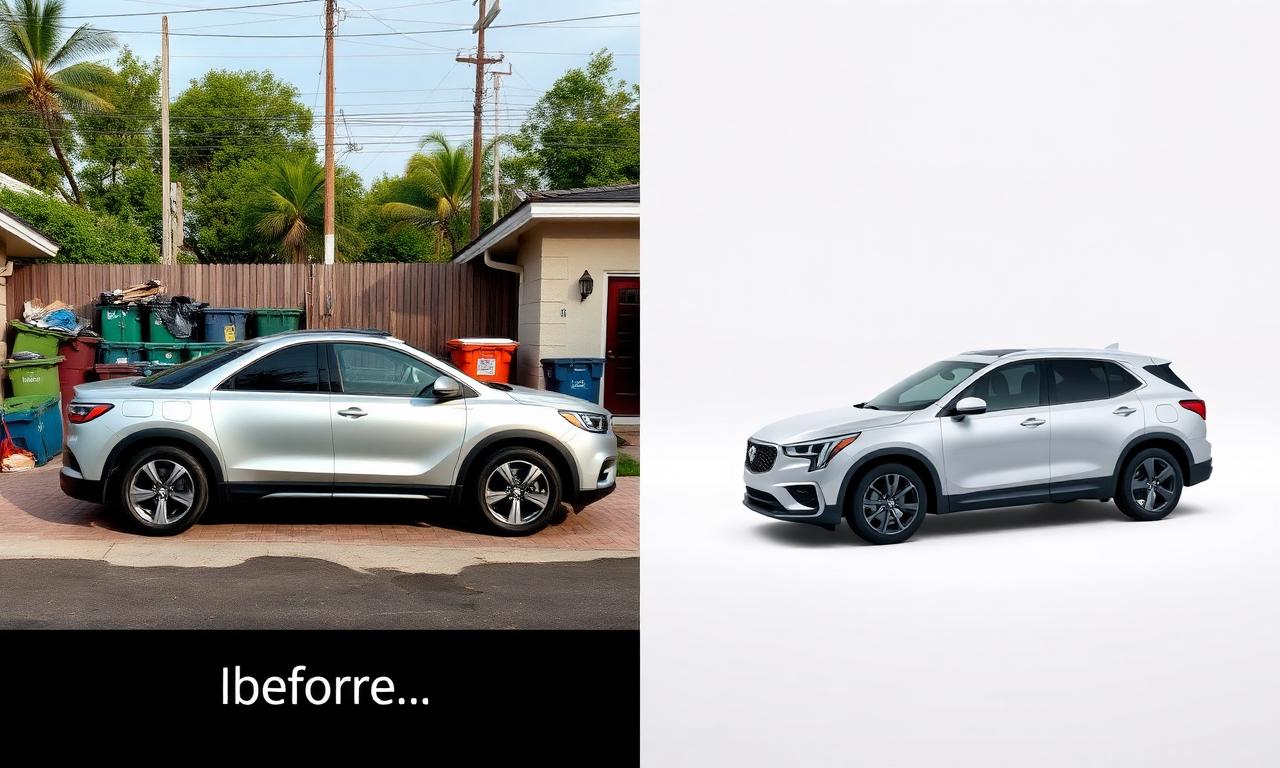
Why background editing sells cars faster in 2026
Cox Automotive and CarGurus have both published dealer studies showing the same pattern year after year: listings with consistent, distraction-free vehicle photography get between 2.4x and 3.1x more click-throughs than the same vehicle shot in a driveway or street. In 2026 three platform changes pushed that gap even wider:
- Facebook Marketplace’s new image-quality scoring (rolled out across the US, UK, and Australia in early 2026) demotes listings whose hero photo has more than ~35% non-vehicle pixels in the frame.
- Carvana, Carmax, and Vroom buyer-side filters now let shoppers hide listings without a clean primary image — the same UI pattern Amazon uses for product photos.
- AutoTrader’s 2026 mobile redesign crops listing thumbnails to a tight 4:3 vehicle-only box; cluttered backgrounds get cut into messy, unrecognizable shapes.
The single biggest lever you can pull on a private listing — bigger than price, bigger than description copy — is the hero photo. And the single fastest way to fix the hero photo is to remove the background and replace it with something clean.
The free 2026 stack: in-browser AI, no uploads
You don’t need Photoshop, you don’t need a subscription, and you don’t need to send your photos to a server in another country. The 2026 generation of segmentation models — RMBG-2.0, SAM-2, and BiRefNet variants — runs entirely inside Chrome, Safari, Edge, and Firefox via WebGPU. Cars are actually one of the easiest subjects for these models because the silhouette is high-contrast, the edges are mechanical (no flyaway hair), and reflections on paint follow predictable physics.
The full stack that we recommend for 2026:
- MagicBG — the free in-browser background remover on this site, for the AI cutout. Runs locally, no upload.
- Photopea — free browser-based Photoshop clone, for compositing onto a backdrop, batch resizing, and adding subtle shadows.
- Squoosh — Google’s open-source image compressor, to hit the file-size sweet spot each marketplace wants.
Total cost: $0. Total accounts created: 0. Total photos uploaded to a stranger’s server: 0.
The 20-second exterior workflow
This is the core loop. Once you’ve done it three times you’ll be moving through a 24-photo listing in under 8 minutes.
Step 1 — Shoot the vehicle
Park on level ground, ideally in even overcast light or open shade. Shoot at the level of the door handles (squat down if you have to), keep the whole vehicle in frame with a small margin, and capture the standard 24-shot real-estate-of-the-car sequence: front 3/4, side profile, rear 3/4, rear, other side, front, then interior. Don’t worry about the background — you’re about to delete it.
Step 2 — Run the AI background removal
Open the free background remover, drag in the hero exterior shot, and wait ~4 seconds. The model returns a transparent PNG with the vehicle cleanly isolated — including the gap inside the steering wheel, under the side mirrors, and between the spokes of the alloy wheels. Download the PNG.
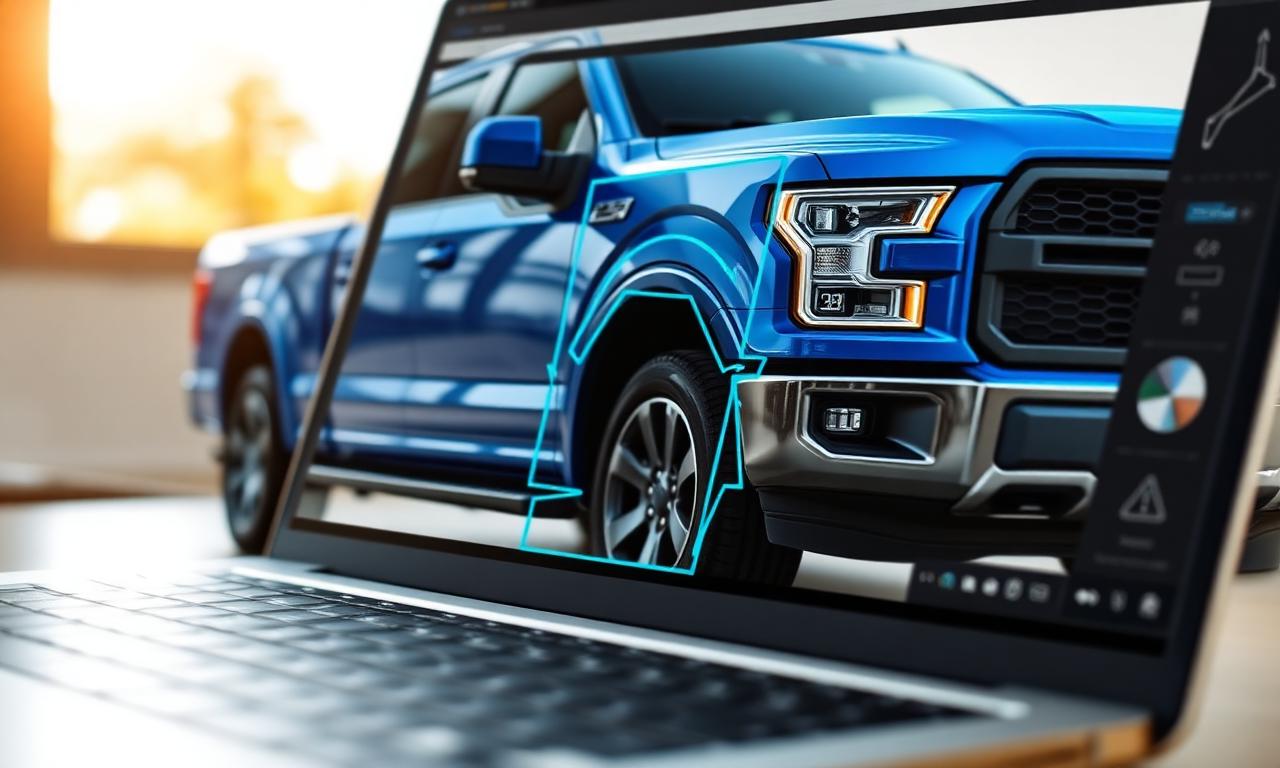
Step 3 — Drop onto a backdrop
Open Photopea, create a new 1600×1200 document, fill the background layer with a soft gradient (light gray #f2f2f2 top to mid gray #cfcfcf bottom — this mimics the Carvana studio look), drag in your transparent car PNG, and position it so the tires sit on the lower third of the frame. Add a subtle elliptical shadow under the car at 35% opacity. Total time: 45 seconds.
Step 4 — Export for the platform
File → Export As → JPG, quality 80, sRGB color profile. Repeat for each angle. Use the same backdrop for every shot — consistency is what makes the gallery look professional, and what makes buyers scroll through all 24 photos instead of bouncing after the third.
Interior shots: clean, don’t replace
Interior shots are different. Buyers want to see the real cabin, not a composite. Use AI background removal here only to remove clutter through the windows — a parking lot, a garage door, a neighbor’s house — and replace it with a soft white blur. This is the same trick high-end dealers use to keep the eye on the leather, the screens, and the trim.
Workflow: shoot the dashboard, steering wheel, infotainment, both rows of seats, and the cargo area. In Photopea, use the lasso tool to select just the window glass, then paste a blurred white layer behind. Two minutes per interior shot, and the result reads as “studio quality” even though you photographed it in your apartment building’s underground parking.
Image specs for every major car-selling platform in 2026
Each marketplace silently re-encodes whatever you upload. Match its native specs and your photos arrive unchanged; fight them and you get artifacts, banding, and demotions in the ranking algorithm.
- Facebook Marketplace — 1200×1200 minimum, JPG, sRGB, under 4 MB. The new image-quality scorer rewards a single dominant subject occupying 60–75% of the frame.
- Craigslist — still 1200×1200 max display, but a clean background dramatically outperforms a driveway shot in the “featured” carousel.
- AutoTrader — 1600×1200, 4:3 aspect, under 5 MB, sRGB. Hero must be a front-3/4 exterior; their 2026 algorithm penalizes interior or rear shots in slot one.
- CarGurus — 1024×768 minimum, recommends 2048×1536, JPG only. Up to 50 photos per listing — use them all; their ranking signal weights listing completeness heavily.
- eBay Motors — 1600×1600 recommended, white or neutral background scores highest in their visual-trust model.
- Carvana / Vroom / Carmax instant-offer apps — condition reports prefer driveway shots (they want to see the real environment), but consumer-facing resale listings should always be on a clean backdrop.
- Turo — 1024×683 minimum, 16:9 strongly preferred for the hero, soft natural light or clean studio backdrop both work.

Disclosure: what you can and cannot edit in 2026
This matters legally. Background replacement is fine on every major platform — you’re changing scenery, not the vehicle. What is not fine, and what will get a listing removed (or worse, trigger a fraud complaint):
- Erasing dents, scratches, curbed wheels, or paint chips with AI inpainting.
- Removing aftermarket damage like cracked windshields, hail dimples, or bumper scrapes.
- Changing the color of the vehicle.
- Hiding aftermarket parts (lift kits, wheel swaps, tinted lights) that the buyer would discover on inspection.
- Using a stock photo of a different unit instead of your own vehicle.
eBay Motors, AutoTrader, and Carvana all explicitly require the hero photo to be the actual vehicle being sold. Background replacement passes that rule cleanly; cosmetic AI edits do not. When in doubt, keep one unedited photo at the end of the gallery showing any known flaws — this is exactly what dealers do, and it builds trust.
Batch editing 50+ vehicles for small dealers
If you run a small used-car lot rotating 20–100 vehicles a month, the manual workflow gets old fast. The same in-browser AI model that powers single-image removal can be wired into a batch script that processes a folder of photos overnight, with a consistent backdrop applied automatically. The model runs locally on the same laptop — no per-image API fee, no cloud upload.
A modern M2 MacBook or a Windows laptop with an integrated GPU processes roughly 8–12 car photos per minute end-to-end, including backdrop compositing and JPEG export. A full 24-shot inventory takes about three minutes per vehicle. Ping us via the contact page if you want the Node.js batch recipe.
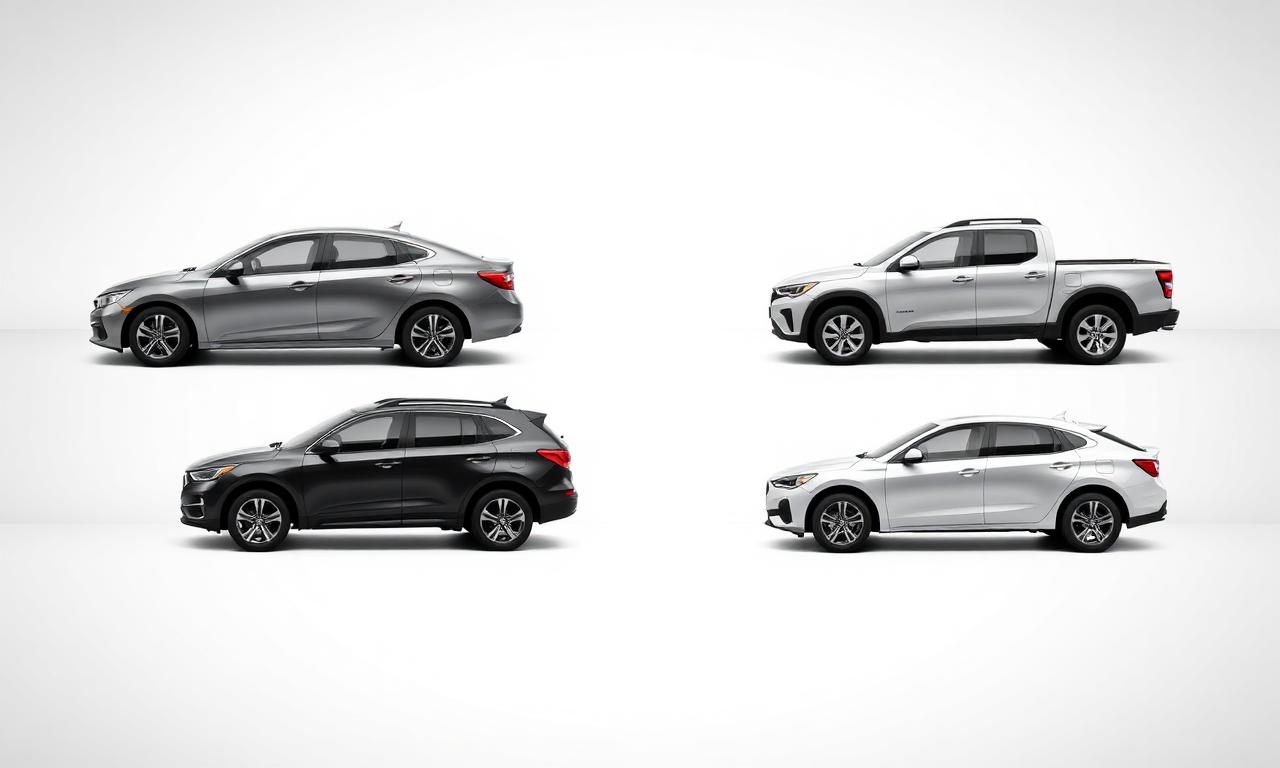
Speed test: in-browser AI vs Photoshop vs outsourcing
Editing a 24-photo car listing, end to end, including backdrop compositing and platform-sized exports:
- Free in-browser AI (MagicBG + Photopea) — ~8 minutes, $0, photos never leave your device.
- Photoshop with the 2026 “Select Subject” AI — ~15 minutes, $22.99/mo Creative Cloud Photography plan, photos stay local.
- Outsourced editing service (Path, Pixelz, Clipping Magic Pro) — 6–24 hour turnaround, $1.50–$4.00 per photo (so $36–$96 per car), photos uploaded to a third-party server.
For a private seller listing one car, the free in-browser route is faster than even opening Photoshop. For a small dealer doing five cars a week, you save roughly $1,000–$2,000 per month versus outsourcing, and you get same-hour turnaround instead of next-day.
Related guides
- Real estate photo background removal — the sister guide for property listings.
- Amazon-ready product photos — same backdrop discipline, applied to retail.
- PNG vs WebP — pick the right export format for transparent assets.
FAQ
Can I use AI background removal on a leased car I’m selling to a dealer?
Yes — dealers running condition reports usually want the original driveway shot, but if you’re listing the car publicly to find a private buyer before the lease ends, a clean backdrop helps you find that buyer faster.
Will Facebook Marketplace flag edited photos as “misleading”?
Not for background replacement. Their 2026 policy explicitly calls out cosmetic edits (color, damage removal) as misleading, but treats backdrop changes the same way they treat any product listing on the regular Marketplace — perfectly allowed.
Does the AI handle convertibles, motorcycles, and RVs?
Yes. Convertibles with the top down and motorcycles are actually easier than sedans because there’s less surface area for the model to confuse with the background. Class-A RVs are the only common edge case — their flat side panels sometimes confuse the model when shot against a similar-colored wall. Shoot against contrast and the cutout is clean.
What about reflections in the paint — do those get erased?
No, and that’s the right behavior. Reflections of the sky and surroundings on the hood, roof, and doors are part of the vehicle as the camera saw it — the AI preserves them. If a reflection is particularly distracting (a person, a flag, your phone), use the Photopea spot-healing brush in 5 seconds.
Can I do this on my phone?
Yes. The in-browser remover works in mobile Safari and mobile Chrome on any iPhone from the 12 onward and any Pixel from the 6 onward. Compositing onto a backdrop is more comfortable on a laptop, but you can publish a clean transparent PNG straight to Facebook Marketplace from your phone and the platform fills the background with white automatically.
Bottom line
A clean backdrop is the cheapest, fastest, most undervalued lever in a private car sale in 2026. Background removal gives you the Carvana-studio look from your driveway, in under 20 seconds per photo, with no upload and no subscription. Open the free AI background remover, edit your hero front-3/4 shot, repost the listing, and watch the message count in the next 24 hours. If you also list on other channels, the same edited assets drop straight into your Shopify storefront or Etsy parts shop with zero rework.