
June 20, 2026 · 10 min read · By MagicBG Team
Last updated: September 21, 2026
Batch Remove Backgrounds: Free vs Pro Workflow
Remove backgrounds one image at a time for free, use MagicBG Pro for batches of up to 50, and organize hundreds across several batches.
Removing the background from one photo is easy. Doing it for a 200-item store, a full product catalog, or a season's worth of listings needs a repeatable workflow. The free MagicBG background remover processes one image at a time, while MagicBG Pro accepts up to 50 images at once. For hundreds of photos, organize the work into several Pro batches of no more than 50 images each.
Plan before you process
The biggest time-saver in bulk work is consistency at the shooting stage. If every photo is framed and lit the same way, the AI behaves predictably and your exports match without per-image fiddling.
- Shoot on the same contrasting backdrop (a plain wall or sweep).
- Keep lighting and distance consistent across the set.
- Use the same crop/aspect ratio so thumbnails line up later.
Choose the right workflow
1. Organize your source files
Put every photo in one folder with clear names (sku-001.jpg, sku-002.jpg). Good naming now means you can match exports back to products without guessing.
2. Choose Free or Pro
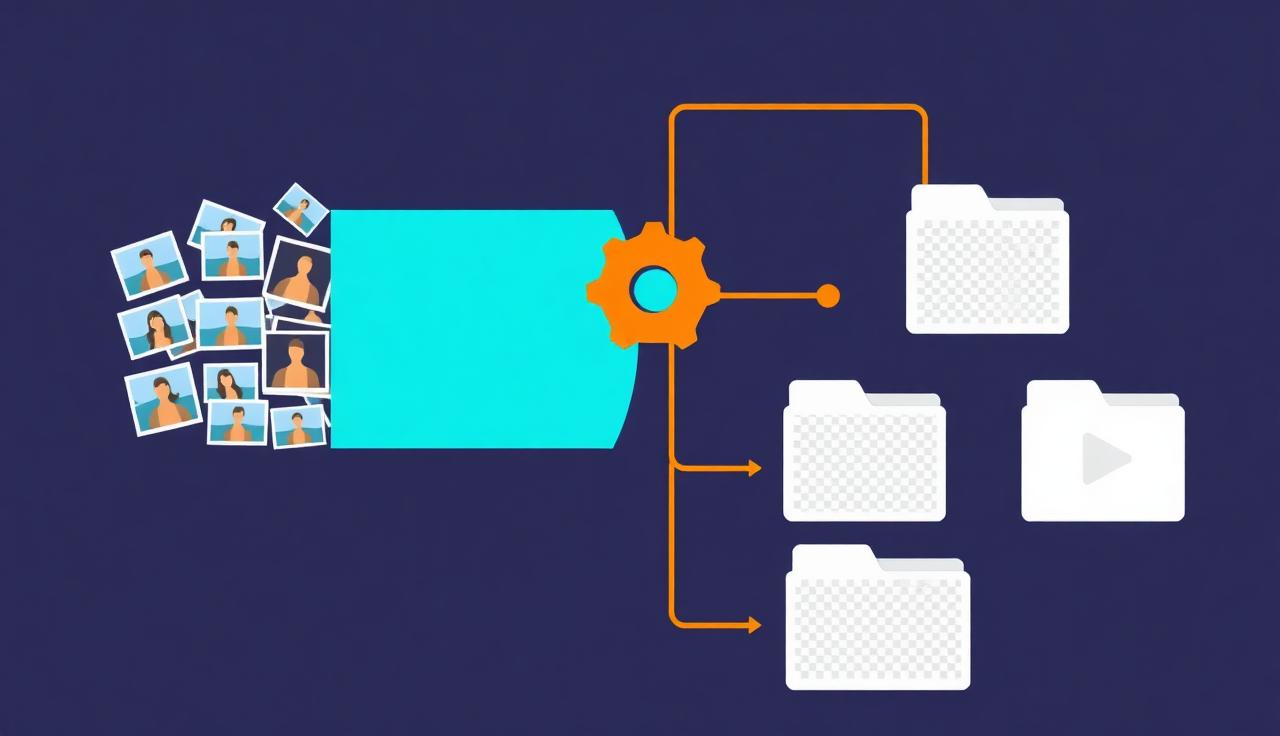
With the free tool, process one image at a time: drop, download, repeat. With MagicBG Pro, select up to 50 images for one batch. If the folder contains hundreds of photos, divide it into numbered groups of no more than 50 and process each group separately.
3. Save into a dedicated output folder
Export transparent PNGs into a separate /cutouts folder so you never overwrite originals. Keep the PNGs as masters — you can drop any background color behind them later.
4. Add backgrounds in one pass (optional)
If a marketplace needs pure white (like Amazon), place all your PNGs on a white canvas at the end. Doing it as a final step keeps the transparent masters reusable for other platforms.
Why not just use a paid bulk API?
Cloud batch APIs are convenient but add up quickly — pricing is typically per image, and you're uploading every file to a server. For a few thousand product shots that's both a real bill and a privacy consideration. An in-browser tool trades a fully-automated pipeline for zero cost and zero uploads, which is the right call for most sellers and creators.
Keep quality consistent at scale
- Spot-check every 10th image rather than all of them.
- Watch for fringing on light products against light backdrops — see fixing white halos.
- Re-shoot the few problem items rather than hand-fixing dozens of cutouts.
FAQ
Can I remove backgrounds from hundreds of photos for free?
The free MagicBG background remover processes one image at a time. MagicBG Pro processes up to 50 images at once, so a collection of hundreds should be divided into several batches of no more than 50.
Do I have to upload all my photos?
Not with on-device processing — your images stay on your computer the entire time, which also makes the batch faster because there's no upload step.
What format should bulk exports use?
Transparent PNG as your master, then convert to the format each platform wants. See PNG vs WebP.
Bottom line
Batch background removal is mostly about consistency and a tight loop, not fancy software. Shoot uniformly, organize the files, and export to one folder. Use the free MagicBG background remover one image at a time, or MagicBG Pro for batches of up to 50 images at once.
Where this fits in the workflow
Bulk work is where the export settings matter most. Standardise dimensions in the resizer and file weight in the compressor, or let the marketplace image optimizer apply one channel preset to the whole set.