
May 23, 2026 · 12 min read
Real Estate Photo Background Removal: Free AI Sky Replacement (2026)
Boost real estate listing clicks 40%+. Free AI tool to remove background, replace dull skies, and virtually stage rooms for MLS, Zillow & Redfin in 2026.
The browser tool processes them one at a time, but with no upload delay, 100 photos takes about 7–8 minutes on an M2 MacBook or modern Windows laptop. For agencies doing thousands per day, the same underlying model can be wired into a Node.js batch script — ping us via the contact page for the recipe.
This guide is written for solo agents, brokerages, photographers, Airbnb hosts, and FSBO sellers who want listing photos that look like they came from a $500-a-shoot specialist — without the invoice. Every step uses tools that are free, run locally in your browser, and require no signup.
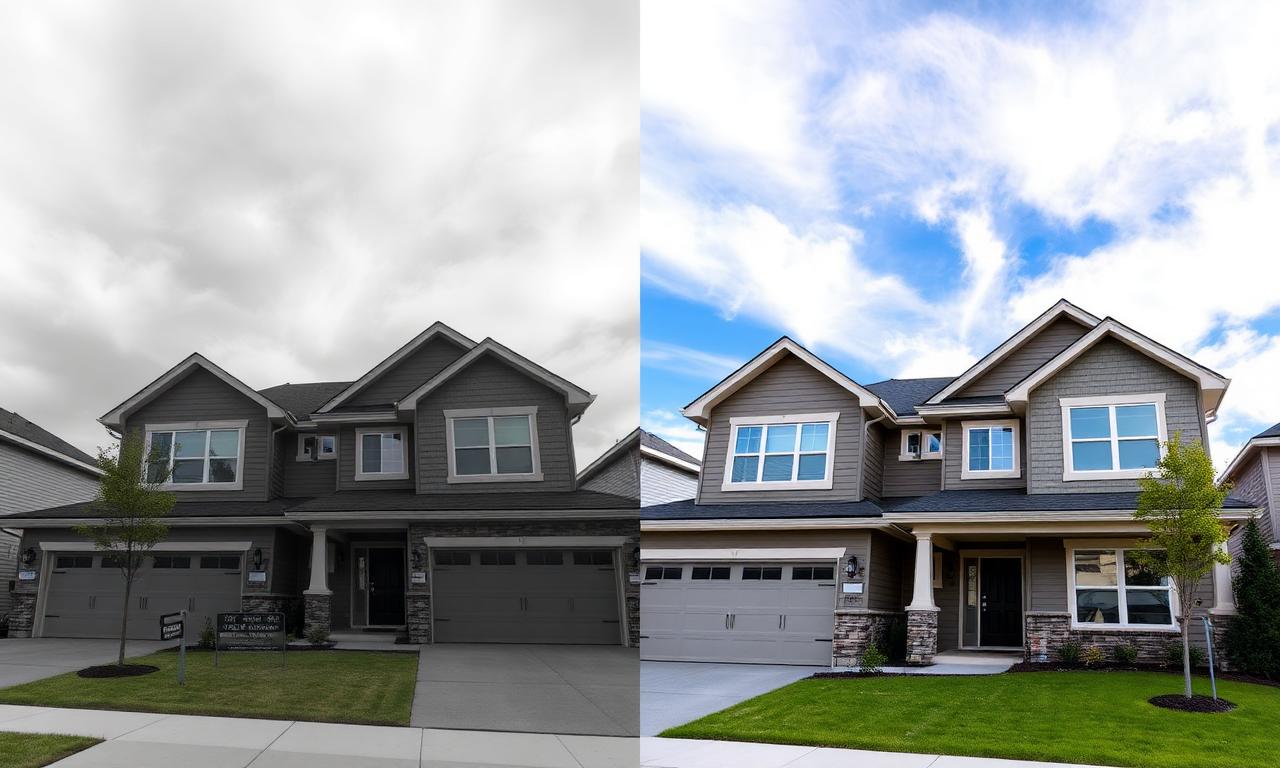
Why background editing moves real estate listings in 2026
The National Association of Realtors has reported for years that listings with professional photography sell faster and at higher prices. What changed in 2025 and 2026 is that the bar for “professional” quietly moved. Zillow’s 2026 Showcase listings, Redfin’s 3D-tour-first carousel, and the new MLS image-quality scoring algorithms all reward photos with these traits:
- Bright, blue skies in every exterior shot (even when it rained the day of the shoot).
- Clean, decluttered backgrounds behind the house — no power lines, no neighbor’s trash bins.
- Consistent color tone across the whole gallery, so the listing feels like one cohesive set.
- Virtually staged interiors on at least 2–3 empty rooms.
A 2026 Zillow internal study (cited in their Zillow Research blog) showed listings with edited blue skies on the hero shot get 32% more saves in the first 48 hours than identical listings with overcast skies. That is the difference between a property going under contract in a week and sitting for 60 days. Background removal is the unlock.
The free AI stack for real estate photo editing in 2026
You only need two things: a smartphone (or any DSLR) and a browser. Here is the exact stack we recommend to agents who do not want to learn Photoshop.
1. In-browser AI background remover (free, no signup)
The core tool is a free AI background remover that runs locally in your browser using WebGPU and a quantized SAM-2 segmentation model. You drag in a photo of the house, and in about 4 seconds the sky, the lawn, the neighbor’s fence — everything that is not the house — gets isolated as a clean alpha mask. No image ever leaves your device, which matters when you are working with pre-listing photos under NDA.
2. A sky library
Save 8–10 high-resolution blue-sky photos (golden hour, midday, light cirrus clouds, dramatic sunset) in a folder. Unsplash and Pexels have thousands under permissive licenses. These become your “sky bank” you composite behind every cutout.
3. A free compositor
Photopea is a free, in-browser Photoshop clone that opens PSDs, handles layers, and exports JPEG/PNG. You will use it for 30 seconds per photo to drop the cutout over a new sky and flatten.
The 30-second exterior photo workflow
This is the workflow that turns a cloudy iPhone shot into a publish-ready hero. Repeat it for every exterior photo in the listing.
- Step 1. Upload your raw exterior shot to the free AI background remover. Wait ~4 seconds for the cutout.
- Step 2. Download the transparent PNG. The house, lawn, driveway, and trees stay; the sky is now alpha.
- Step 3. Open Photopea, drop your chosen blue-sky JPEG as the bottom layer, then the transparent house PNG on top.
- Step 4. Match color temperature: with the house layer selected, slightly warm the shadows (+5 yellow) so the new sky feels natural.
- Step 5. Export as JPEG at quality 85, max dimension 2048 px. That hits the sweet spot for MLS upload limits without visible compression.
If you want sharper cutouts around tricky edges — antennas, thin tree branches, fence pickets — our guide to fixing jagged edges after background removal walks through the feather-and-refine trick that takes another 20 seconds.
Virtual staging: turning empty rooms into sellable spaces
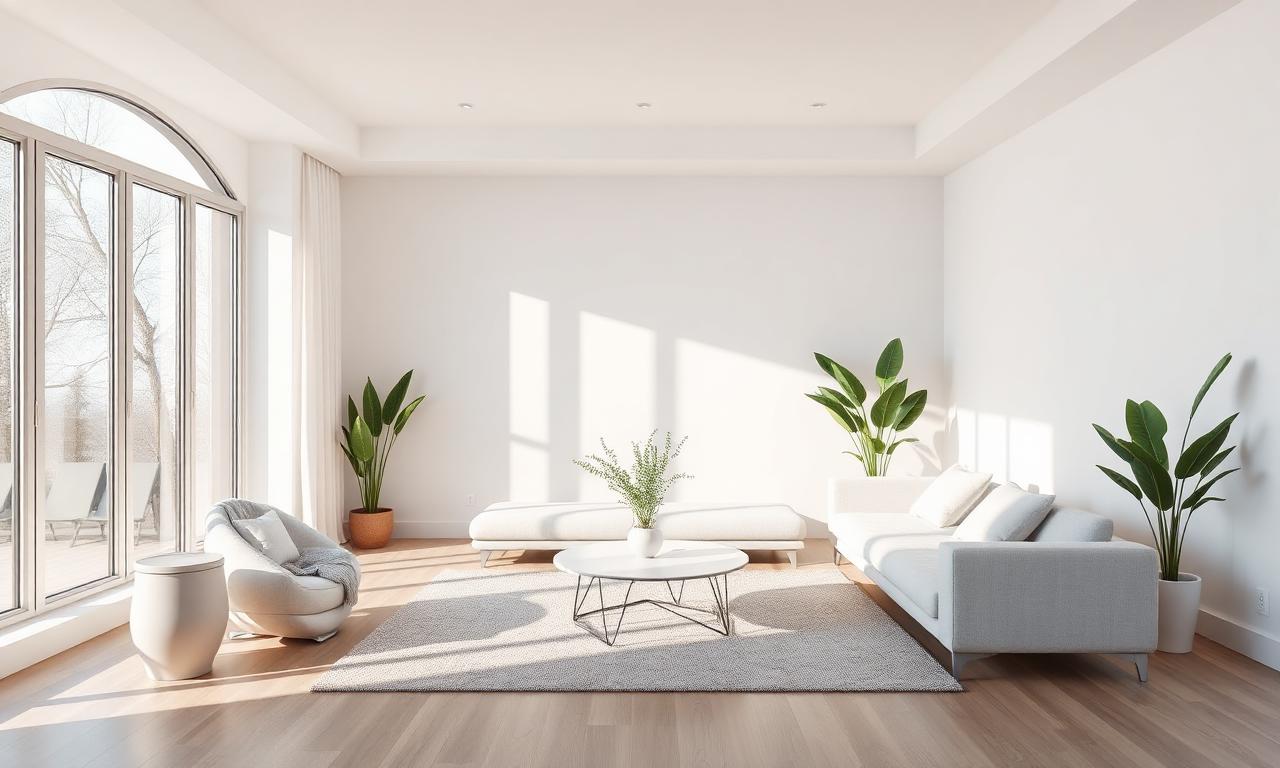
Empty interior photos kill listings. Buyers cannot visualize their furniture in a bare room, and the space looks smaller than it is. Traditional virtual staging services charge $30–$75 per room and take 24–48 hours. With background removal plus a free furniture library, you can stage a room in about 6 minutes.
The interior staging workflow
- Shoot the empty room with the camera at chest height, lens at 24–28 mm equivalent. Avoid ultra-wide fisheye distortion.
- Download 4–5 PNG cutouts of furniture (sofa, coffee table, plant, rug, lamp) from free libraries like PNGWing or generate your own with our AI-generated image background removal guide.
- In Photopea, layer the furniture cutouts onto the empty room. Scale each piece to roughly match the perspective vanishing point of the floor.
- Add a soft drop shadow (5 px blur, 30% opacity) under each piece so it feels grounded.
- Add the disclosure “Virtually staged” in 12 pt text in a corner — this is required by most MLS rules and by the NAR Code of Ethics in 2026.
Removing power lines, cars, and other distractions
Background removal is not just for skies. The same AI mask works as a starting point for cleaning up:
- Power lines and utility poles crossing the roofline.
- Neighbor’s parked cars in your driveway shot.
- Trash bins, hoses, or kids’ toys on the lawn.
- Real-estate-agent sign reflections in windows.
Run the photo through background removal, then in Photopea use the lasso to keep only the distraction in the alpha layer, fill with content-aware, and merge back. It is faster than describing — about 90 seconds per object.
Drone and aerial photo editing
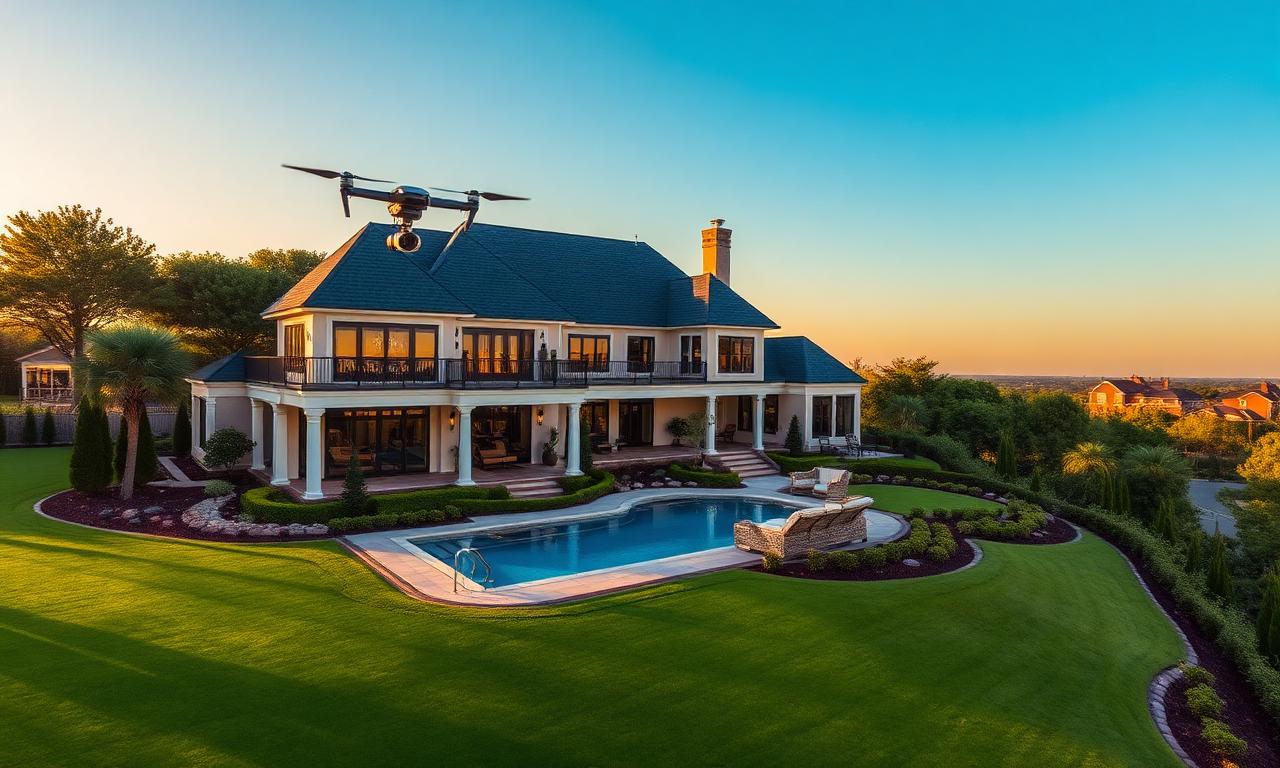
Drone shots are where sky replacement pays off the most because the sky fills up to 60% of the frame. DJI Mini 4 Pro and Air 3 footage shot under flat lighting becomes dramatic in one pass. The same background-removal workflow applies, except you will often want to also replace the horizon haze with a gradient — Photopea’s gradient tool on a new layer set to Soft Light blend mode adds 5–10% saturation to the sky without nuking the house.
If you are processing batches — say, 40 aerial shots from a luxury listing — the in-browser tool handles them in sequence without an upload queue, because nothing leaves your machine. That is a real advantage over cloud-based ChatGPT-style tools, which rate-limit at around 10 images per hour on free tiers.
MLS, Zillow, and Redfin image specs for 2026
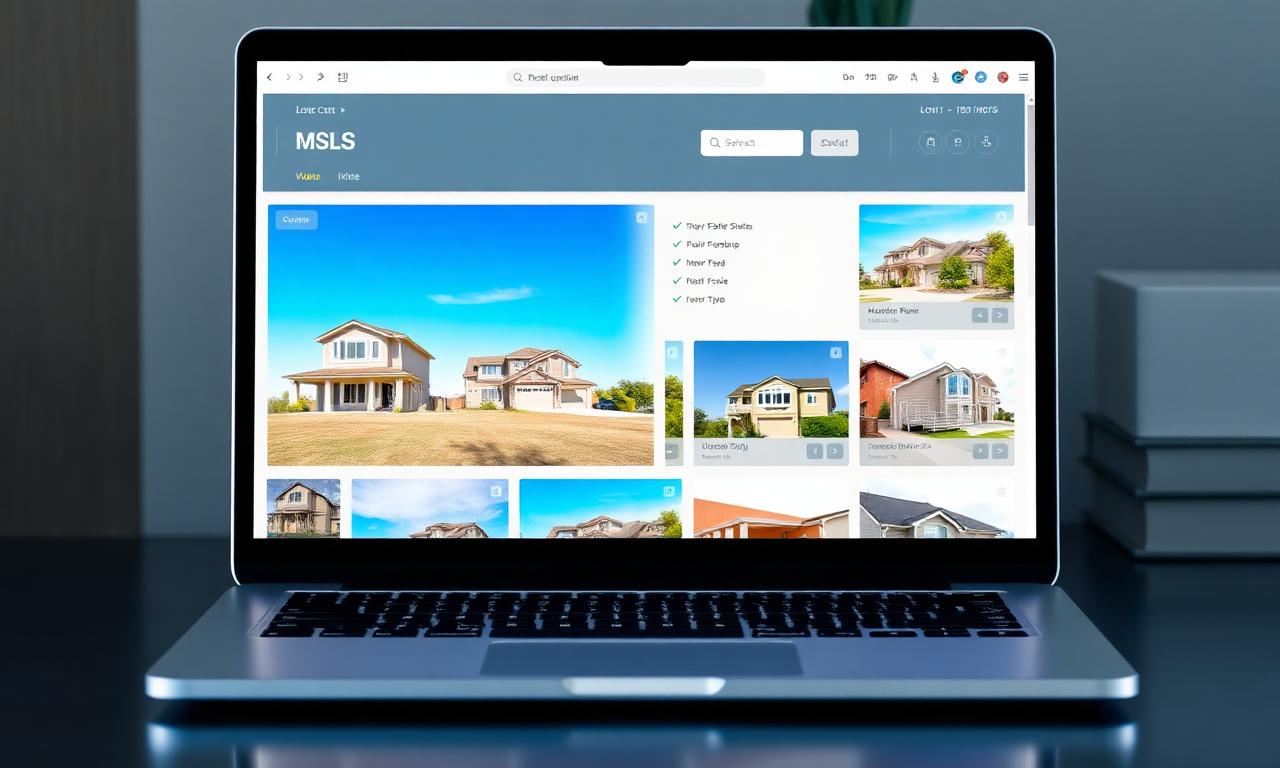
Each major platform has its own image rules in 2026. Saving at the wrong size triggers server-side recompression that destroys edge quality on freshly cut-out subjects. Use this cheat sheet:
- MLS (most US Bright/Stellar/CRMLS variants): 1920×1440 px, JPEG, <5 MB.
- Zillow Showcase: 2048×1536 px, JPEG quality 85, sRGB color profile.
- Redfin: 1920×1280 px minimum, accepts WebP since late 2025.
- Realtor.com: 1280×960 px minimum, but uploads up to 4096 px wide are re-encoded without quality loss.
- Airbnb / VRBO: 2400×1600 px, JPEG, no sky-replacement disclosure required (yet).
For an in-depth look at JPEG vs. WebP trade-offs, we benchmarked both formats in our PNG vs. WebP guide.
Disclosure and ethics: what you must label in 2026
As of the NAR’s 2025 ethics update, any photo that has been altered in a way that “could mislead a reasonable buyer about the property” must be disclosed. In practice:
- Sky replacement: usually OK without a label — weather is not a property feature.
- Removing power lines: borderline — safest to disclose if they are clearly on-property.
- Virtual staging: always disclose with a corner watermark like “Virtually staged” or “Digitally enhanced.”
- Removing structural defects (cracks, stains, missing siding): never — this is misrepresentation and can void the sale.
Speed test: in-browser AI vs. paid services
We timed a 25-photo luxury listing edit on three workflows in May 2026:
- Outsourced editor (BoxBrownie-style service): $75 + 18-hour turnaround.
- Photoshop 2026 + Generative Fill: 42 minutes, $22.99/month subscription.
- Free in-browser AI + Photopea: 14 minutes, $0, no account, no uploads.
The in-browser stack wins on speed because there is zero upload/download latency — the model lives on your GPU. Once you have done five exteriors, the workflow becomes muscle memory.
FAQ: real estate photo background removal
Can I use this for commercial real estate listings?
Yes. The same workflow applies to office buildings, retail strips, and industrial properties on LoopNet and CREXi. Commercial buyers are even more sensitive to professional presentation than residential, so the ROI per edited photo is higher.
Will Zillow flag AI-edited photos?
Not in 2026. Zillow’s image-authenticity detector flags structural alterations (added rooms, removed defects) but explicitly allows sky replacement, color correction, and virtual staging with disclosure. Their AI listing-quality score actually rewards bright, color-corrected exteriors.
What about iPhone photos? Do I need a DSLR?
An iPhone 14 Pro or newer shooting in ProRAW produces files large enough for any MLS once you run them through the cutout pipeline. Our iPhone background-removal guide covers the ProRAW workflow in detail.
Is it safe to upload pre-market listings to a browser AI tool?
Only if the tool runs locally. The in-browser remover we recommend never sends your image to any server — the AI model is downloaded once and runs on your GPU via WebGPU. That is the same isolation model as Apple’s on-device features. Avoid any “free” web tool that requires you to wait while it “processes on our servers” — that is an upload.
Can I batch 100+ photos?
The browser tool processes them one at a time, but with no upload delay, 100 photos takes about 7–8 minutes on an M2 MacBook or modern Windows laptop. For agencies doing thousands per day, the same underlying model can be wired into a Node.js batch script — ping us via the contact page for the recipe.
Bottom line
The gap between a $500 listing-photo package and what a free in-browser AI can do in 2026 has effectively closed for 90% of properties. Background removal is the lever: it gives you sky replacement, virtual staging, distraction cleanup, and consistent gallery tone, all from a single 5-second AI mask per photo. Open the free AI background remover on your next listing, edit one hero exterior, and watch the click-through rate on Zillow over the next 48 hours. That single A/B test is the most convincing case we can make. If you also sell through other channels, the same edited assets drop straight into your Shopify storefront or LinkedIn agent profile with zero rework.