
June 4, 2026 · 14 min read · By MagicBG Team
Last updated: September 15, 2026
Ecommerce Product Photos: Complete Guide to Images That Sell
Shoot and edit ecommerce product photos that sell: remove backgrounds free, get a consistent white-background look, and meet marketplace rules.
Your ecommerce product photos are the single biggest factor in whether a shopper clicks "add to cart" or scrolls past. Online buyers can't touch, hold, or try on what you sell, so your images do all the convincing. Clean, consistent, well-lit photos build trust; cluttered, dim, or inconsistent ones quietly kill conversions. The good news: you don't need a studio, a DSLR, or a Photoshop subscription to get professional results in 2026. You need a decent phone camera, good light, and a fast way to remove the background from every shot. Want to skip ahead? Open MagicBG and clean up a product photo now.
This complete guide walks through the entire workflow: why clean backgrounds convert better, the exact gear and lighting you actually need, how to shoot for every major marketplace, how to remove the background from product photos, and how to keep your whole catalog visually consistent. By the end you'll be able to turn a phone snapshot into a polished product image that looks like it came from a pro studio.
Why clean product photos drive sales
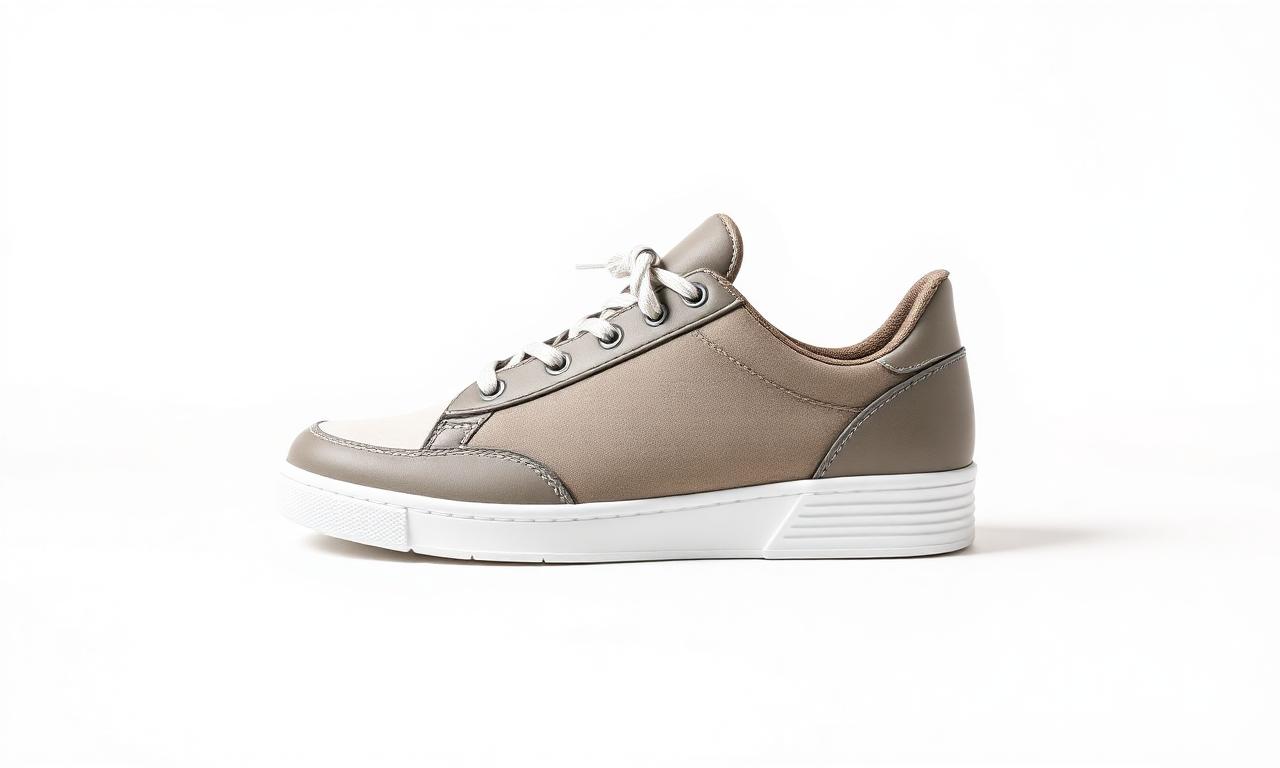
Strong product photography isn't vanity — it's revenue. When every image in your store shares the same clean background, your catalog looks organized, trustworthy, and premium. Here's what good product photos actually do:
- They build trust. A crisp, distraction-free image signals a legitimate, professional seller. Shoppers buy from sellers they trust.
- They boost conversions. Removing background clutter keeps all attention on the product, which lifts click-through and add-to-cart rates.
- They meet marketplace rules. Amazon, Google Shopping, and many others require or strongly prefer a pure white background for the main image.
- They make ads work harder. A transparent PNG of your product can be dropped onto any colored banner, carousel, or social ad without re-shooting.
The gear you actually need
You can shoot great ecommerce product photos with surprisingly little. Forget the idea that you need expensive cameras and lighting rigs — most successful small sellers shoot entirely on a phone. Here's the realistic starter kit:
- A modern smartphone. Any phone from the last few years takes sharp, high-resolution photos that are more than good enough for online listings.
- Natural or soft light. A big window with indirect daylight is the cheapest, most flattering light source there is. Diffused light avoids harsh shadows.
- A simple backdrop. A white poster board, a roll of paper, or even a clean wall works. Don't stress about perfection — you'll clean it up digitally.
- A small tripod (optional). Keeps shots steady and consistent across your whole catalog, which matters more than you'd think.

Lighting and composition basics
Light makes or breaks a product image. Aim for bright, even, soft light that wraps around the product without creating harsh shadows or blown-out highlights. A few rules that always hold:
- Shoot near a window. Position the product so daylight hits it from the side at a slight angle for gentle, natural depth.
- Avoid direct sun and flash. Both create hard shadows and hot spots. Diffuse strong light with a sheer curtain or white sheet.
- Fill the frame. Get close so the product occupies most of the shot. You can always crop, but you can't add resolution back.
- Keep it level. Shoot straight-on or at a consistent angle for every product so your catalog looks uniform.
- Show multiple angles. The main image should be clean and simple; secondary shots can show detail, scale, and texture.
How to remove the background from product photos
Even with a tidy backdrop, real-world shots pick up shadows, wrinkles in the paper, or stray clutter. The fastest fix is to remove the background entirely and place your product on clean white or a transparent layer. In 2026 this takes about five seconds with a free AI tool:
- Upload your product photo to a free background remover.
- Wait ~5 seconds while the AI detects the product and erases everything behind it.
- Download a transparent PNG, or add a solid white background for marketplace listings.
The technology doing the heavy lifting is called image segmentation — the model traces the exact outline of your product and separates it from the background. If you're curious how it works under the hood, see our explainer on how AI background removal works, or the plain-English overview of image segmentation on Wikipedia. With MagicBG there's no signup, no watermark, and no per-image credits — clean as many listing photos as you want for free.
Getting the perfect white background
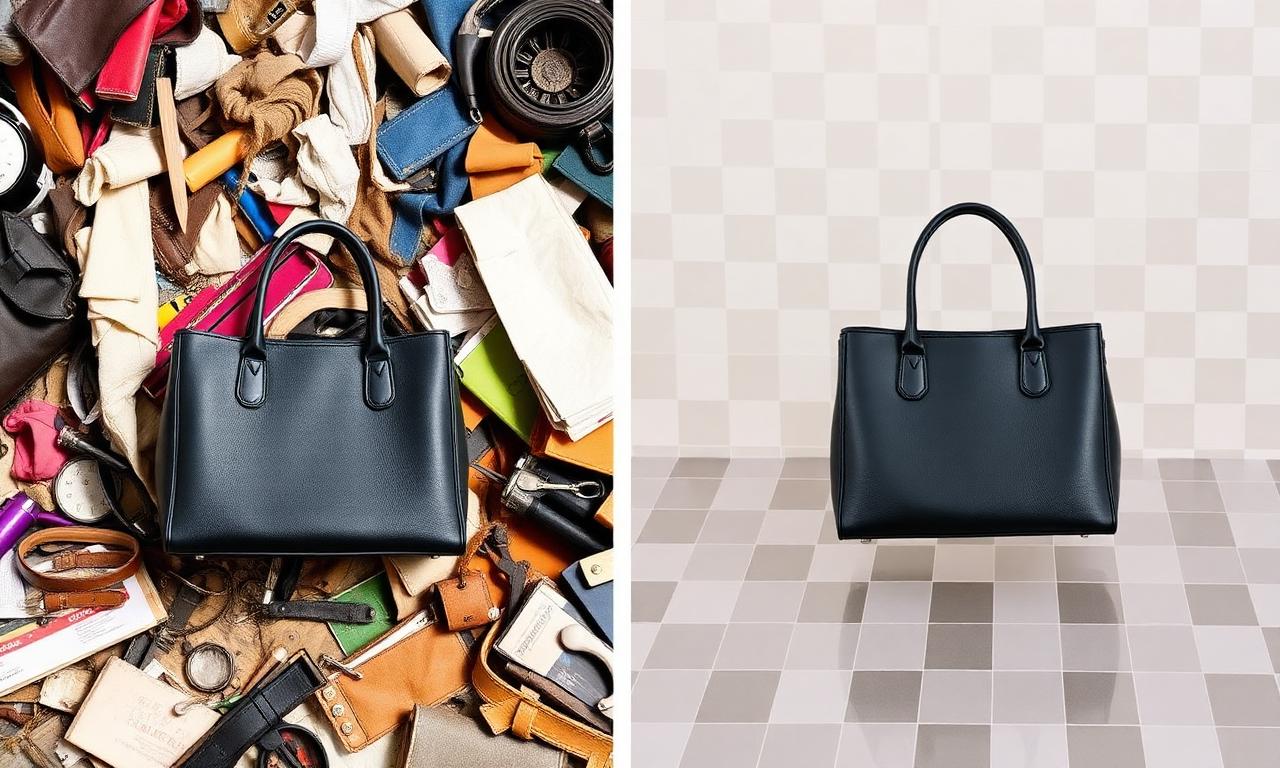
A pure white background is the ecommerce standard for a reason: it removes every distraction and makes your product pop. Trying to shoot a perfectly white background in-camera is frustrating — it usually comes out grey, uneven, or shadowed. The reliable approach is to remove the background and replace it with clean white digitally. If your raw shot already has a near-white backdrop, our guide on removing a white background covers the edge cases. Either way, you end up with a crisp, consistent white background across every listing.
Marketplace-specific requirements
Each platform has its own quirks for ecommerce product photography. Here's how to nail the big ones — and where to dig deeper:
- Amazon: the main image must be on a pure white background (RGB 255, 255, 255). Sellers commonly aim for the product to fill most of the frame — a widely used rule of thumb rather than a published number. See our Amazon product image requirements guide.
- Shopify: consistency is king. A uniform white or transparent background across your store looks polished and on-brand (see the Shopify deep-dive below).
- Etsy: the first photo should be clean and clear; later photos can show lifestyle context (see the Etsy deep-dive below).
- TikTok Shop: bright, clean cutouts perform best in fast-scrolling feeds. See TikTok Shop product photos.
- Google Shopping: follows Amazon-style rules — solid white or transparent backgrounds, no promotional text or watermarks on the product image.

Etsy product photos: win the search thumbnail
Etsy is a thumbnail game even more than most marketplaces. On a phone, a search-result thumbnail is only about 160 pixels wide, so a busy background turns to mush while a clean cutout reads instantly. Etsy's 2026 guidance is direct: shoot your first image at 2000 × 2000 pixels, square, with the subject filling 70–80% of the frame. The platform auto-crops the first photo to a square thumbnail in search, so removing the background lets you control the framing exactly and keep the product centered no matter how Etsy crops it.
- Square 2000 × 2000 hero: the first listing image becomes the search thumbnail — make it your cleanest cutout on white.
- Use all 10 photos: after the clean hero, add lifestyle, scale, detail, and packaging shots. The hero stays clean; the rest tell the story.
- Category matters: jewelry benefits most from cutouts (tiny items vanish on busy backgrounds — shoot on contrasting cloth, then place on pure white); ceramics need matte backdrops to avoid reflections; art prints look premium floating on white with a soft drop shadow.
- Etsy allows AI-edited photos of real handmade products — removing a background is treated like cropping or color-correcting. Only AI-generated products are regulated.
Etsy converts uploads to JPG internally, so export at 85–90% quality — but keep a transparent PNG master for off-platform use (your own site, Pinterest, Instagram). Most sellers see click-through climb within two weeks of switching to clean hero photos, because the algorithm re-tests refreshed listings in search.
Shopify product photos: consistency builds the brand
On your own Shopify store there are no marketplace rules forcing a white background — which is exactly why consistency is the difference between a store that looks like a real brand and one that looks thrown together. A uniform background (clean white, or transparent PNGs floating on your theme's color) across every product makes the catalog feel intentional and premium.
- Pick one background and commit: either pure white for a classic catalog look, or transparent PNGs so products sit directly on your brand color.
- Match framing and size: keep every product at a similar scale and position so the collection grid lines up cleanly.
- Export web-friendly: Shopify recommends square images around 2048 × 2048 for zoom; compress to keep pages fast (large images hurt both conversions and SEO — see PNG vs WebP).
- Reuse the cutout everywhere: one transparent master per product drops onto collection banners, email headers, and social ads with no re-shooting.
Keeping your catalog consistent
Nothing screams "amateur store" like a catalog where every photo has a different background, angle, and lighting. Consistency is what makes a small shop look like a real brand. To keep things uniform:
- Use the same background for every product. Removing the background and placing each item on identical white is the simplest way to keep the set consistent.
- Match the framing. Keep each product at a similar size and position within the frame.
- Batch your editing. Shoot all products in one session, then remove backgrounds in one batch so the whole set matches.
- Export the same format and size. Decide on dimensions up front. Our guide on PNG vs WebP for transparent images helps you choose.
Common product photo mistakes to avoid
- Jagged or haloed edges. A sloppy cutout looks worse than no cutout. If you spot rough edges, follow our fix for jagged edges.
- Saving as JPG when you need transparency. JPG can't store transparency, so it bakes a white box back in. Use PNG for transparent cutouts.
- Low resolution. Blurry or pixelated images destroy trust. Shoot large and crop, never upscale a tiny image.
- Over-editing colors. Your product photo should match the real item. Misleading colors lead to returns and bad reviews.
- Watermarks on the main image. Most marketplaces ban them, and they look unprofessional. MagicBG never adds one.
Lifestyle photos vs white-background photos
A complete product listing usually mixes two styles, and knowing when to use each is the difference between a flat catalog and one that actually sells:
- White-background (or transparent) photos are your hero shots. They're clean, distraction-free, and required as the main image on most marketplaces. Shoppers use them to judge the product itself — shape, color, and detail.
- Lifestyle photos show the product in use or in context — a mug on a kitchen table, a backpack on a hiking trail, a dress worn by a model. They help buyers imagine owning the item and add emotional appeal.
The winning formula: lead with a clean white-background image so your product passes the first-glance test, then follow with lifestyle and detail shots to close the sale. Because you've already removed the background from your hero shot, you can also drop that same transparent cutout onto branded banners, email headers, and social ads without re-shooting anything — one cutout, endless placements.
How many photos does each product need?
More angles reduce uncertainty, and less uncertainty means more sales and fewer returns. As a rule of thumb, give each product at least five images:
- Main shot: the product front-on, clean white or transparent background.
- Angle shots: two or three views (side, back, three-quarter) so buyers see the full shape.
- Detail shot: a close-up of texture, material, stitching, or a key feature.
- Scale or lifestyle shot: the product in a hand, on a body, or in a room so size and use are obvious.
Run every one of these through the same background-removal and export workflow so the entire set looks like it belongs together. Consistency across angles is exactly what makes a listing feel professional.
Quick editing tips beyond the background
Removing the background is the biggest single upgrade, but a few light touches make your product images even stronger:
- Straighten and crop. Level the product and crop tight so it fills the frame consistently across your catalog.
- Balance brightness. Nudge exposure so whites look clean and the product's true colors show, but never push it so far that the item looks different from reality.
- Add a soft shadow if needed. A subtle drop shadow under a cutout can make a floating product feel grounded and premium on a white page.
- Keep file sizes lean. Large images slow your store and hurt SEO. Export at the right dimensions and a web-friendly format so pages load fast.
Background rules for every major marketplace (2026)
Every selling platform has slightly different photo expectations, but they all reward the same foundation: a clean, distraction-free background that puts the product first. Here is exactly what works on the platforms sellers ask about most, so you can shoot once and export the right version for each channel.
Amazon
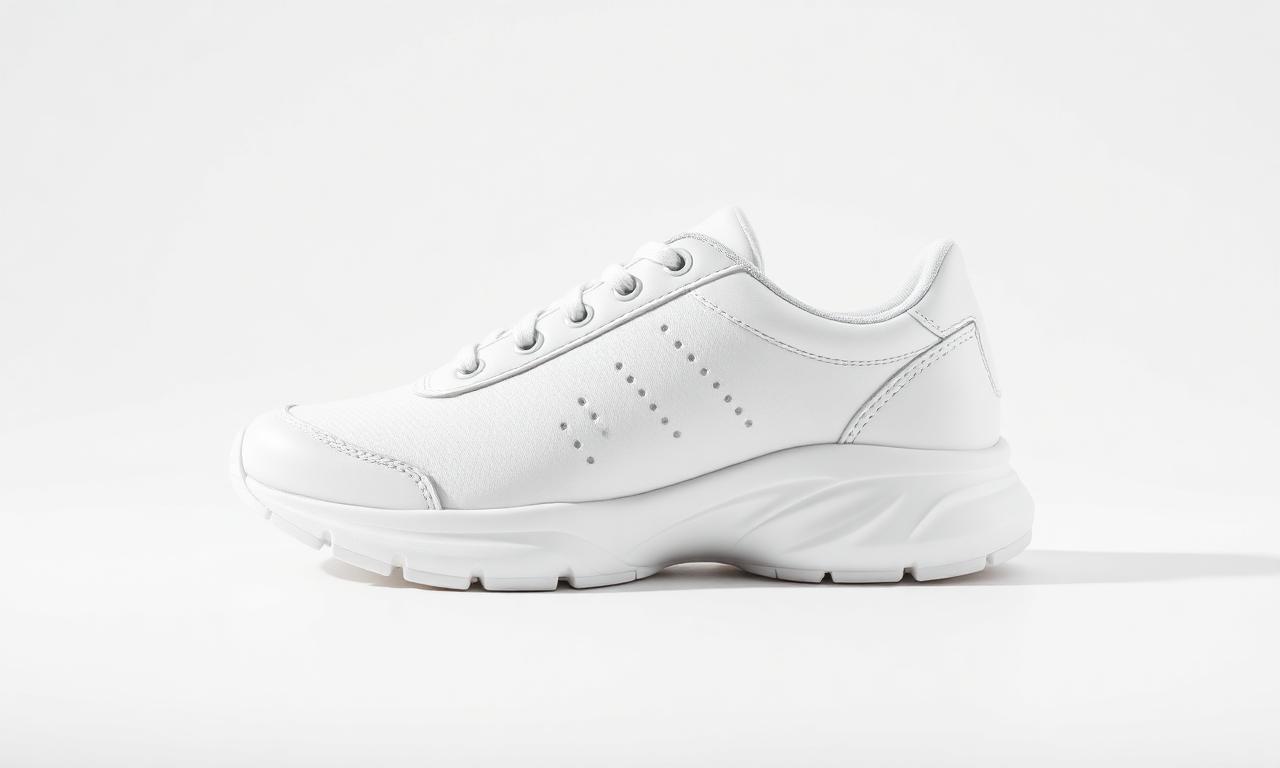
Amazon is the strictest of the big marketplaces. The main image must use a pure white background (RGB 255, 255, 255), with no props, text, or logos. Sellers generally let the product fill most of the frame; that fill figure is community guidance, not a published Amazon number. Remove the background, drop the cutout on a white layer, and export a high-quality JPG at 2000×2000 so buyers can zoom. Images that break Amazon’s published rules can be rejected or suppressed, so check them against Seller Central before uploading.
eBay
eBay's Best Match search favors listings with clear, high-resolution photos on plain backgrounds, and it blocks borders, text, and watermarks on the main image. A white or very light-gray background makes your item look trustworthy next to competitors across every category. Keep at least 1600px on the longest side so the zoom feature stays sharp.
Vinted, Poshmark & resale apps
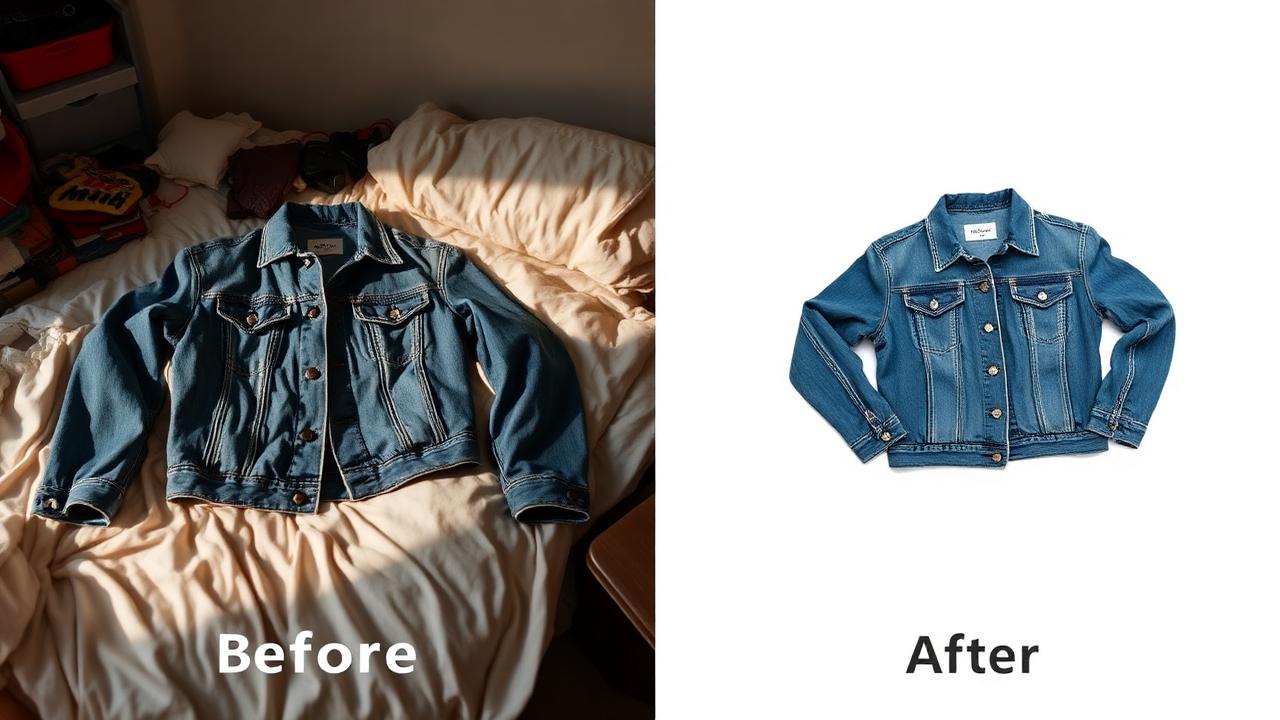
Fashion resale apps like Vinted, Poshmark, and Depop are photo-driven feeds — the first image decides whether a buyer taps or scrolls past. You don't always need pure white here; a clean, consistent background that removes household clutter is what converts. Strip distracting rooms and laundry piles behind the garment, keep colors true, and reuse the same background across your closet so your storefront looks curated.
TikTok Shop
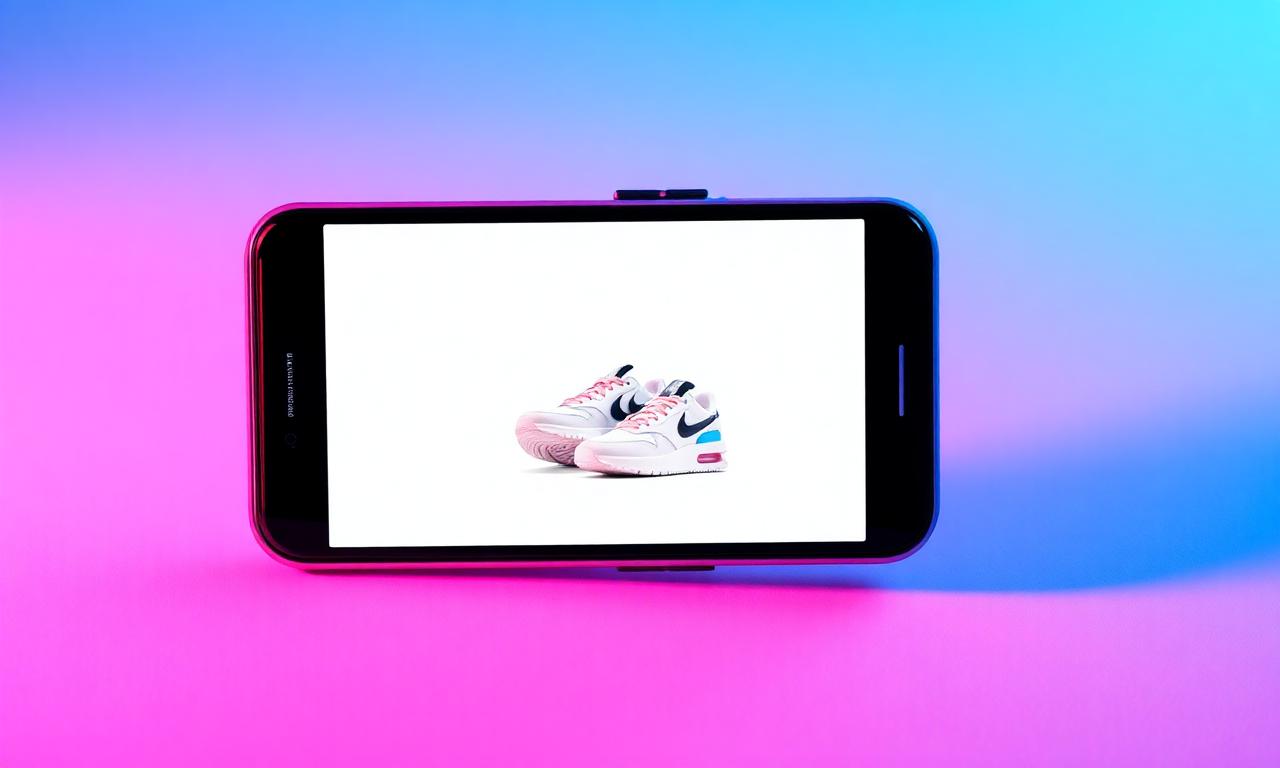
TikTok Shop lives in a fast, mobile-first feed, so product images need to pop instantly. Square (1:1) cutouts on white or an on-brand solid color read clearly at thumbnail size and pair well with video content. Bright, high-contrast product shots with the background removed stop the scroll far better than busy in-situ photos.
AI "studio" shots without a camera
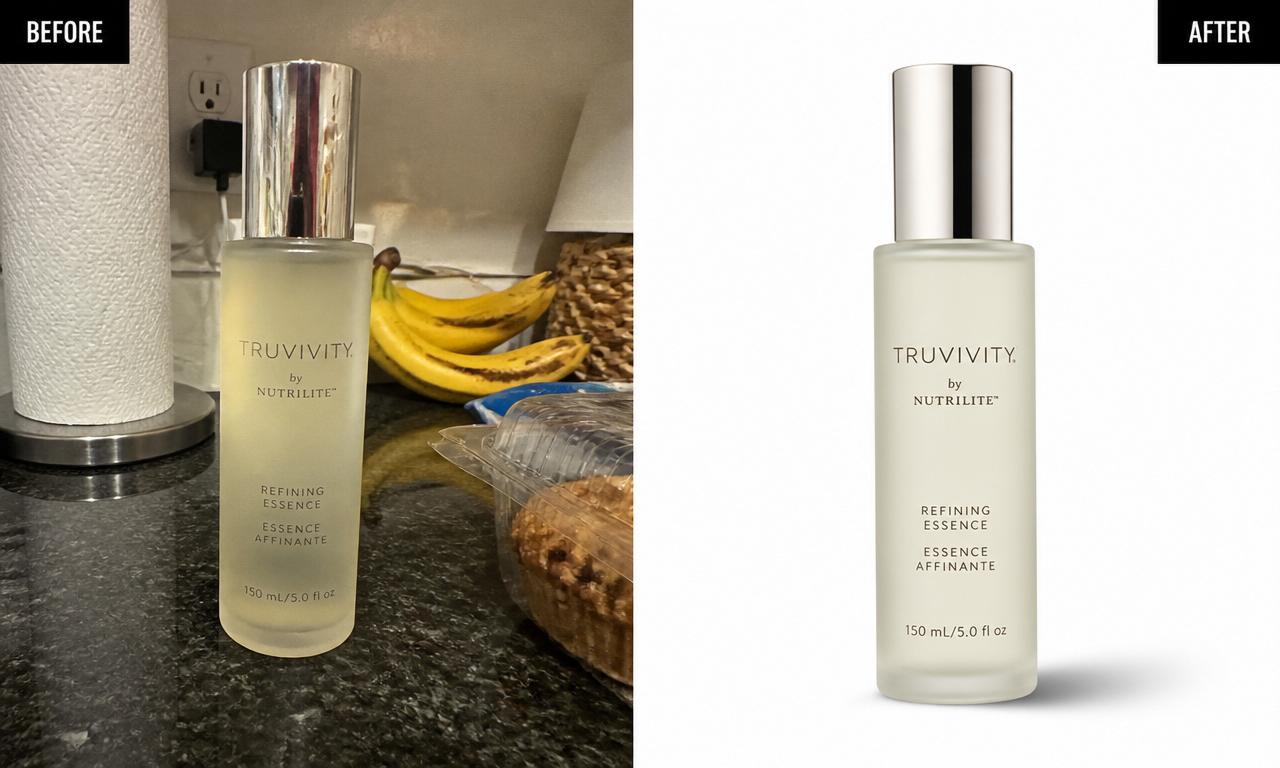
Once you have a clean cutout, you can build studio-quality scenes without renting a set. Place the transparent product on a soft gradient, a marble surface, or a lifestyle backdrop, add a realistic contact shadow, and you have an ad-ready image for pennies. The non-negotiable first step is always the same: a precise, halo-free cutout — everything else builds on top of it.
One shoot, every export
The efficient workflow is to photograph each product once, remove the background a single time, then export the variants each channel needs — a white-background JPG for Amazon and eBay, a transparent PNG for ads and banners, and a square version for TikTok and social feeds. Keep the transparent master file so you never have to re-shoot when a platform changes its specs.
Ecommerce product photo FAQ
How do I remove the background from a product photo?
Upload your photo to a free background remover, let the AI erase the background in a few seconds, then download a transparent PNG or add a white background for your listing.
What background is best for ecommerce product photos?
A pure white background is the universal standard — it's required by Amazon and Google Shopping and looks clean everywhere else. Transparent PNGs are best when you want to place products on ads or colored banners.
Do I need a professional camera?
No. A modern smartphone plus good light is enough for excellent ecommerce product photos. Clean backgrounds and consistency matter far more than the camera.
How do I make all my product photos look consistent?
Remove the background from every shot and place each product on the same white or transparent background, with matching framing and export settings.
Is it free and watermark-free?
Yes. With MagicBG your images are processed locally in your browser, with no signup, no watermark, and no per-image limits — ideal for cleaning up an entire catalog.
Bottom line
Great ecommerce product photos are no longer gated behind expensive studios. Shoot with a phone in good light, remove the background, and place every product on a clean, consistent white or transparent layer. The result is a catalog that looks professional, meets every marketplace rule, and converts more browsers into buyers — for free. Open MagicBG and clean up your product photos now.
Where this fits in the workflow
A catalogue workflow usually runs: cutout, then plain white background, then marketplace sizing, and finally the copy — the listing generator drafts titles and bullets from the same photos.