May 13, 2026 · 9 min read · By MagicBG Team
Last updated: September 15, 2026
Can ChatGPT Remove Image Backgrounds? Tested + Alternatives
We tested ChatGPT for background removal in 2026 vs dedicated AI cutout tools. Results, limits, and a faster free alternative for clean transparent PNGs.
One of the most-searched AI questions of 2026 is deceptively simple: can ChatGPT remove the background from an image? The honest answer is "sort of, but not the way you'd hope." This guide tests what ChatGPT actually does when you ask, where it succeeds, where it falls apart, and the faster free workflow that wins for production work.
The short answer
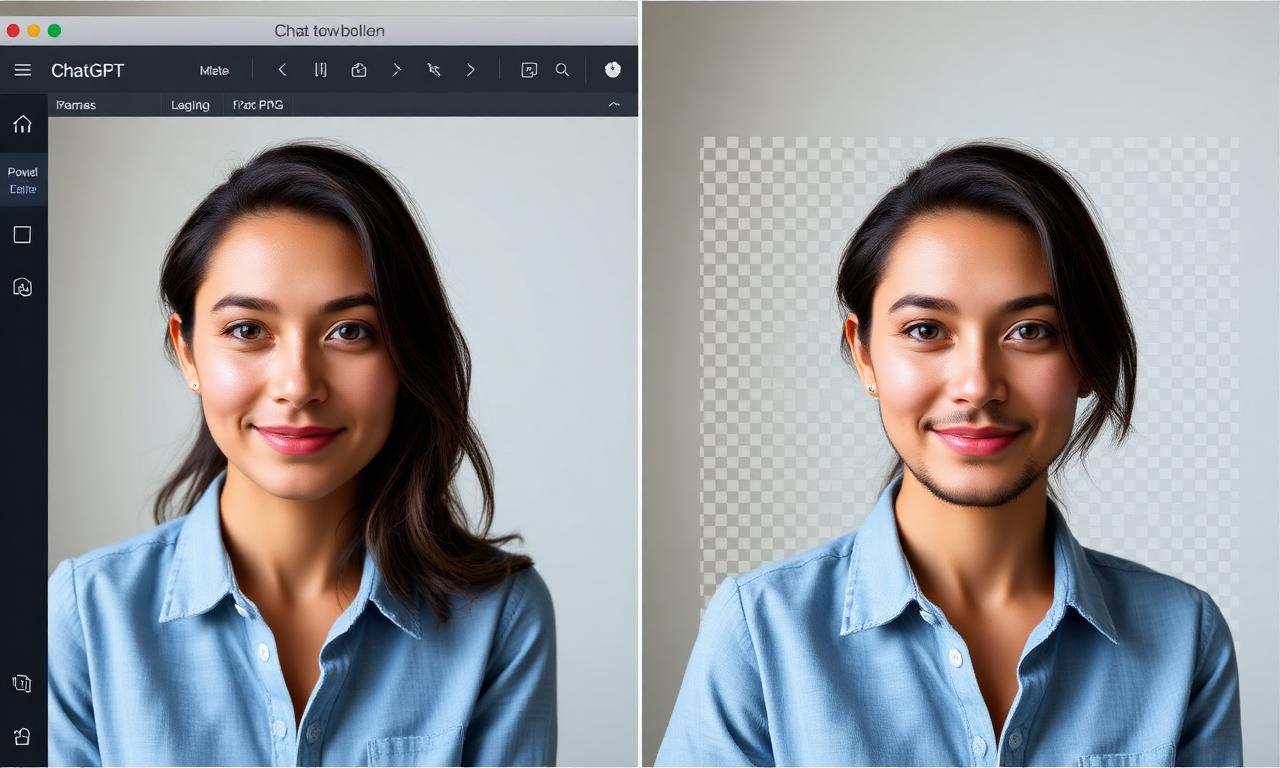
Yes, ChatGPT can return a background-removed image, but it does so by regenerating the imagewith its image model rather than precisely cutting out the original. That distinction matters: pixel fidelity is not preserved, your subject's face may shift slightly, and product photos lose the exact colors and edges Amazon, Etsy, and eBay expect.
- Good for: casual stickers, memes, social posts where exact pixels don't matter.
- Bad for: product listings, ID-style photos, design comps, or any image you'll publish.
How ChatGPT actually handles the request
When you upload a photo and ask "remove the background," ChatGPT routes the request through its image generation tool (currently GPT-Image-2 or Gemini-class models depending on your plan). The tool reads your photo, builds a description of the subject, and generates a new image of that subject on a transparent canvas. It is not running classic image segmentation on your original pixels.
That's why the result often looks like your subject — but rendered slightly differently. Hair styles shift. Fabric patterns simplify. Logos blur. For a photographer, that's a non-starter.
When ChatGPT's approach is actually fine
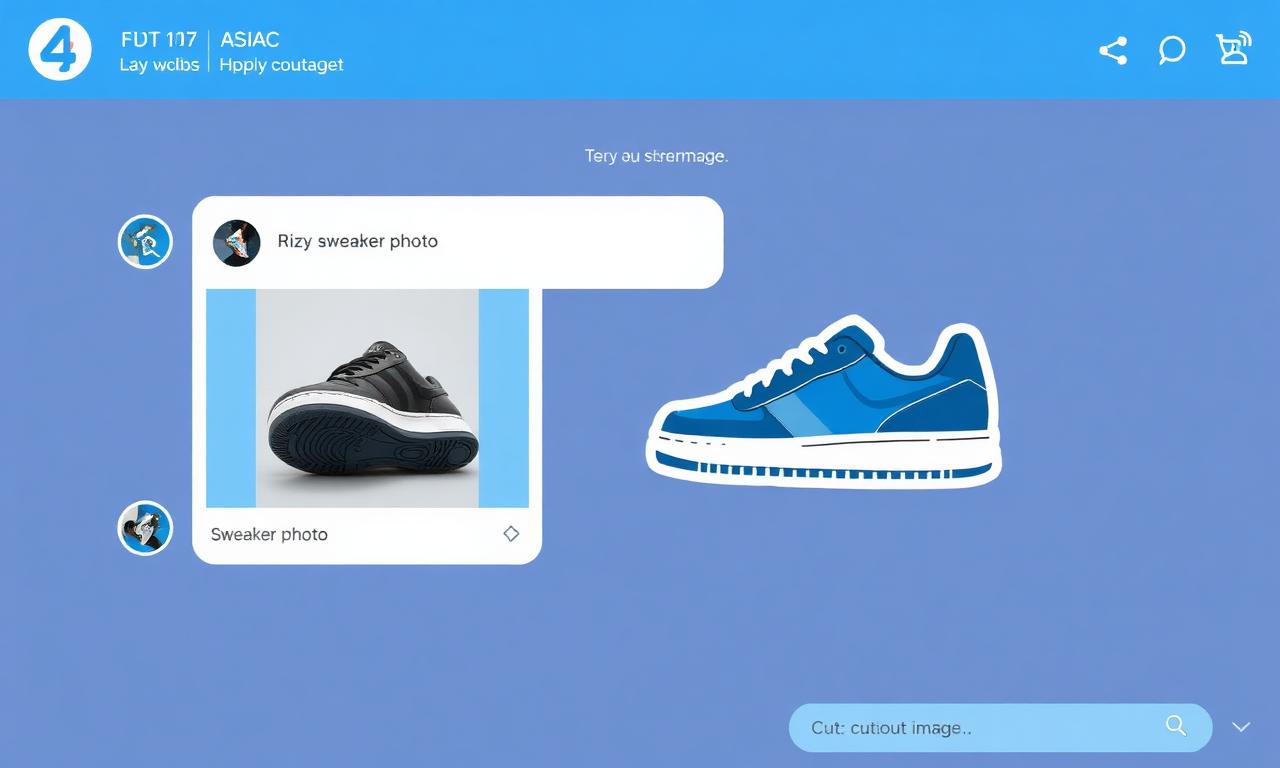
- Stickers and emoji-style cutouts where stylization is the point.
- Concept art for moodboards or pitch decks.
- Quick chat reactions when you don't care about pixel-level accuracy.
When ChatGPT fails (and what to use instead)
For anything where the original pixels matter, you need a real segmentation tool — software that masks your photo without redrawing it. That includes:
- Amazon, Etsy, eBay product photos — covered in our guide on pure white backgrounds for Amazon.
- YouTube thumbnails of real people — see background removal for YouTube thumbnails.
- Headshots, badges, ID images where the face must remain identical.
- Marketing assets where brand colors and logos can't shift.
The 5-second alternative that actually preserves your photo
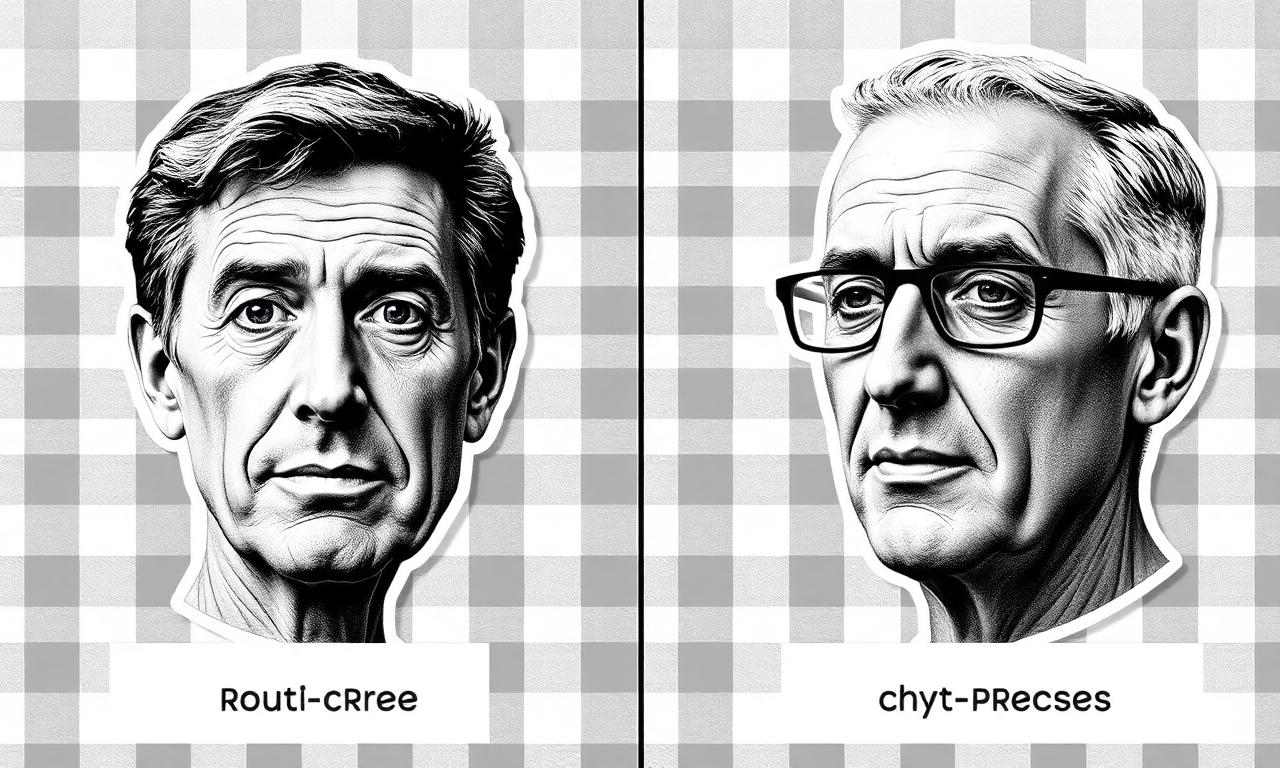
A dedicated AI background remover that uses image segmentation (not generation) keeps every original pixel and only edits the alpha channel. Open MagicBG, drop your image, and download a transparent PNG in about five seconds. The model runs locally in your browser via WebGPU, so nothing uploads to a server — and the output is the exact pixels of your original photo with the background masked away.
If you really want to try it in ChatGPT anyway
Prompts that get the cleanest result from ChatGPT image tools:
- "Isolate the subject and place it on a transparent background. Do not change pose, color, or details."
- "Output a PNG with alpha transparency, preserving the original subject pixel-for-pixel."
- "Make a die-cut sticker version of this subject on transparent background." (Best for stickers.)
Even with perfect prompting, expect a regenerated image. There is currently no public ChatGPT mode that performs true non-generative segmentation.
Bottom line
ChatGPT is a brilliant general assistant, but background removal is a specialized image task where a dedicated segmentation model — like the one running on the MagicBG background remover — produces faster, cleaner, and pixel-accurate results. Use ChatGPT for ideas; use a real cutout tool for publication. Want a deeper look at how segmentation actually works under the hood? Read How AI Background Removal Actually Works.
Where this fits in the workflow
For a like-for-like comparison, run the same image through a dedicated background remover and place both results on the same colour using the white background maker.