
June 28, 2026 · 11 min read
Poshmark Product Photos: Style, Cut Out & Sell Faster (2026)
How to shoot, remove the background, and optimize Poshmark listing photos in 2026 so your closet looks like a real brand, ranks in search, and sells faster — with a free background remover.
On Poshmark, your cover shot is the whole game. Shoppers swipe through an endless feed of thumbnails, and the listing with the brightest, cleanest cover photo gets the tap — everything else scrolls by. Poshmark's own seller resources keep repeating the same advice: good lighting, clear styling, and a distraction-free background sell items faster and at higher prices. This guide shows you exactly how to get there — how to shoot, how to remove the background for free, and how to optimize every photo so your closet looks like a real boutique instead of a phone camera roll.
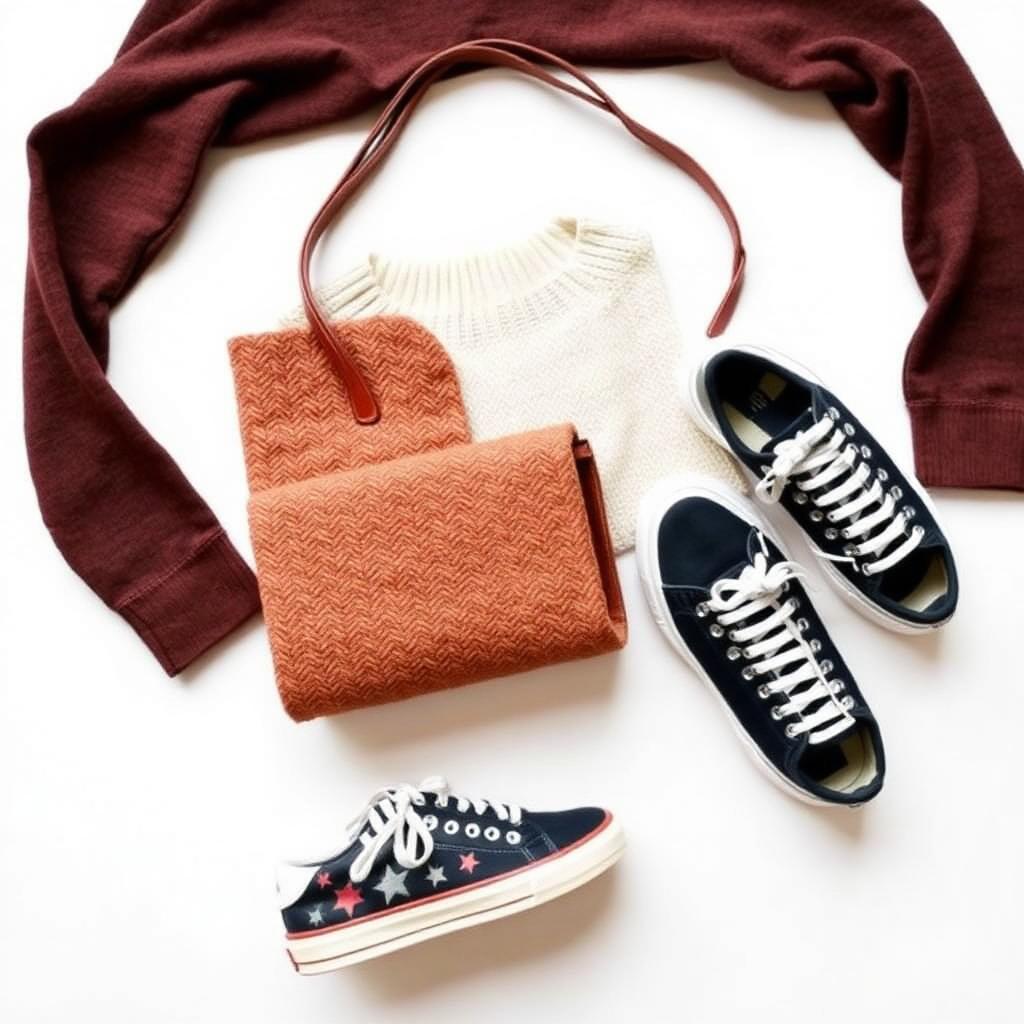
Why backgrounds make or break a Poshmark listing
Poshmark is a social marketplace — buyers are browsing fast, often on a phone, and judging your item in a fraction of a second. A cluttered bedroom floor, a busy carpet, or a dim closet signals "this seller is casual," and casual listings get lower offers. A clean, consistent background does the opposite: it makes the item pop, looks professional, and tells buyers you take your closet seriously.
There's a search angle too. When your photos look polished, shoppers spend longer on the listing, share it to parties, and "like" it — all signals that help your items surface more often. Better photos don't just look nicer; they quietly compound into more visibility.
Step 1: Shoot a photo that's easy to cut out
Background removal works best when your starting photo has good contrast between the item and whatever is behind it. A few minutes of setup beats hours of editing:
- Use daylight. Shoot near a window during the day. Soft, even natural light beats any phone flash and shows true colors — critical for fashion buyers.
- Create contrast. Lay dark clothing on a light surface and light clothing on a darker one so the AI can cleanly separate the edges.
- Style it flat or on a hanger. Flat lays and hanger shots are easy to cut out and look catalog-clean. Steam out wrinkles first — they read as "worn out."
- Fill the frame. Get close so the garment fills most of the shot. More detail means a sharper cutout and a stronger thumbnail.
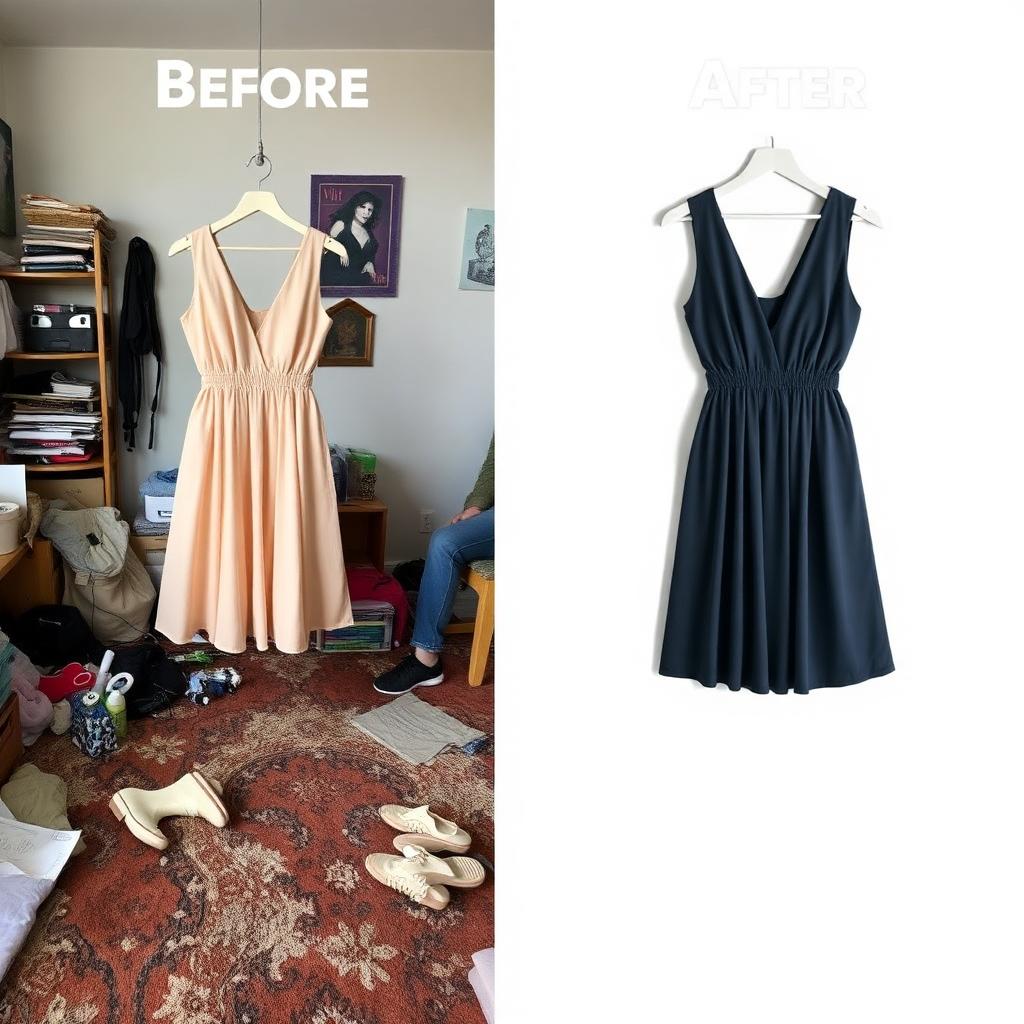
Step 2: Remove the background for free
Once you have a clean shot, removing the background takes seconds. With MagicBG you don't need Photoshop, a subscription, or any design skill:
- Open the tool and drop in your fashion photo — the AI detects the garment and erases everything behind it.
- Download a transparent PNG, or switch to a crisp white background with one click for your cover image.
Because everything runs on your device, your photos never get uploaded to a server. That's faster (no upload wait), free (no per-item fees), and private — which matters when you're listing dozens of pieces a week. If you reset your whole closet at once, see our guide to batch removing backgrounds from hundreds of photos.
Step 3: White background vs. styled background — which to use?
Poshmark is more lifestyle-friendly than Amazon, so you have room to be creative. Here's the rule of thumb:
- Cover photo: use a clean white or soft neutral background. It's bright, scannable, and makes your thumbnail stand out in a busy feed.
- Secondary photos: show the item styled on a model, flat-lay with accessories, or in natural light — context helps buyers picture the outfit.
- Keep the transparent PNG as your master. From one cutout you can drop in white for the cover, a branded color for closet consistency, or a seasonal scene for sharing.
For a deeper look at when to keep transparency, read removing white backgrounds and PNG vs WebP.

Step 4: Optimize images for the Poshmark feed
Shoot and crop square
Poshmark displays covers as squares. If your item floats in a tall frame, it shrinks in the thumbnail. After removing the background, center the cutout on a square canvas so the garment fills the frame consistently across every listing.
Keep files sharp but light
Export around 1200–1600 px on the longest side. That's crisp on retina phones without slowing the app. Poshmark re-compresses uploads, so there's no benefit to massive files that bog down your workflow.
Order photos with intent
Lead with your cleanest cover, follow with the styled or on-model shot, then details — fabric tags, measurements, and any flaws. An honest, logical order builds trust and cuts down on "Is this still available?" comments and returns.
Step 5: Make your closet look like a real brand
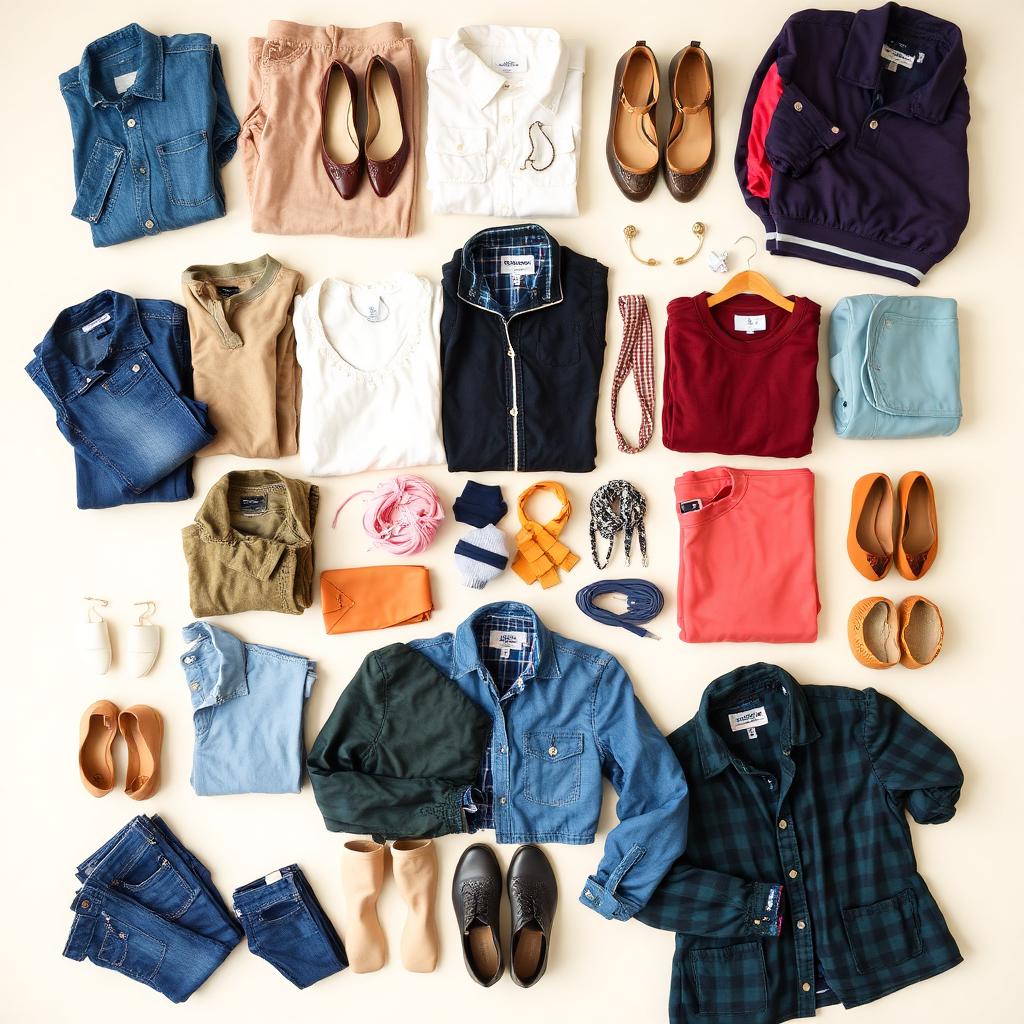
Consistency is what turns casual sellers into Poshmark Ambassadors that buyers trust. When every listing is shot the same way, on the same clean background, your closet reads like a curated boutique.
- Use the same backdrop, lighting, and crop for every item.
- Place every product on the same neutral background for covers.
- Keep the same padding around each piece so thumbnails line up in your closet grid.
Common Poshmark photo mistakes to avoid
- Flash glare: on-camera flash blows out fabric texture and color. Use soft daylight instead.
- Stock or brand photos as the cover: buyers want to see the actual item you're selling, not a catalog render. Always shoot what you'll ship.
- Cluttered backgrounds: remove them. A messy room makes even a designer piece look cheap.
- Wrinkled, bunched clothing: steam and style first — wrinkles read as "old."
- Dark, tiny thumbnails: shoppers won't tap a dim cover — they'll keep scrolling.
Does this work for every category?
Yes. Whether you list clothing, shoes, bags, accessories, or home goods, the formula is identical: contrast-friendly shot → background removed → clean cover → styled context shots after. Sellers who also cross-list on Vinted, Depop, or Facebook Marketplace can reuse the exact same cutouts across every platform.
FAQ
Does Poshmark require a white background?
No, Poshmark allows styled and lifestyle photos. But a clean, bright cover — white or soft neutral — is the most professional choice and helps your thumbnail stand out in the feed.
Can I remove the background from Poshmark photos for free?
Yes. MagicBG removes backgrounds for free right in your browser with no signup and no per-item fee, then lets you export a transparent PNG or a white-background image ready for your closet.
What size should Poshmark photos be?
Aim for a square crop around 1200–1600 px on the longest side. That looks sharp on phones without slowing the app, and fills the square thumbnail cleanly.
How many photos should I add to a listing?
Use as many as the item needs, up to Poshmark's 16-photo limit. Show the front, back, tags, fabric, and any flaws — thorough photos reduce questions and returns.
Will better photos really sell my items faster?
A clean cover lifts taps and likes, and more engagement is exactly what gets your listings shared to parties and shown to more shoppers. Better photos consistently mean faster sales and stronger offers.
Bottom line
On Poshmark, the cover photo wins or loses the sale before a buyer reads your title. Shoot in good light with contrast, remove the background, lead with a clean cover, and keep every listing consistent. Start cutting out your first item free on the MagicBG home page — no uploads, no signup, no per-item fees.