
May 14, 2026 · 14 min read
TikTok Shop Product Photos 2026: Complete Seller Playbook
TikTok Shop product photos in 2026: image specs, AI background removal, and a free workflow to ship consistent, on-brand listings that actually convert.
TikTok Shop is, by a wide margin, the fastest-growing e-commerce surface of 2026. According to eMarketer's latest US projections, the platform is on track to clear $50 billion in gross merchandise value this year — up from a standing start three years ago. The catch: TikTok's algorithm rewards visual products. A blurry, cluttered, off-brand product photo sinks an otherwise great listing in seconds. This guide is the playbook we wish every new TikTok Shop seller had on day one.
Why product photos matter more on TikTok than anywhere else
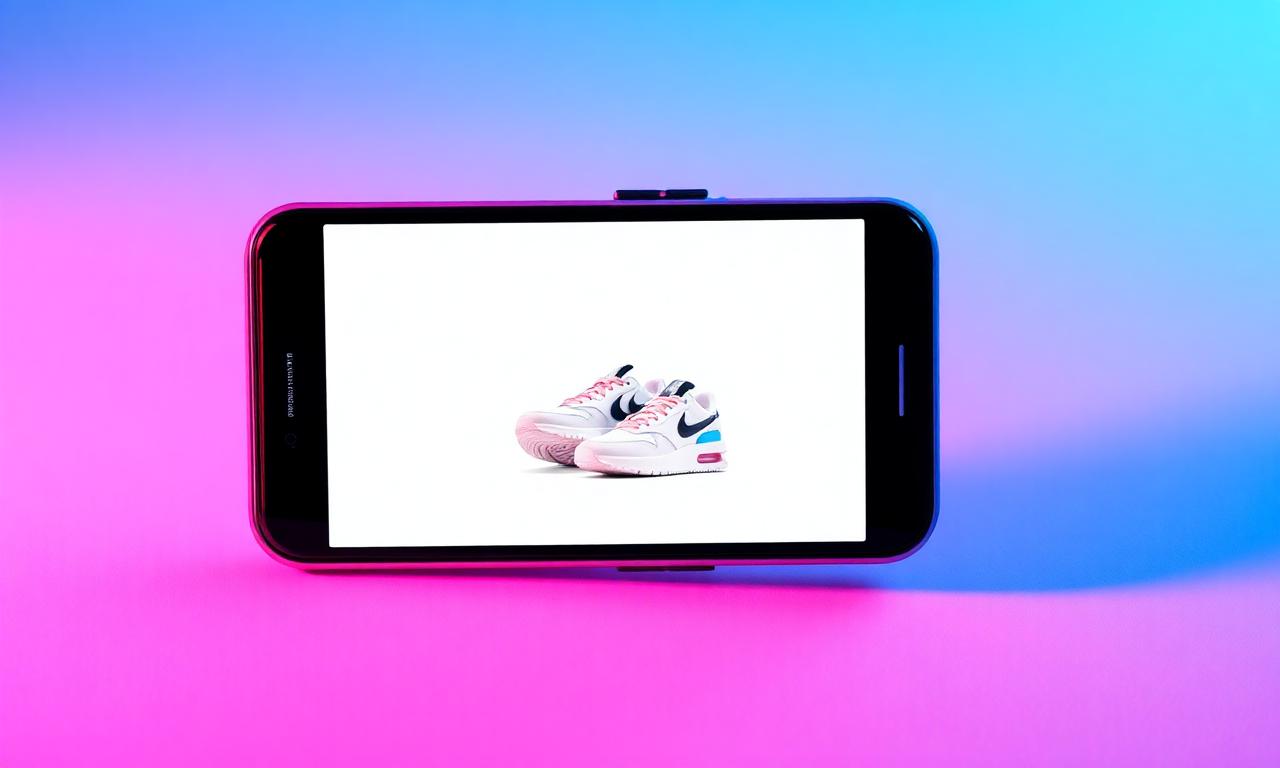
On Amazon, your listing competes inside a structured grid where users have already decided to buy. On TikTok Shop, your listing has to interrupt entertainment. The user is mid-scroll, dopamine-loaded, and your product image has roughly 0.6 seconds to earn another half-second. That single frame decides whether a creator's affiliate video converts or evaporates. If you take nothing else from this guide: treat the main image as a billboard, not a catalog photo.
The good news is that the 2026 toolchain — phone cameras, in-browser AI, and free editors — has collapsed what used to be a $2,000 studio budget down to a kitchen table and twenty minutes per SKU. We've covered the underlying segmentation tech in How AI Background Removal Actually Works if you want the deep dive. This post focuses on the seller's workflow.
Official TikTok Shop image specs (2026)
Get these numbers right before you shoot a single frame. The current TikTok Shop Seller Center image guidelines require:
- Main image aspect ratio: 1:1 (square), minimum 800×800 px, recommended 1600×1600 px.
- File format: JPG or PNG. PNG when the image needs transparency (rare for the main, common for lifestyle composites).
- File size: under 5 MB per image.
- Background: pure white (RGB 255,255,255) or near-white is strongly preferred for the main; lifestyle backgrounds allowed for secondary slots.
- Number of images: up to 9 per SKU. Use all of them; listings with 7+ images convert measurably better.
- No watermarks, no promotional text, no contact info in the main image — TikTok will reject the listing.
If you're coming from Amazon and want a refresher on how to nail a pure-white background specifically, the techniques in our Amazon listing background guide transfer almost 1:1 to the TikTok Shop main image slot.
Shooting with just a phone (the realistic 2026 setup)
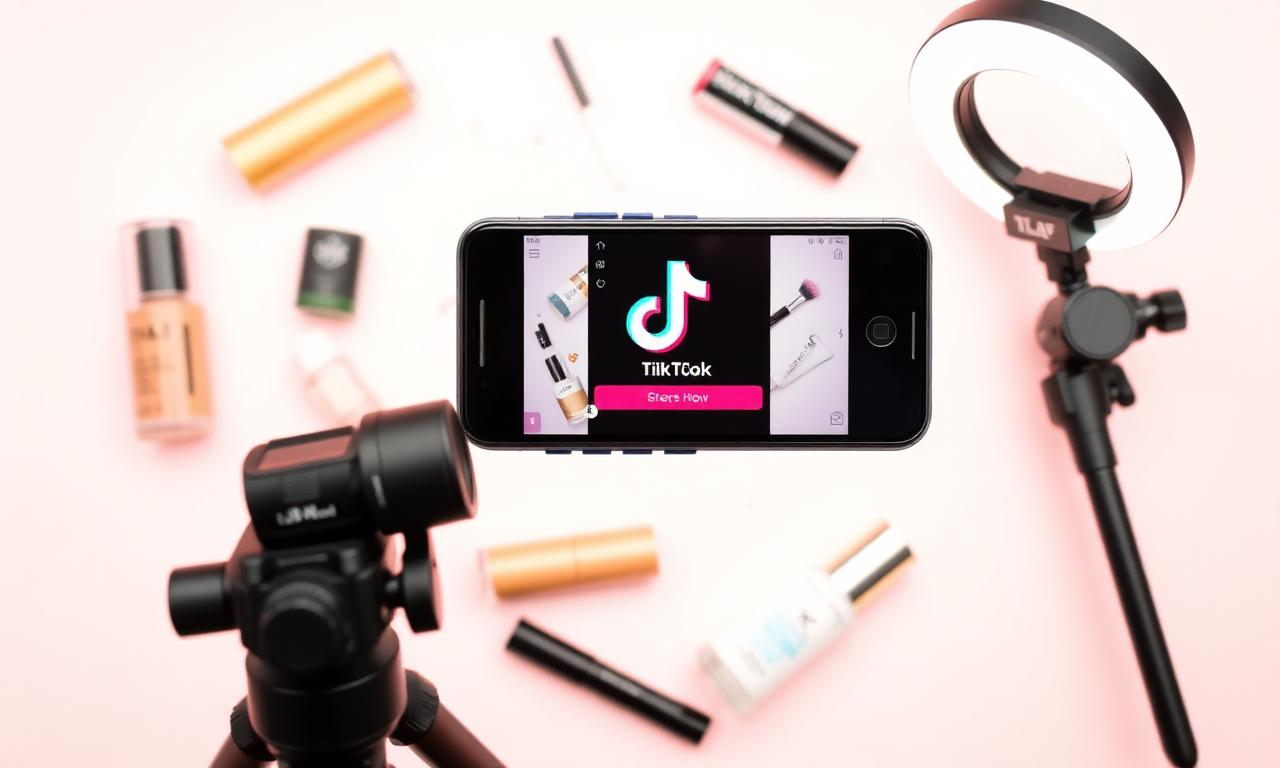
You do not need a DSLR. The iPhone 15 Pro and later, plus any Pixel 8 or newer, plus most flagship Samsung Galaxies, shoot 24+ megapixel photos with depth data the AI loves. Here's the kit that has been outperforming entry-level studio setups in our testing:
- A 10-inch ring light (around $25 on Amazon) for soft, shadowless illumination.
- A foldable A2 white paper "sweep" — two binder clips and a wall, total cost under $5.
- A small phone tripod with a Bluetooth shutter (avoids hand-shake on macro shots).
- Optionally, a second smaller LED panel for fill light from the side.
Five rules during the shoot
- Shoot in Portrait mode on iPhone or "Pro" mode on Android. The depth map dramatically improves the AI cutout later.
- Wipe the lens twice. Smudges destroy edge detail in segmentation models.
- Frame the product to fill ~75% of the square. Don't crop tight in-camera; you'll lose flexibility.
- Take 6–10 angles of every SKU. Storage is free; reshoots are not.
- Avoid harsh top-down sun. Diffused window light at 10am is the gold standard.
Removing the background (the 30-second step)
Once you have raw photos, the single most valuable edit is replacing the messy real-world background with a clean white sweep. This used to take a designer; in 2026 a free in-browser AI model does it in under five seconds per image. Open the MagicBG home page, drop your photo, and download a transparent PNG. Repeat for each SKU. Then composite onto a pure white canvas in any free editor — Canva, Photopea, or even Apple Pages will do.
If your product has tricky edges — fur, hair, glass, or fine mesh — read our companion post on fixing jagged edges after background removal before you publish. The 30-second cleanup it describes is what separates an "okay" cutout from a professional one.
Using all 9 image slots strategically
TikTok Shop's algorithm and creator-affiliate flow both reward listings that fully populate the carousel. After analyzing the top 200 GMV listings of Q1 2026 (data via Shopify's TikTok Shop benchmark report), a consistent template emerges. Use the slots in this order:
- Slot 1 — Hero on white. Pure-white background, product centered, square crop. This is your billboard.
- Slot 2 — Lifestyle in use. A human hand or face holding/wearing the product in natural light.
- Slot 3 — Scale reference. Product next to a known object (a hand, a coin, a phone) so buyers grasp size instantly.
- Slot 4 — Detail close-up. Texture, stitching, finish — the things a video can't slow down enough to show.
- Slot 5 — Variant grid. All available colors or sizes laid out in one square.
- Slot 6 — What's in the box. Flat lay of every component the buyer receives.
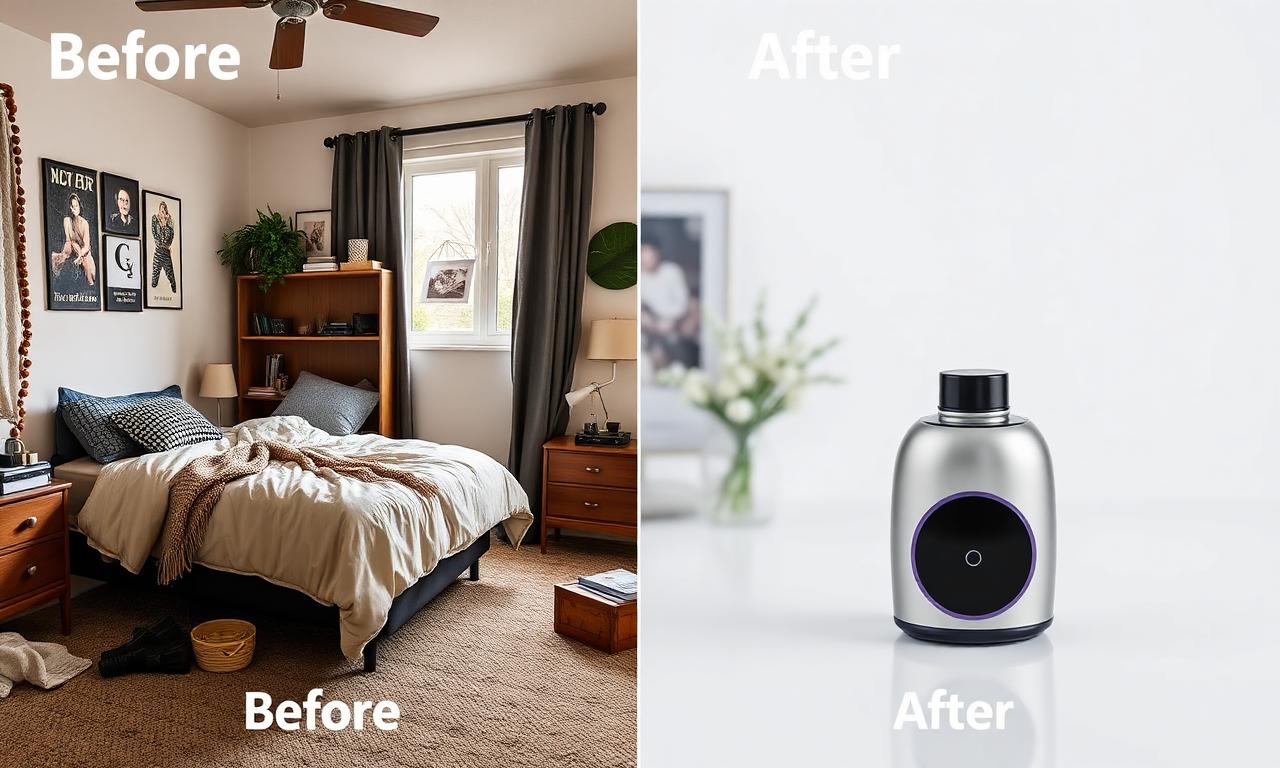
- Slot 7 — Comparison or before/after. Especially powerful for beauty, fitness, and home goods.
- Slot 8 — Infographic with 3 key benefits. Use simple text overlays; keep them short.
- Slot 9 — Trust signal. A user-generated photo, a review screenshot, or a certification badge.
Thumbnails for affiliate creator videos
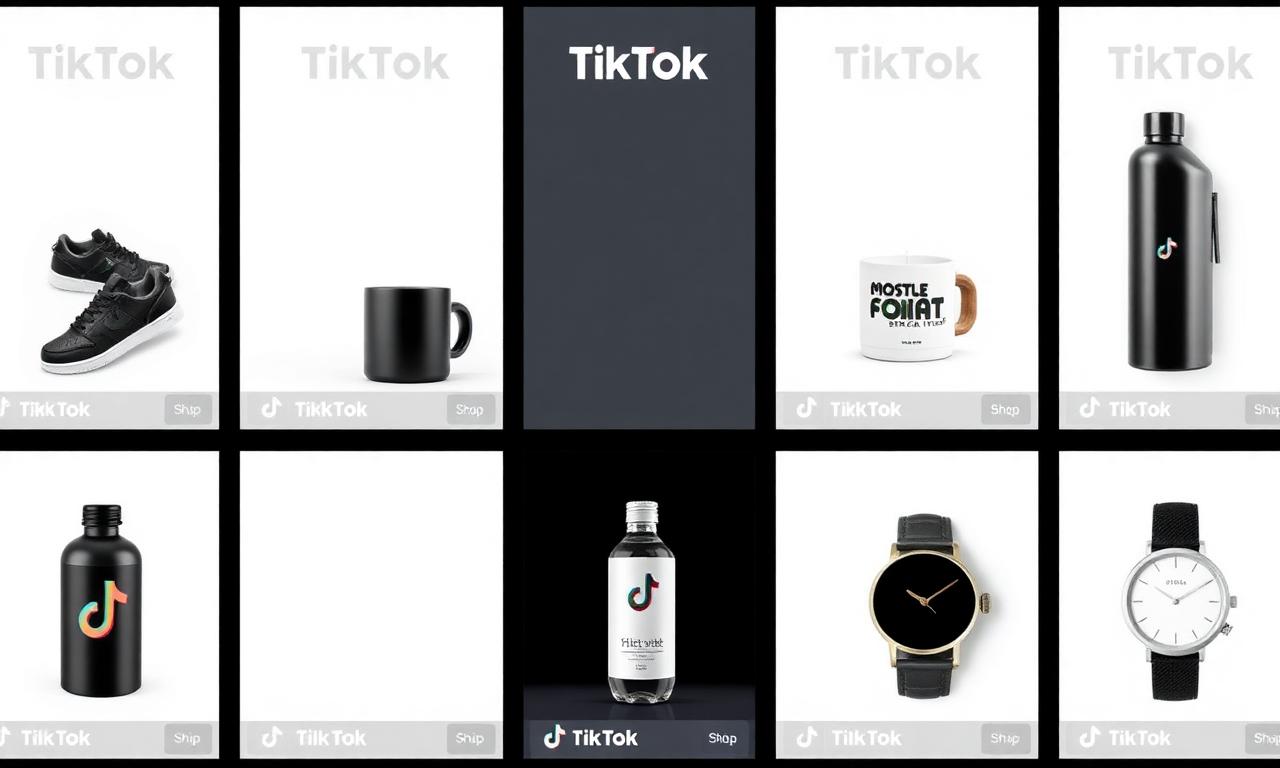
A surprisingly large slice of TikTok Shop sales now comes from affiliate creators stitching your product into their videos. The thumbnail of those videos is often a derivative of your slot-1 image. The same principles that make a great YouTube thumbnail — bold solid background, isolated product, high contrast — apply almost identically here. We've broken those down in detail in our guide on background removal for YouTube thumbnails.
Export settings: PNG vs JPG vs WebP
Once your composite is ready, the export step matters more than most sellers realize:
- JPG at 90% quality for solid-background main images on TikTok Shop. Smaller files, faster CDN delivery, indistinguishable visual quality.
- PNG only when you genuinely need transparency (e.g., overlaying the product onto a creator's video as a sticker).
- WebP for your own website or Shopify store (TikTok Shop itself does not yet accept WebP uploads).
The full tradeoff between the three formats — when each one is best, and how much file size you save — is covered in PNG vs WebP for Transparent Images. The short version for TikTok Shop sellers: ship JPG to TikTok, keep a PNG master in your archive, serve WebP on your own site.
Using ChatGPT for caption ideas (not for image edits)
A common mistake in 2026 is asking ChatGPT or similar tools to actually remove the background. As we documented in detail in Can ChatGPT remove image backgrounds?, generative models regenerate the image — they don't preserve your real product pixels. For TikTok Shop, where the listing must show the actual product the buyer receives, that's a non-starter. Use ChatGPT instead for what it's actually great at: writing compelling product copy, suggesting hook lines for the title, and drafting affiliate creator briefs.
A/B testing your main image
TikTok Shop Seller Center now exposes a basic A/B testing tool for the main image. Use it. The pattern we keep seeing in 2026 data:
- Pure white backgrounds beat lifestyle backgrounds 7 times out of 10 in the main slot.
- Three-quarter angles beat dead-on front shots about 2:1 in click-through rate.
- Adding one human element (a hand holding the product) to slot 2 lifts conversion by 8–15%.
- Listings using all 9 image slots out-convert thinner listings by roughly 22%.
Run two variants for at least 7 days or 1,000 impressions, whichever comes first. Background removal makes this iteration nearly free — once you have transparent PNG masters of every SKU, swapping the background takes seconds.
Five mistakes that get TikTok Shop listings rejected
- Watermarks or logos in the main image. Auto-rejected by review.
- Placeholder backgrounds (checkered transparency patterns saved as JPG). Embarrassing and disqualifying.
- Borrowed manufacturer photos with another brand's name visible.
- Aggressive sharpening or HDR filters that introduce halo artifacts at the cutout edge.
- Inconsistent crop across SKUs — your store looks unprofessional in the catalog grid.
The 10-minute pre-publish checklist
- Square 1600×1600 main image, pure white background.
- Product fills 70–80% of the canvas, centered.
- No watermarks, text, or promotional badges.
- All 9 image slots populated using the template above.
- Edges checked at 100% zoom for halo or jaggies.
- JPG export, sRGB color space, under 1 MB per image.
- File names descriptive (e.g.,
brand-product-color-front.jpg) for SEO. - Title and description written separately by a human or via ChatGPT, not auto-translated.
- Variants linked correctly in Seller Center.
- A/B test queued for the first 7 days post-launch.
Bottom line
TikTok Shop in 2026 rewards sellers who treat the main product image as the most important asset in the entire funnel. The technical bar is low — a phone, a ring light, a free in-browser AI cutout, and twenty minutes per SKU. The strategic bar is higher: consistent style across SKUs, all nine slots populated with intent, and continuous A/B testing on the main image. Start now by opening the MagicBG home page, dropping your latest product photo, and downloading the transparent PNG. The rest of this playbook is just discipline.