
May 15, 2026 · 14 min read · By MagicBG Team
Background Removal FAQ: 18 Questions Answered
The 18 most-asked background removal questions in 2026 — free tools, transparent PNG, commercial use, hair edges, AI quality, file formats and more.
We grouped the background removal questions people ask most often into 18 answers, based on how the tools actually work today.
The basics
1. What is the easiest way to remove the background from a photo?
Open a free in-browser tool like the MagicBG background remover, drag your photo into the upload zone, and download the transparent PNG two to four seconds later. There is no signup, no installs, no plugin to enable, and the image never leaves your device — the segmentation model runs locally through WebGPU. For a step-by-step walkthrough with screenshots, see our complete background removal guide.
2. How does AI background removal actually work?
Modern background removers use a semantic segmentation model — a neural network trained on millions of labelled images to predict, for every pixel, the probability it belongs to the foreground subject. The 2026 generation of models (descendants of U²-Net, BiRefNet, and SAM 2) handles hair, fur, glass, and motion blur cleanly. We broke down the architecture in plain language in our explainer on how AI background removal works.
3. Is it really free, or is there a hidden catch?
On MagicBG, the browser tool is free, with no watermark and no daily limit. That is possible because the AI runs in your browser, so we never pay GPU bills per image. The free tool exports up to 1024 px on the longest side; larger files and batch workflows are part of MagicBG Pro. Most other "free" tools (remove.bg, PhotoRoom, Adobe Express) also limit free output or stamp a watermark until you upgrade — read the fine print before you upload a high-resolution product photo.
4. Do I need to install anything?
No. Any modern browser can run the current tool directly through WebAssembly. This implementation does not use WebGL as a fallback; WebGPU is a separate browser API documented in MDN's WebGPU reference.

Image quality and source photos
5. Which photos work best for high-quality background removal?
Sharp, well-lit photos with reasonable contrast between subject and background always win. A few specific tips: shoot in daylight when possible, avoid backgrounds the same color as your subject's clothing or hair, and use the highest resolution your phone supports. Portrait Mode photos give the segmentation model a head start because the depth map already knows roughly where the subject ends.
6. Will I lose image quality when I remove the background?
The subject itself is not degraded: only the alpha channel (which pixels are visible) is modified. One thing to know about the free MagicBG tool is scale — images larger than about 1024 px on the long edge are scaled down before processing and exported at that size, so plan for that if you need a larger final file.
7. What's the maximum file size or resolution I can upload?
MagicBG accepts input files up to 15 MB, including large phone and DSLR shots. Images larger than about 1024 px on the long edge are scaled down before processing and exported at that size, so a 6000×4000 px original comes back as a smaller transparent PNG. Everything happens on your device, so the limit is about output size rather than a server quota.
8. Does it work on hair, fur, glass, and other tricky edges?
Yes. The 2026 model generation handles fine hair, curly hair, animal fur, transparent glass, motion blur, and even semi-transparent fabrics like tulle. The cases that still struggle are heavy hair-on-hair-color contrast (blonde hair on a pale wall), reflective metal that picks up the background, and very small subjects (under 100 pixels wide). For deeper edge cleanup, see our walkthrough on fixing jagged edges after background removal.

File formats and downloads
9. Should I save as PNG or WebP after removing the background?
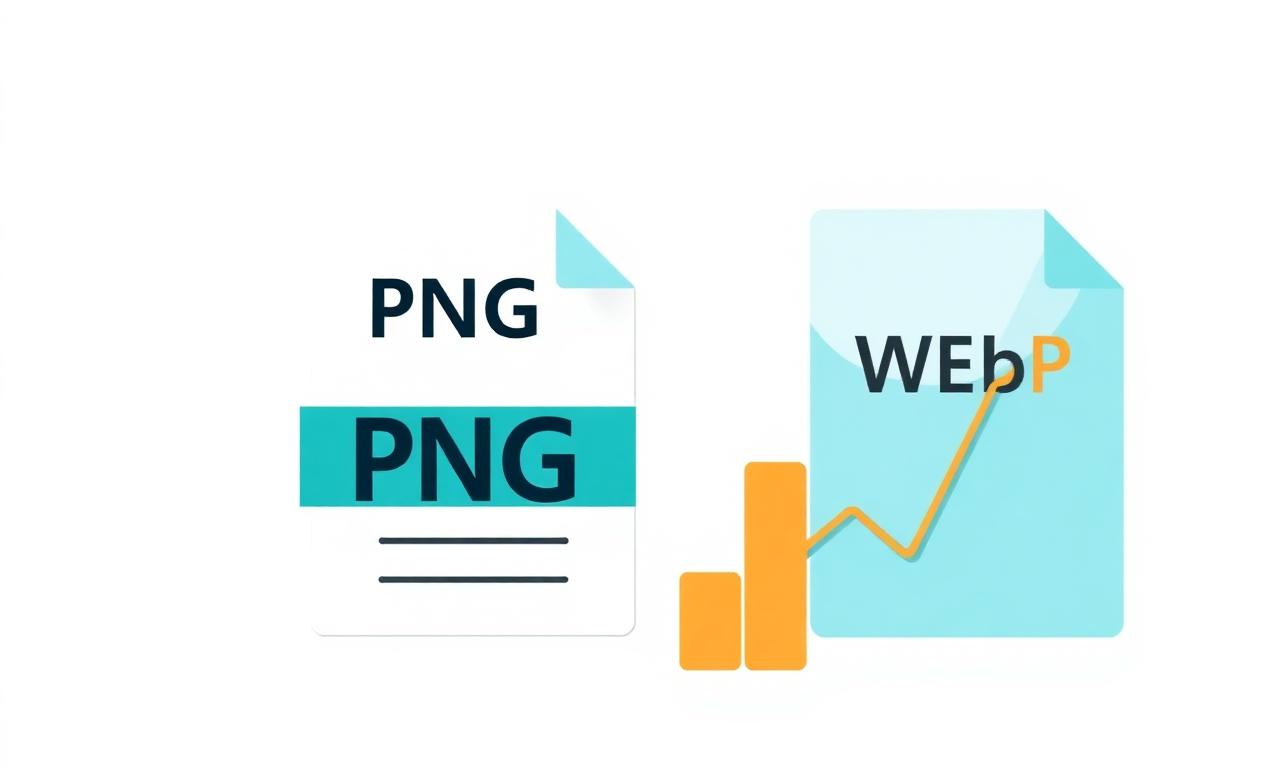
Use PNG when you need maximum compatibility — every browser, app, social platform, and marketplace accepts it. Use WebP when file size matters more than compatibility (web publishing, Shopify product images, large image libraries). Google's own comparison puts lossless WebP around 26% smaller than PNG, with lossy WebP smaller again. We compared them side by side in PNG vs WebP for transparent images.
10. Can I get a JPG with a transparent background?
No. JPG does not support transparency — the format has no alpha channel. If you save a transparent cutout as JPG, the empty pixels render as solid white. If you need a JPG, fill the transparent area with a chosen background color first (in Photopea, Canva, or any image editor) and then export.
11. Why does my downloaded image have a watermark?
Because the tool you used isn't really free. Remove.bg, PhotoRoom, and several mobile apps watermark free output to push you toward a paid plan. MagicBG never adds a watermark. It does scale images larger than about 1024 px on the long edge down before processing and export, since the AI runs in your browser rather than on a paid GPU server.
Devices and platforms
12. How do I remove a background on iPhone without an app?
On iOS 16 and later, open a photo in the Photos app, long-press the subject, and Apple's on-device Visual Look Up lifts it from the background. It works on people, pets, and recognized objects. For products, screenshots, or anything Visual Look Up doesn't recognize, open Safari and use a browser-based tool. Full walkthrough in our guide on removing backgrounds on iPhone.
13. Does it work on Android, iPad, and Chromebook?
Yes. Any device with Chrome, Edge, Safari, or Firefox supports the in-browser model. iPad and Chromebook actually run it faster than most phones because they have more GPU memory. On Android, Pixel Magic Eraser can do similar work for built-in subjects, but a browser tool gives you more control.
14. Can ChatGPT or Gemini remove backgrounds?
They can, but they regenerate the image rather than segment it — meaning fine details (text, labels, faces, product shape) often shift slightly. For casual use (memes, stickers, illustrative content), that's fine. For product photos, headshots, ID images, or anything where pixel fidelity matters, use a real segmentation tool. We tested ChatGPT specifically in can ChatGPT remove image backgrounds?.
Use cases and rights
15. Can I use the result commercially?
Yes. The cutout is your image — MagicBG only modifies the alpha channel; we don't claim any rights to the output. You can use it on Amazon, Shopify, Etsy, Instagram ads, printed packaging, anywhere. The same rule applies to most browser-based tools, but always check the terms of service before uploading client work; some server-based tools reserve a license to use your uploads for training.
16. What about my privacy — where do my photos go?
It depends which feature you use. The on-device tools — background remover, white background maker, resizer, cropper, converter and compressor — never upload your photos: the model is downloaded to your browser the first time you visit, and every cutout happens locally. The AI features — photo analysis, listing copy, Product Studio and the Complete Listing Generator — send the photo you choose to a remote AI provider, because that work cannot run in a browser. This distinction matters when the photo includes children, ID documents, your home, or unreleased product designs.
17. Can I remove backgrounds in bulk?
The free background remover processes one image at a time. Batch removal of up to 50 images at once is part of MagicBG Pro. For programmatic bulk processing, open-source libraries such as rembg can be used in a Python workflow.
18. What background color should I use after the cutout?
Depends on the use case. For LinkedIn headshots, soft slate (#E7ECEF) or LinkedIn blue (#0A66C2) — see the full color cheat sheet in our LinkedIn headshot guide. For Amazon product listings, pure white (#FFFFFF) is required by Amazon's image policy — details in our Amazon listings guide. For YouTube thumbnails, a high-saturation color that contrasts your subject — covered in our YouTube thumbnails guide.
Bottom line
Background removal in 2026 is a five-second job that used to take five minutes. The 18 questions above cover the questions we are asked most often. Niche use cases, specific edge artifacts and programmatic workflows usually have a dedicated guide on this blog. Open the MagicBG background remover, drop in your photo, and ship.
Where this fits in the workflow
Most follow-up questions are really about what happens after the cutout: resizing, compressing, or putting the subject on plain white for a marketplace.