
May 31, 2026 · 12 min read
Discord PFP Maker: Remove Background for the Perfect Profile Picture (2026)
Make a clean Discord PFP in seconds. Remove the background from any photo with a free AI tool, get a transparent PNG, and upload the perfect Discord profile picture — no app, no signup, no watermark.
A great Discord PFP is the fastest way to stand out in any server. Whether you run a gaming community, a study group, or a 50,000-member fandom, your Discord profile picture is the first thing people see next to every message you send. The single biggest upgrade you can make? Remove the messy background and replace it with a clean, transparent cutout or a bold solid color. In 2026 you can do this in about five seconds with a free AI background remover no Photoshop, no app, no signup, and no watermark. Want to skip the reading? Open MagicBG and make your Discord PFP now.
This guide covers everything: why a clean PFP gets more attention, the exact step-by-step workflow, the perfect Discord avatar dimensions, ideas for cute and cool profile pictures, server banners, and the most common mistakes that make an otherwise great pfp look amateur. By the end you'll have a scroll-stopping avatar you can reuse across Discord, Steam, Twitch, and every other platform.
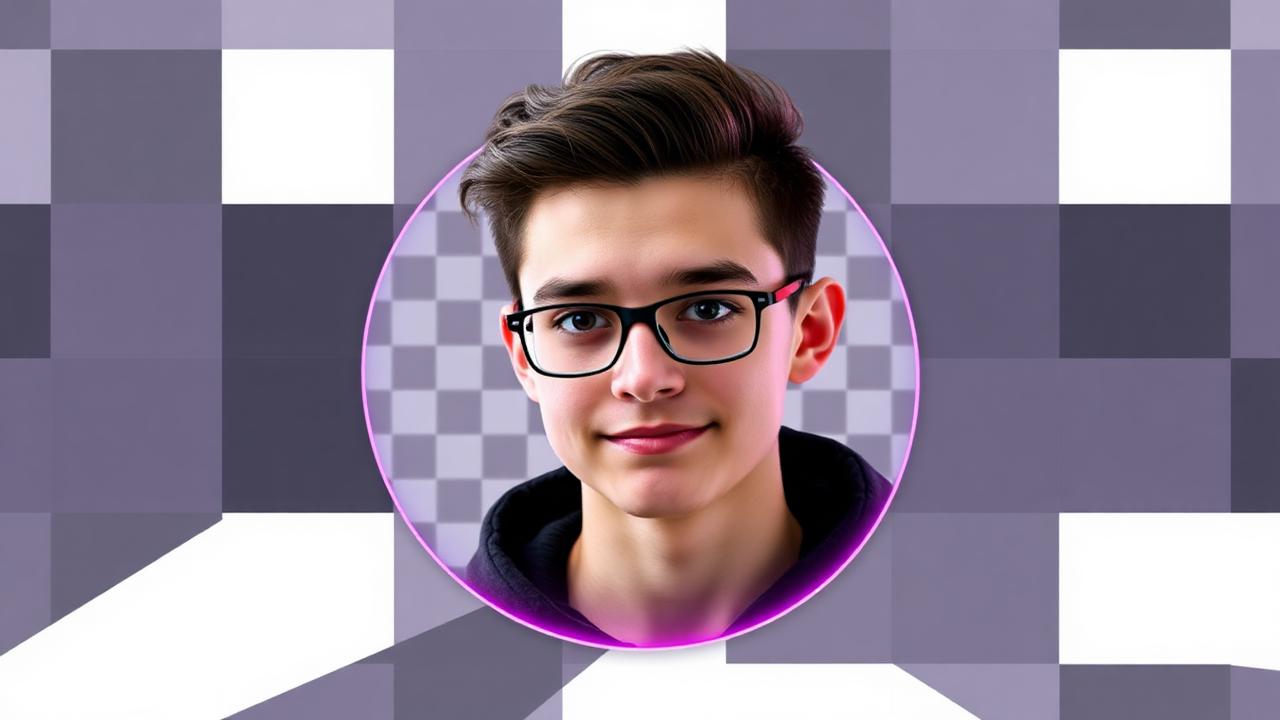
Why a clean Discord profile picture matters
Discord shows your avatar as a small circle often just 40 pixels wide in the member list and chat. At that size, a busy bedroom or street background turns into visual noise and your face (or character) disappears. Three things make removing the background a quiet superpower:
- Instant recognition. A clean subject on a solid color is readable at any size, so friends spot your messages faster.
- A more "tuff" pfp. The aesthetic, high-effort look that defines a good Discord pfp almost always starts with a clean cutout, not a raw camera-roll selfie.
- Consistency everywhere. One transparent PNG works as your Discord pfp, Steam avatar, Twitch icon, and Reddit photo a unified personal brand across every gaming platform.
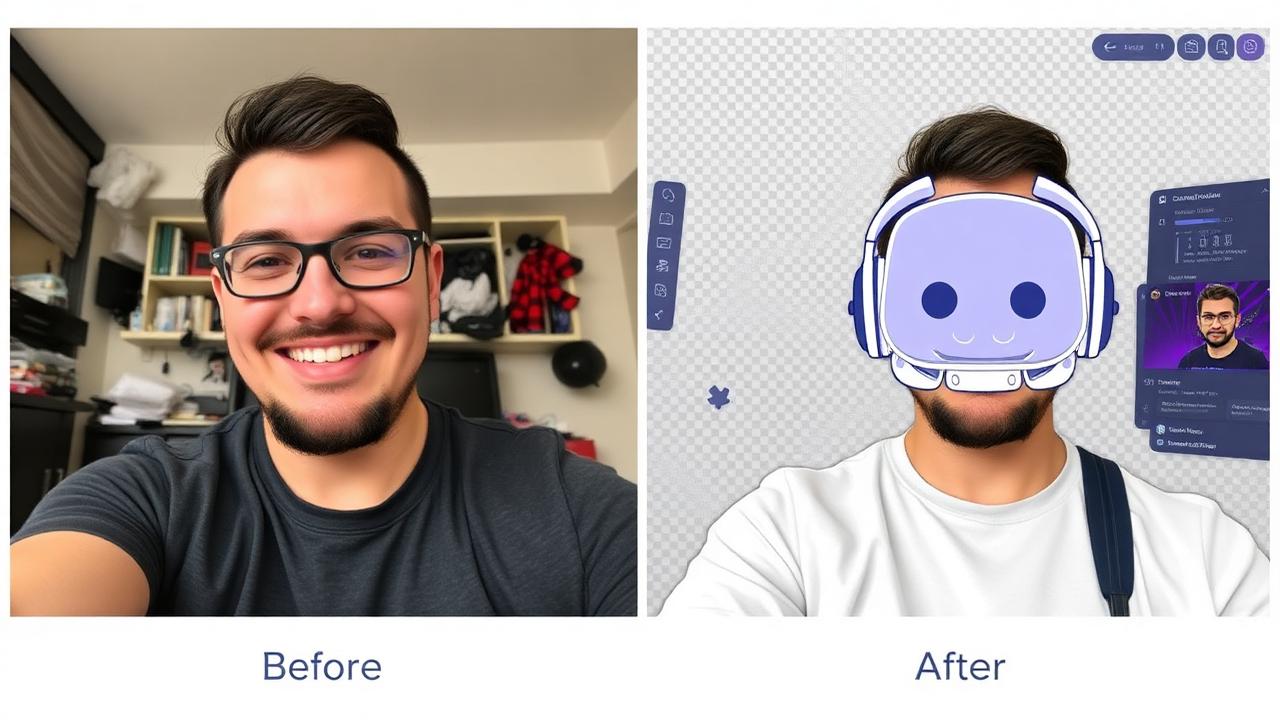
The fast answer: make a Discord PFP in 3 steps
Here's the whole workflow. The entire thing takes less time than it takes Discord to load your server list:
- Upload your photo to a free background remover.
- Wait ~5 seconds while the AI isolates you (or your character) and deletes the background.
- Download the transparent PNG, optionally drop a solid color behind it, and upload it as your Discord profile picture.
That's it. No subscription, no "remove bg" credits to buy, and no watermark stamped across your face. The cutout is yours to reuse forever.
Step-by-step: remove the background for your pfp
1. Pick a strong source photo
AI quality is mostly about the input. A sharp, well-lit photo where you (or your subject) clearly stand out from the background gives the cleanest cutout. Avoid extreme backlighting and motion blur. If your subject's hair or hood blends into a dark wall, the edges get harder shoot against a contrasting background when you can.
2. Remove the background
Open the free AI background remover and drag your image into the upload zone. The model detects the subject and removes everything else automatically. The technology behind this is called image segmentation you can read a plain-English overview on Wikipedia, or see how the manual approach compares in Adobe's Select Subject documentation. For our deeper explainer, see how AI background removal works.
3. Add a background color (optional but recommended)
A fully transparent PNG shows Discord's default gray behind it, which can look flat. Dropping a bold solid color Discord's signature blurple (#5865F2), a deep black, or a pastel behind your cutout makes the avatar pop in both light and dark themes. This is the secret behind most "cool pfps" and aesthetic profile pictures you see on busy servers.
Perfect Discord avatar dimensions in 2026
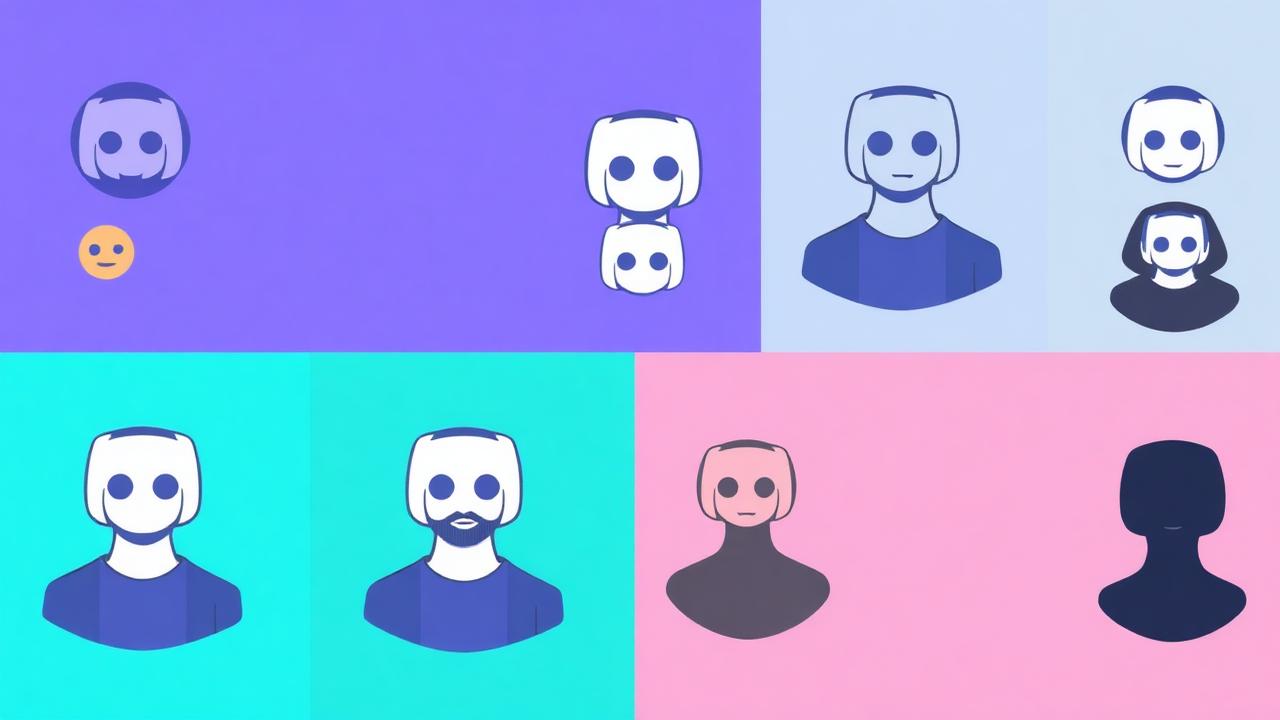
Discord crops every avatar into a circle, so keep your subject centered and leave a little breathing room around the edges. The technical specs:
- Recommended upload size: 1024×1024 px (square). Discord downscales cleanly.
- Minimum: 128×128 px anything smaller looks soft.
- Format: PNG for transparency, or animated GIF for an animated pfp (Nitro only).
- Max file size: 10 MB for images, 8 MB for GIFs.
- Safe zone: keep faces and key details within the central 80% so the circular crop doesn't clip them.
How to change your Discord profile picture
Once your transparent PNG is ready, uploading it takes seconds. On desktop and mobile the steps are nearly identical:
- Open User Settings (the gear icon next to your name).
- Go to My Account → Edit User Profile.
- Tap Change Avatar and select your new cutout PNG.
- Adjust the crop so your subject sits inside the circle, then hit Apply and Save Changes.
Pro tip: with Discord Nitro you can also set a per-server pfp, so you can run a "tuff" gaming avatar in one server and a cleaner, professional headshot in another both built from the same workflow.
PFP ideas: cute, cool, and tuff
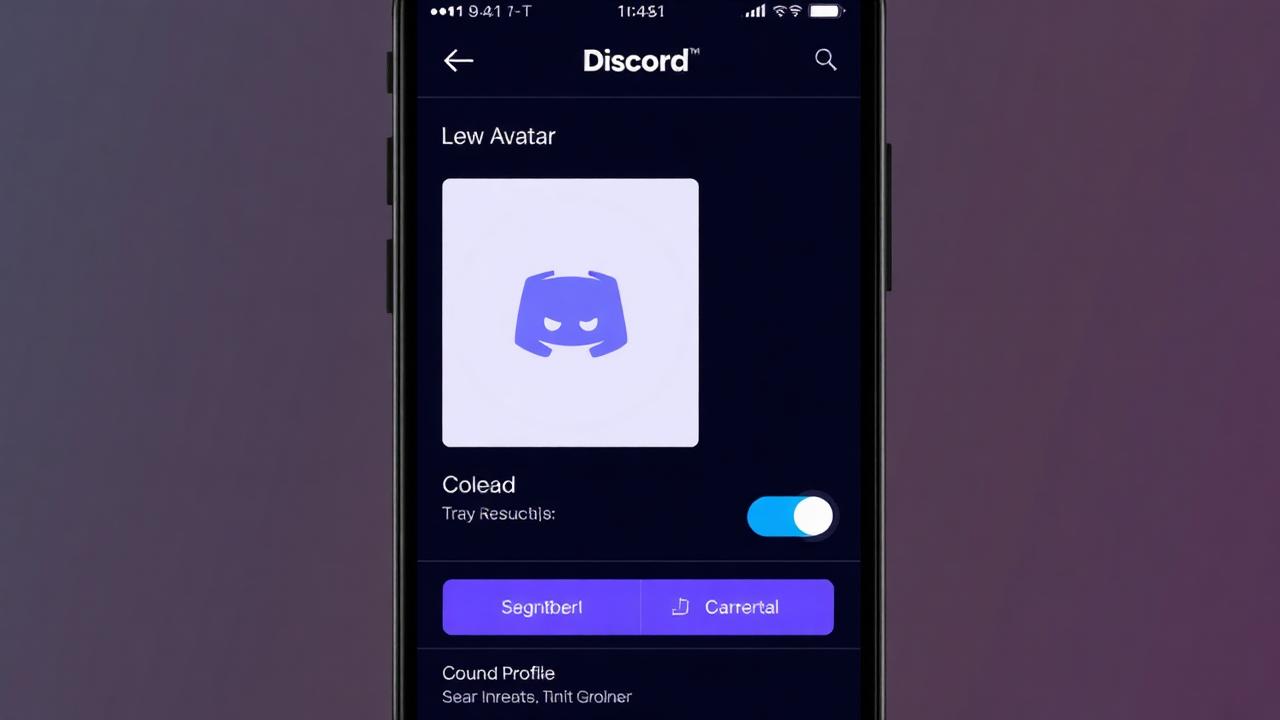
A clean cutout is the foundation here's how to turn it into different vibes that match popular searches like "cute profile pictures," "cool pfps," and "aesthetic profile picture":
- Cute pfp: pastel background (soft pink, lilac, mint), maybe a subtle sticker or sparkle overlay.
- Cool / tuff pfp: black or blurple background, high contrast, slight glow around the subject.
- Matching pfps: use the same background color and crop for you and a friend so your avatars look like a set.
- Brand / streamer pfp: your logo or mascot cut out and placed on your channel's accent color for instant recognition.
Because the cutout has a transparent edge, you can swap the background as often as you change your mood without ever re-editing the subject. Want a matching Discord banner? Use the same cutout on a wider canvas for a cohesive profile.
One cutout, every platform
The best part of making a transparent PNG is reuse. The exact same cutout works as your Instagram profile picture, your LinkedIn headshot, a WhatsApp sticker, a Twitch icon, or a Steam avatar. Make the background-free version once and you've effectively refreshed your identity across every app you use.
Common mistakes to avoid
- Tiny low-res source. A 200px screenshot upscaled to 1024 looks blurry. Start big.
- Subject too small. Discord's circle crop is aggressive fill the frame with your face or character.
- Halos and rough edges. If you see a light fringe, re-shoot against contrast or follow our jagged edges fix.
- Wrong file type. Save as PNG to keep transparency a JPG bakes in a white box.
- Watermarked tools. Many "free" removers stamp a logo on your pfp. MagicBG never does.
Discord PFP FAQ
What is a Discord PFP?
PFP stands for "profile picture." Your Discord pfp is the circular avatar shown next to your username in every server, DM, and message.
How do I make a transparent Discord profile picture?
Upload your photo to a free background remover, let the AI delete the background, download the transparent PNG, and set it as your avatar in Discord settings.
Can Discord remove the background for me?
No. As of 2026 Discord can't remove backgrounds itself you prepare the cutout in a separate tool first, then upload the finished PNG.
Is it free and safe?
Yes. With MagicBG your images are processed locally in your browser and never uploaded to a server, so your photos stay private and there's no watermark or signup.
Bottom line
A standout Discord profile picture went from a Photoshop chore to a five-second browser task. Remove the background, drop in a bold color, and you've got a clean, "tuff" avatar that reads at any size and works across every platform you use. Make it once, reuse it everywhere free, private, and watermark-free. Open MagicBG and make your Discord PFP now.