
May 29, 2026 · 12 min read
Instagram Background Removal: Free AI Guide for PFP & Posts (2026)
Remove the background from your Instagram profile picture, posts, Reels covers, and Stories in 5 seconds with a free AI tool — no app, no signup, no watermark.
Instagram background removal is one of the most searched creator skills of 2026 and for good reason. A clean, distraction-free profile picture gets more profile visits, a consistent feed grid earns more follows, and a transparent product cutout converts more shoppers in Instagram Shopping. The best part: you no longer need Photoshop, a paid app, or a designer. A free AI background remover that runs right in your browser does it in about five seconds, with no signup and no watermark.
This guide walks through every Instagram surface that benefits from a removed background profile pictures (PFP), feed posts, Reels covers, Stories, and Shopping product tags plus the exact workflow, dimensions, and mistakes to avoid. Want to skip the reading? Open MagicBG and remove your background free right now.
Why background removal matters on Instagram
Instagram is a visual-first platform where your image is your first impression. Three things make a removed background a quiet superpower:
- Profile pictures are tiny. Your PFP renders at roughly 110 px on a phone. A busy background turns to mush at that size, but a clean cutout on a solid color stays sharp and recognizable.
- Feed cohesion drives follows. When every product or portrait sits on the same background color, your grid looks like a brand instead of a camera roll. Cohesive grids convert casual visitors into followers far more reliably.
- Shopping needs clean product shots. Instagram Shopping and product tags perform best with crisp, isolated products the same standard that Amazon listings demand.
Ready to see the difference on your own image? Drop a photo into MagicBG it’s free.
The fast answer: 3 steps, 5 seconds
- Upload your photo to a free AI background remover.
- Wait a few seconds while the AI isolates the subject.
- Download the transparent PNG, then drop it onto any background color you like.
How to remove the background from your Instagram PFP
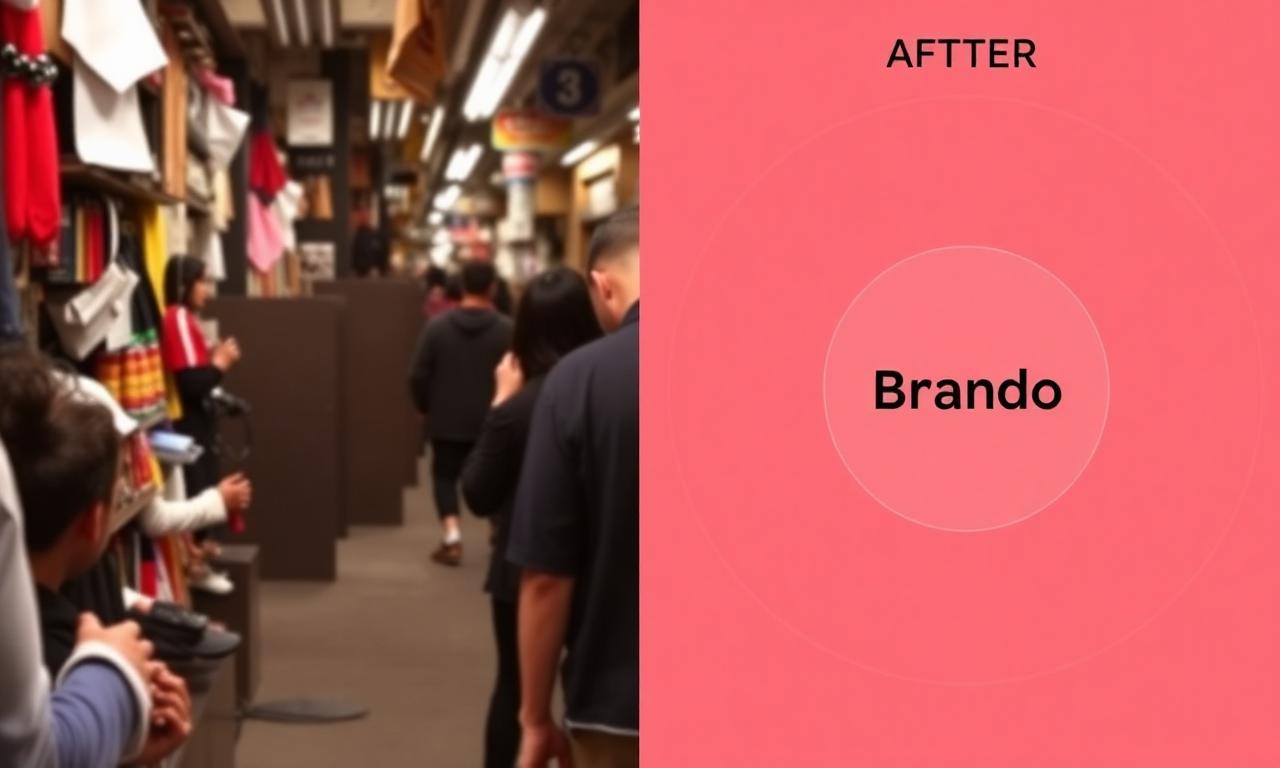
A great profile picture is the single highest-leverage image on your account. Here is the full workflow for a scroll-stopping PFP:
- Pick a photo where your face or logo is well-lit and in focus.
- Open MagicBG and drag the image into the upload zone. The AI returns a transparent PNG in seconds.
- Place the cutout on a solid brand color or subtle gradient. High contrast between you and the background keeps the PFP legible at 110 px.
- Crop to a perfect square (1080×1080 px is plenty), keeping your head centered Instagram masks the PFP into a circle, so leave breathing room at the edges. See Instagram's official profile photo help for the current size rules.
For a professional look that also works on other platforms, follow the same lighting rules in our LinkedIn headshot guide one clean portrait can power your whole online presence.
Cohesive feed posts and product photos
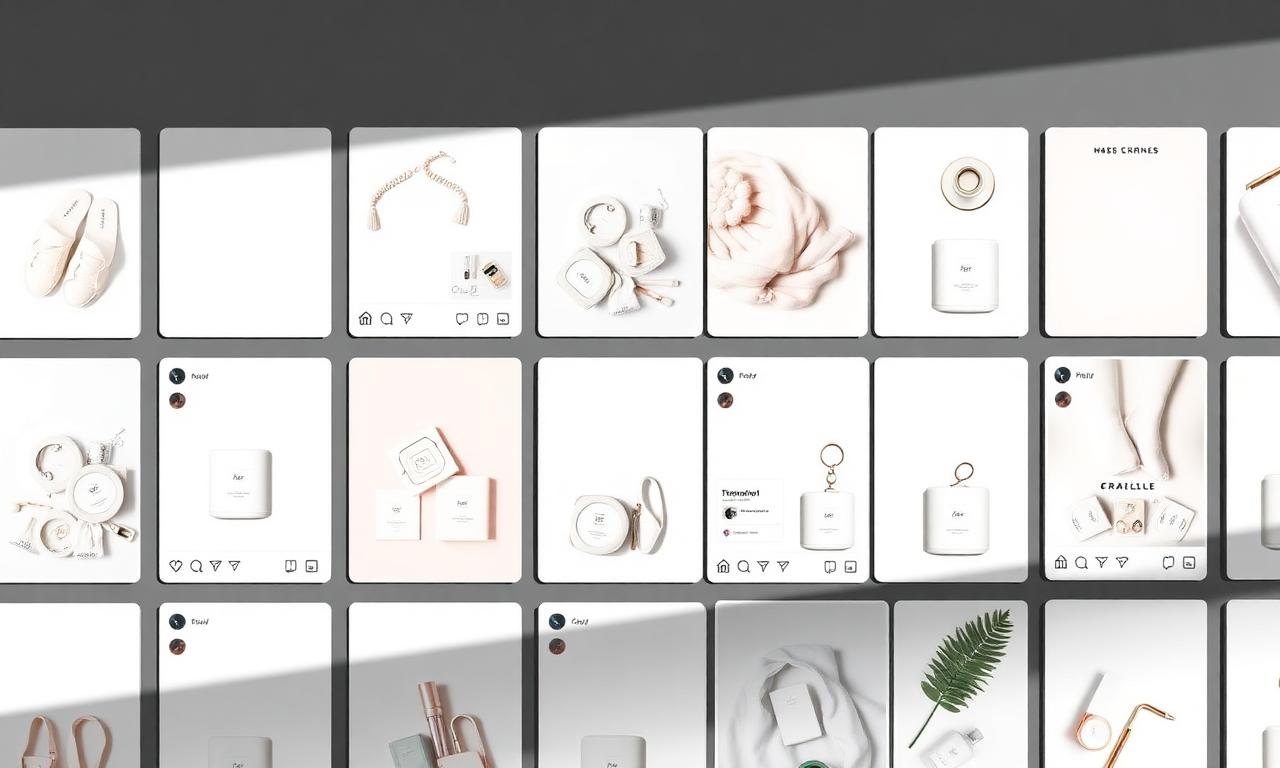
The fastest way to make an Instagram grid look professional is to standardize backgrounds. Remove the background from each product or portrait, then drop them all onto the same color soft white, pastel, or a brand tone. Suddenly nine random photos read as one intentional brand.
For shop owners, the workflow is identical to marketplace prep. If you also sell on other channels, our guides for TikTok Shop, Amazon, and YouTube thumbnails all start from the exact same transparent PNG. Create the cutout once, reuse it everywhere. Make your first cutout free.
Reels covers and Stories stickers
Reels covers are the thumbnails of 2026. A cover with a clean cutout of you (or your product) layered over a bold background color out-clicks a flat screenshot every time. The recipe:
- Remove the background from a sharp frame or selfie.
- Layer the transparent PNG over a high-contrast background in any free design app.
- Add a short, bold title three or four words max so it reads on a tiny grid tile.
For Stories, a transparent PNG behaves like a custom sticker. Drop your cutout onto a colored background, a screenshot, or a behind-the-scenes shot to create polished, on-brand stickers without any design skills. The same trick powers great slides and presentation graphics.
Instagram image dimensions cheat sheet (2026)
- Profile picture: upload 320×320 px or larger (square); displays as a circle.
- Square post: 1080×1080 px (1:1).
- Portrait post: 1080×1350 px (4:5) the best ratio for feed real estate.
- Reels & Stories: 1080×1920 px (9:16).
- Reels cover: 1080×1920 px, but keep key elements in the center 1:1 crop.
Export your cutout as a transparent PNG, then resize to the target ratio in any editor. Curious whether PNG or WebP is better for upload quality? See PNG vs WebP for transparent images.
Handling hair, fur, and tricky edges
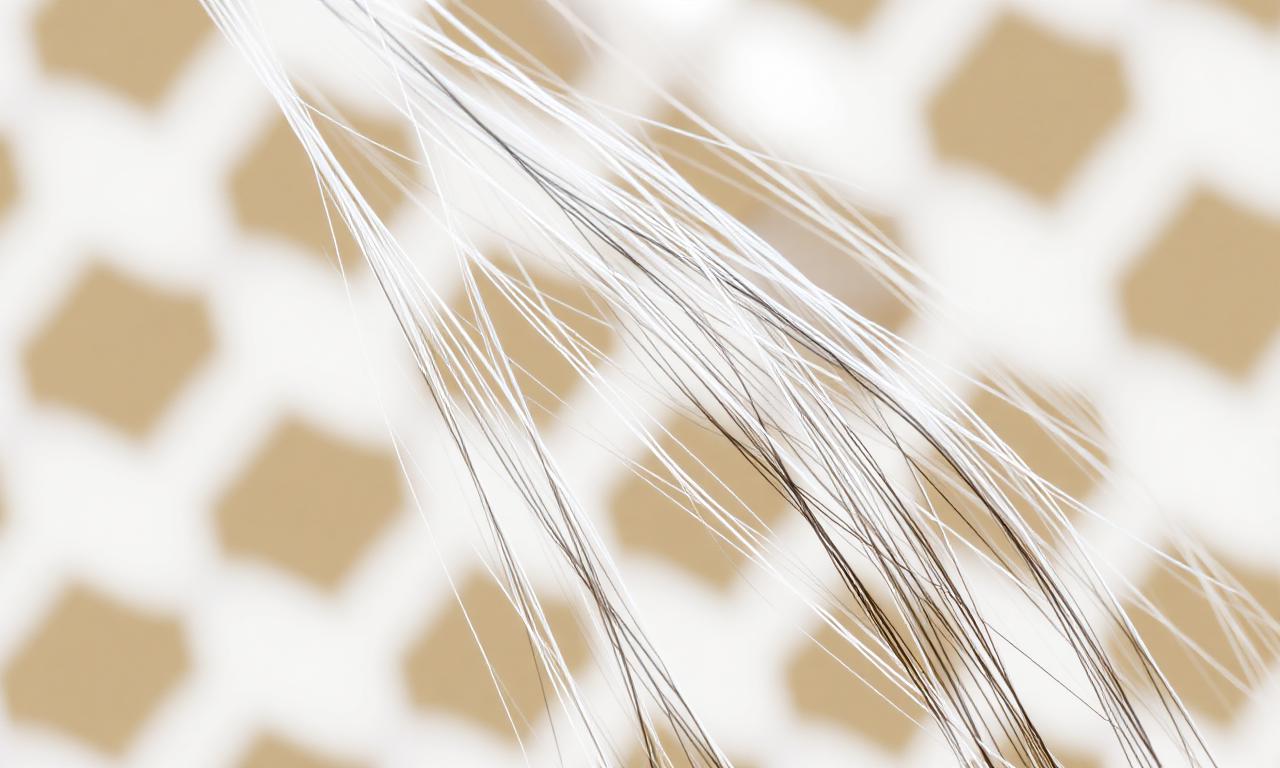
The most common reason a cutout looks fake is rough edges around hair. Modern 2026 segmentation models handle fine strands remarkably well, but the source photo still matters most. Shoot against a contrasting background, use soft even lighting, and avoid motion blur.
If you still see a halo or jagged outline, our walkthrough on fixing jagged edges after background removal covers feathering, refining, and re-running with a better source. For a deeper look at the technology, read how AI background removal actually works.
Apps vs. browser tools: what to use in 2026
The Instagram app has no built-in background remover, so most people reach for a third-party app. The problem with apps is the familiar trade: free tiers slap on watermarks, push subscriptions, and upload your photos to their servers. A browser-based AI tool avoids all three:
- No watermark your cutout is clean and ready to post.
- No signup or subscription open the page and go.
- Privacy by default MagicBG processes images locally in your browser, so your photos never leave your device.
That last point matters for creators sharing unreleased products, personal selfies, or client work. With a local tool, nothing is uploaded to a server you don’t control. Try the private, free background remover now.
Common Instagram cutout mistakes (and fixes)
- Low-contrast PFP. A pale subject on a pale background disappears at 110 px pick a bolder backdrop.
- Inconsistent feed colors. Use one or two background tones across all posts for a unified grid.
- Over-cropped heads. Instagram’s circle mask clips edges; leave padding around faces and logos.
- Compressed re-uploads. Export the highest quality PNG and resize once don’t screenshot the result.
Frequently asked questions
Can I remove an Instagram background for free?
Yes. MagicBG removes backgrounds free with no signup and no watermark. Upload your photo, download the transparent PNG, and post it.
Does Instagram have a built-in background remover?
No. As of 2026 the Instagram app cannot remove backgrounds itself, so you’ll prepare the cutout in a separate tool and then upload the finished image.
Will the cutout look fake or have rough edges?
Not with a good source photo. Modern AI keeps fine hair and edge detail intact. If you see a halo, re-shoot against a contrasting background or follow our edge-fixing guide.
Is it safe to upload my selfies?
With MagicBG, your images are processed locally in your browser and never sent to a server, so your photos stay private on your own device.
Bottom line
Instagram background removal went from a Photoshop chore to a five-second browser task. A clean PFP, a cohesive feed, scroll-stopping Reels covers, and conversion-ready Shopping photos all start from one transparent PNG. Make it once, reuse it everywhere free, private, and watermark-free. Open MagicBG and remove your background now then come back and turn that cutout into a brand-new feed.