
June 11, 2026 · 11 min read
Free PNG Maker: Create Transparent PNGs in Seconds (2026)
Turn any photo into a transparent PNG with a free online PNG maker. AI removes the background in seconds — no Photoshop, no watermark, no signup. 2026 guide.
A "PNG maker" is exactly what it sounds like: a tool that turns any image into a PNG file — almost always with a transparent background. That transparency is the whole point. A PNG with no background drops cleanly onto a website header, a marketplace listing, a slide, a sticker, or a T-shirt mockup without an ugly white box around it. This guide explains what a PNG maker actually does, how to make a transparent PNG for free in seconds, and when PNG is the right format versus JPG or WebP.
What is a PNG maker?
PNG (Portable Network Graphics) is a lossless image format with one feature JPG lacks: an alpha channel, which stores transparency per pixel. A PNG maker creates that file for you, typically by removing the existing background so the subject sits on transparency. Modern PNG makers use AI image segmentation to detect the subject automatically — no manual erasing, no magic wand, no halo. If you want the technical background, Wikipedia's PNG entrycovers the format in depth.
How to make a transparent PNG (3 steps, under a minute)
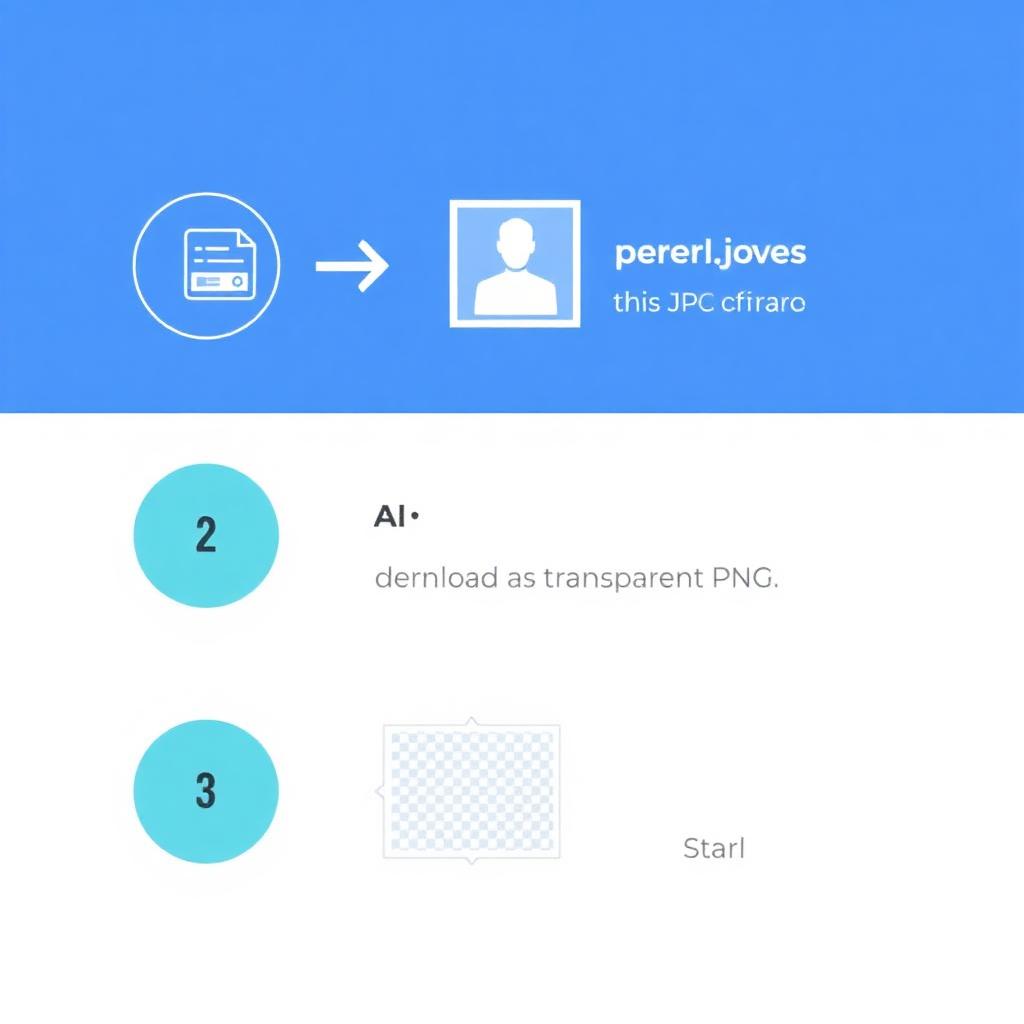
- Upload. Drop a JPG, PNG, or WebP into the tool.
- Remove the background. The AI isolates the subject in a few seconds.
- Download. Save the transparent PNG and use it anywhere.
You can do all three on the MagicBG home page — free, no watermark, no signup, no daily limit. The model runs locally in your browser, so your image never gets uploaded to a server.
PNG vs JPG: why transparency matters
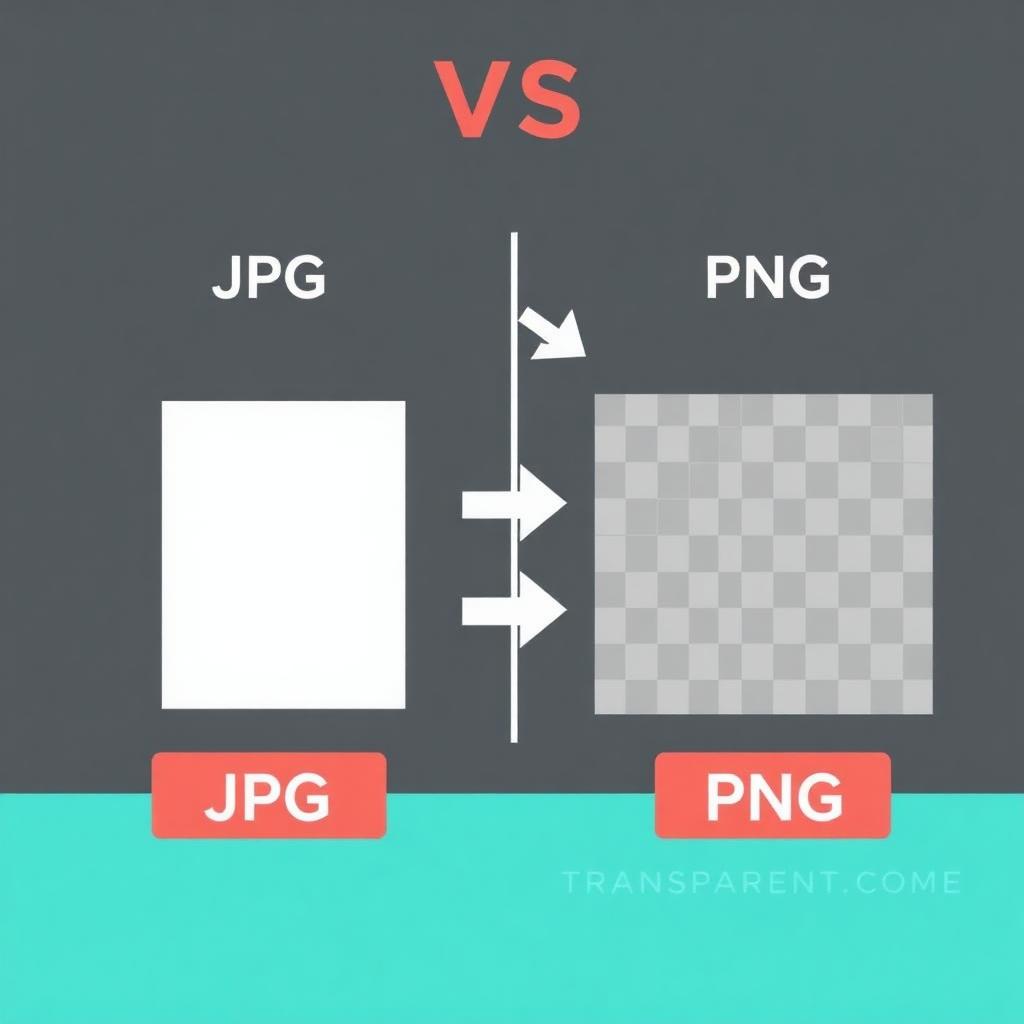
The single biggest reason people look for a PNG maker is that JPG can't be transparent. A JPG always has a solid background, so a logo or product saved as JPG carries a white (or colored) box wherever you place it. PNG's alpha channel removes that box. The trade-off is file size: PNG files are larger than JPGs because they're lossless. For photos with no transparency, JPG is smaller; for anything that needs a see-through background, PNG is the answer.
- Use PNG when: you need transparency — logos, cutouts, icons, overlays, stickers, product shots on colored pages.
- Use JPG when: it's a full-bleed photo with no transparency and you want the smallest file.
- Use WebP when: you want transparency and small files for the web. See our PNG vs WebP guide.
What you can do with a transparent PNG
- Logos & branding: drop your mark on any colored header or business card. See removing a logo background.
- Marketplace listings: a clean cutout for Amazon, Etsy, Shopify, and eBay. Start with our ecommerce product photos guide.
- Stickers & chat: transparent PNGs become WhatsApp and Telegram stickers — see making WhatsApp stickers.
- Presentations: place subjects on slides without white boxes. More in backgrounds for presentations.
- Profile pictures: swap the background behind a headshot for Discord, Instagram, or LinkedIn.
Does making a PNG reduce quality?
No. PNG is lossless, so the exported file keeps the original pixels of your subject at full resolution — the only thing removed is the background. This is exactly why designers ship logos and product cutouts as PNG: there's no generation-loss the way repeatedly saving a JPG degrades it. A good PNG maker also preserves fine edges like hair and fur; if you ever see a rough outline, our guide on fixing jagged edges shows the cleanup steps.
Tips for the cleanest PNG
- Start sharp. A well-lit, in-focus source with decent subject/background contrast gives the AI the cleanest edge to find.
- Keep full resolution. Export at the original size; downscale later only if a platform requires it.
- Check the edges at 100%. Zoom in before you ship to catch any stray fringe.
- Switch to WebP for the web. If page speed matters, a transparent WebP is far smaller than PNG with no visible quality loss.
FAQ
How do I make a transparent PNG for free?
Open MagicBG, upload your image, let the AI remove the background, and download the transparent PNG. No watermark, signup, or daily limit.
Can a PNG maker work on my phone?
Yes. MagicBG runs in your phone's browser, so you can make a transparent PNG on iPhone or Android with no app to install.
What's the difference between a PNG maker and a background remover?
They're the same job from two angles: a background remover deletes the backdrop, and the result is exported as a transparent PNG. A PNG maker simply emphasizes the output format.
Bottom line
A PNG maker turns any image into a transparent PNG you can drop anywhere — no white box, no Photoshop, no watermark. In 2026 it takes one upload and a few seconds. Open the MagicBG home page, drop in your image, and download your transparent PNG.