
June 6, 2026 · 12 min read · By MagicBG Team
Last updated: September 21, 2026
Transparent Background Maker: Make Any Image Transparent
Learn how transparent background makers work, how to create a watermark-free PNG, and how to check edges before using the result.
A transparent background maker turns a photo into a PNG with no background. AI-powered tools can identify the subject, preserve many hair and fabric edges, and export a reusable transparent file without requiring manual masking. Whether you are selling products online, designing social media content, building a portfolio, or preparing passport photos, knowing how to make an image background transparent is a useful skill. This guide explains how transparent backgrounds work, which workflows suit different images, and how to avoid the common mistakes that ruin cutouts.
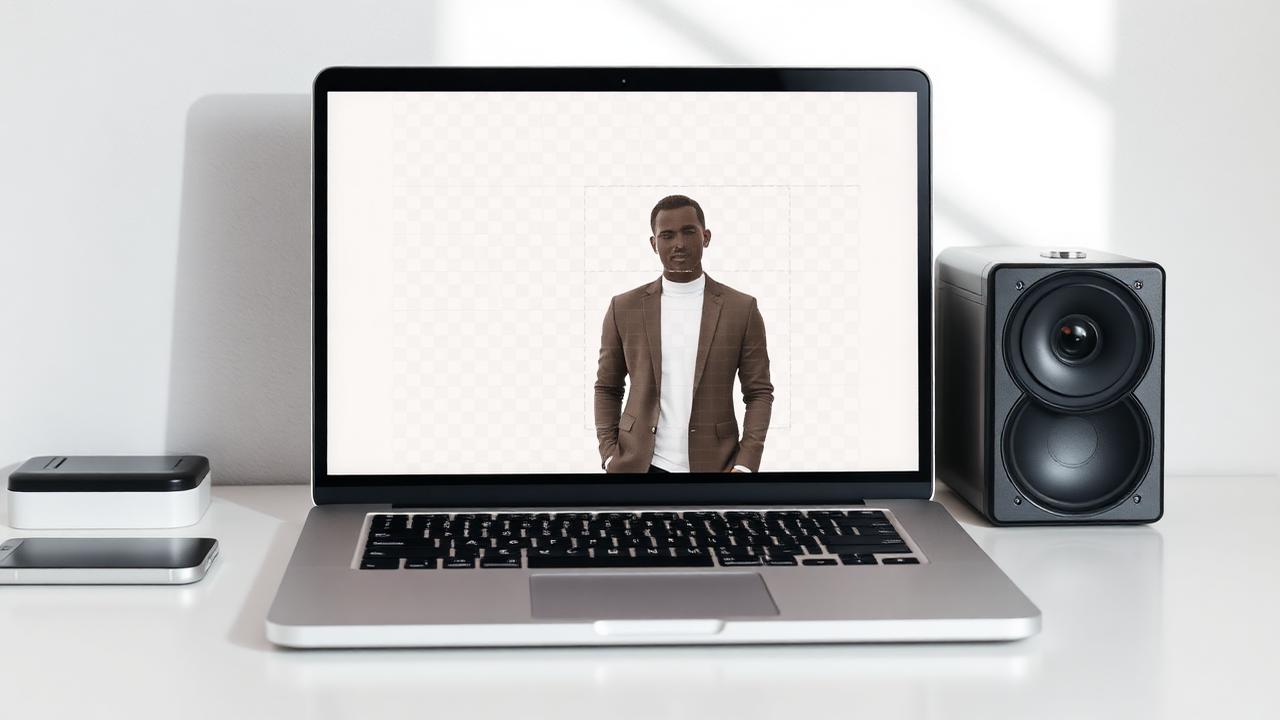
What is a transparent background maker?
A transparent background maker is a software tool — usually powered by a machine-learning segmentation model — that identifies the foreground subject in a photograph and removes everything behind it. The result is a PNG file with an alpha channel, which means the pixels behind the subject are not black, not white, and not any color at all. They are simply absent. This lets you place the cutout subject on top of any background, color, texture, or other image without visible seams.
The technology behind this has evolved dramatically. Early tools relied on chroma keying, which required a solid green or blue screen behind the subject. Manual masking in Photoshop took skill and patience. Today's transparent background makers use deep neural networks trained on millions of labeled images. These models learn to recognize people, products, animals, vehicles, and everyday objects, then generate a per-pixel mask that separates the subject from its surroundings. The mask is applied to the original image, preserving every detail of the foreground while making the background transparent.
Why you need a transparent background in 2026
Transparent backgrounds are not just a design preference — they are a practical requirement across dozens of industries and platforms. Here is where a transparent PNG makes the biggest difference.
- E-commerce: Amazon, eBay, Etsy, and Shopify all recommend or require product photos on a clean, uniform background. Removing the background and optionally adding white or grey gives listings a professional, consistent look that increases click-through rates.
- Social media: YouTube thumbnails, Instagram stickers, TikTok overlays, and Discord avatars all work better when the subject floats cleanly over a custom background. A transparent PNG gives creators the flexibility to compose eye-catching visuals.
- Marketing and branding: Logos, signatures, headshots, and promotional graphics need to sit on websites, slide decks, email headers, and printed materials. A transparent background ensures the asset blends seamlessly into any layout.
- App and game development: Sprites, character assets, UI icons, and item images in mobile and web games are almost always delivered as transparent PNGs so they layer correctly over gameplay backgrounds.
- Documentation and education: Teachers, trainers, and technical writers use transparent cutouts to build diagrams, annotate screenshots, and create instructional content where the subject must stand out from the page.
Method 1: Free online transparent background maker (recommended)
The fastest and simplest way to make a background transparent in 2026 is a browser-based AI tool. These services run entirely on your device using WebGPU, which means your photo never uploads to a server, there is no account to create, and no watermark is ever added to the output.
Here is the exact workflow:
- Upload your image. Drag any JPG, PNG, or WebP file into the browser window. The tool accepts high-resolution photos up to several megabytes.
- Let the AI process. The segmentation model analyzes the image, identifies the foreground subject, and generates a precision mask. On a modern laptop or phone, this takes two to four seconds.
- Download the transparent PNG. The free tool exports up to 1024 px on the longest side (larger inputs are scaled down before processing). Every pixel of the subject stays intact; only the background is removed.
The key advantage of this approach is privacy and speed. Because the neural network runs locally, there is no queue, no server latency, and no risk of your images being stored or scanned. It also means the tool is free to operate, so there are no paywalls, no subscription tiers, and no daily limits.
For the best results, start with a sharp, well-lit photo. The AI is doing pattern recognition — the clearer the edge between subject and background, the cleaner the mask. Avoid motion blur, heavy shadows that blend into the subject, and backgrounds that are the exact same color as the foreground. A red sweater on a red wall will always confuse the model, no matter how advanced the AI is.
Method 2: Adobe Photoshop
Photoshop remains the gold standard for professionals who need maximum control. The 2026 version of Photoshop includes several AI-assisted selection tools that make background removal faster than ever, though the learning curve is still steep for beginners.
- Select Subject: Click Select > Subject and Photoshop's AI engine guesses the foreground. It works well on portraits and products with clear separation.
- Remove Background button: A one-click action in the Properties panel that automatically generates a layer mask and hides the background.
- Refine Edge: Use the Refine Edge brush to clean up hair, fur, and semi-transparent areas like glass or smoke. This is where Photoshop still outperforms most automated tools.
- Export as PNG: File > Export > Export As, choose PNG, and make sure Transparency is enabled.
The downside is cost and complexity. A Photoshop subscription runs roughly twenty-two dollars per month, and the full edge-refinement workflow requires practice. For one-off personal projects, social media content, or small business listings, a free transparent background maker is usually the smarter choice.
Method 3: Mobile apps and built-in phone features
Smartphones now ship with surprisingly capable background removal built directly into the operating system.
- iOS Subject Lift: On iPhone with iOS 16 or later, long-press any subject in the Photos app to lift it from the background. Share or copy the cutout as a transparent PNG. This works entirely offline and handles people, pets, and common objects well.
- Android Magic Eraser and Object Selection: Pixel phones and several Samsung Galaxy models include AI-driven subject selection in their default gallery apps. Results vary by manufacturer and Android version.
- Third-party apps: Apps like Background Eraser, PhotoRoom, and PicsArt offer transparent background features. Many watermark the output or require subscriptions for high-resolution exports.
Mobile built-ins are perfect for quick edits on the go, but they usually lack batch processing, resolution control, and the ability to fine-tune the mask. For serious work — product photography, marketing assets, or design projects — a desktop browser tool still wins.
File formats: PNG vs WebP for transparent backgrounds
Once you have removed the background, you need to save the result in a format that supports transparency. Not every image format can do this.
- PNG: The universal standard. Every browser, editor, marketplace, and social platform supports transparent PNG. It is lossless, so quality is perfect, but file sizes can be large.
- WebP: A modern format that supports transparency at roughly 25 to 35 percent smaller file sizes than PNG. Chrome, Firefox, Safari 14+, and Edge all handle transparent WebP. Use it when you control the destination, such as your own website.
- AVIF: Even smaller than WebP, but support is still uneven across older browsers and social platforms. Best reserved for web developers who can serve fallback formats.
- JPG: Does not support transparency at all. If you need a JPG, you must first fill the transparent area with a solid color background, then export.
For maximum compatibility, export as PNG. For web-only projects where speed matters, WebP is the better choice. You can read a deeper comparison in our guide on PNG vs WebP for transparent images.
Top use cases for a transparent background maker
Knowing how to remove a background is only half the battle. The other half is knowing when and why to use the skill. These are the highest-impact applications in 2026.
Product photography for online marketplaces
Amazon's published image requirements call for a pure white background on the main product image (Seller Central). Other marketplaces are less prescriptive, but a clean, consistent set of cover photos is widely treated as good practice by experienced sellers. A transparent background maker lets you shoot products anywhere — your kitchen table, a park bench, or a hotel room — and still deliver a studio-quality result.
YouTube thumbnails and social media graphics
Cut-out subjects over a bold, high-contrast background are a common pattern in successful YouTube thumbnails. The clean edge separates the creator's face from the background color, making the thumbnail readable even at tiny sizes on mobile. Transparent PNGs are the starting point for every professional thumbnail workflow.
Professional headshots and resumes
A clean, well-lit headshot is the convention on professional networks, and it is the easiest thing to fix about an amateur photo. By removing the original background and replacing it with a solid professional color — grey, white, or navy — you can turn an amateur snapshot into a polished portrait. See our full guide on professional headshot backgrounds for color recommendations by industry.
Logos and brand assets
A logo must work on dark websites, light presentations, colored merchandise, and printed stationery. Keeping the logo as a transparent PNG is the simplest way to cover all of those cases from one master file. Many designers start with a logo on a white canvas, remove the background, and deliver the transparent version as the master file for every future use.
Passport and ID photos
Government agencies specify exact background colors for official photos — usually white or light grey. Instead of scheduling a studio appointment, you can shoot against any wall, remove the background with AI, and export onto the required solid color. Just make sure the final image meets the exact pixel dimensions and head-size ratios your country demands.
Common mistakes when making a background transparent
Even the best AI transparent background maker can produce disappointing results if the input photo or the workflow is wrong. Here are the mistakes we see most often, and how to fix them.
Starting with a low-resolution image
AI models work with the pixels you give them. A 500-pixel-wide Instagram screenshot will never produce a crisp 2000-pixel product photo. Always start with the highest-resolution original you have. Shoot at the maximum resolution your camera supports, and avoid re-saving images as JPG multiple times, which introduces compression artifacts that confuse edge detection.
Ignoring edge fringing
When a background is removed, a thin halo of the original background color sometimes remains around the subject. This is called fringing or matting halo. It is especially visible when you place a cutout from a red background onto a white page. The fix is to use a tool with a decontamination or defringe pass, or to manually contract the mask by one pixel and apply a slight feather.
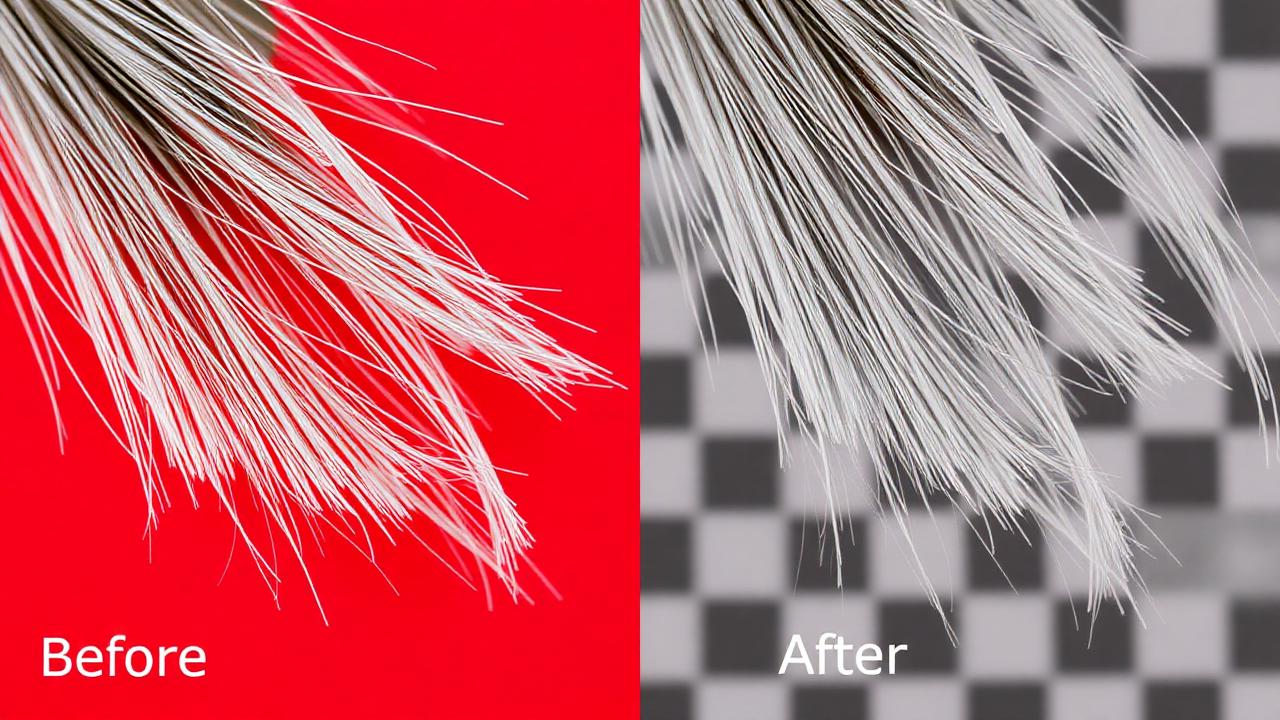
Forgetting to check transparency on dark backgrounds
A cutout that looks perfect on a white canvas may reveal hidden gaps or rough edges when placed on black. Always preview your transparent PNG against multiple background colors — white, black, and your intended destination color — before finalizing the file.
Using JPG for the final export
This is the most common format mistake. JPG does not support transparency. If you export a background-removed image as JPG, the transparent areas will be filled with white or another flat color, defeating the entire purpose of the exercise. Always save the result as PNG or WebP.
Advanced tips for perfect transparent cutouts
Once you have mastered the basics, a few advanced techniques can push your results from good to flawless.
- Shoot with separation. Place your subject at least an arm's length from the background. This creates soft, natural edges and reduces color bleed into the subject's outline.
- Use side lighting. Front lighting flattens features and can make the subject blend into a similarly lit background. Side or angled lighting adds dimension and makes the AI's job easier.
- Avoid reflective surfaces. Glass, mirrors, and glossy plastics reflect the background color, which confuses segmentation models. Matte finishes and diffused light produce cleaner masks.
- Batch process similar shots. If you are shooting a product catalog, keep lighting, distance, and background consistent across every photo. Then process them in a batch with the same tool settings for uniform results.
- Keep the original. Never overwrite your source photo. Save the transparent PNG as a new file so you can re-process later if you discover a better tool or need a different resolution.
How to make a background transparent in every major tool
The fastest route is a dedicated AI remover, but you may already work inside a specific app. Here is how to get a transparent background in the tools people ask about most — and when it's worth switching to a dedicated AI approach instead.
Canva
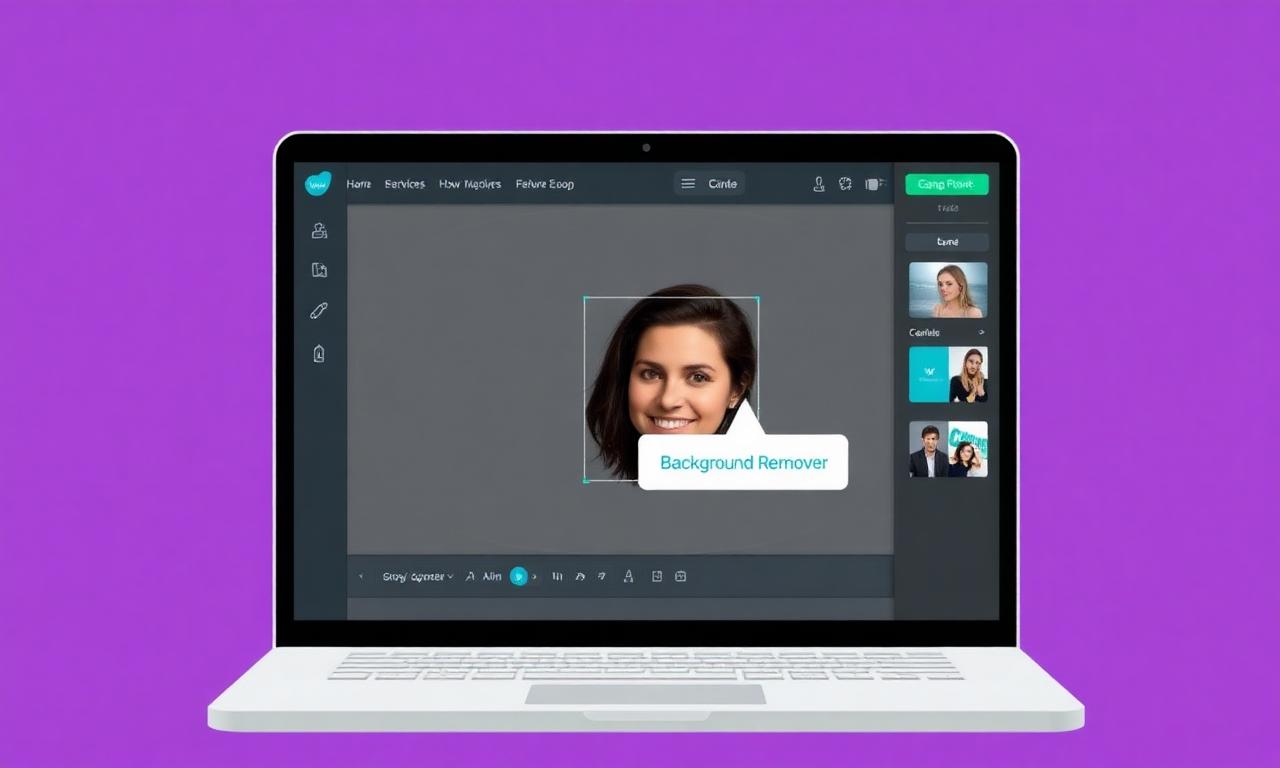
Canva's Background Remover lives under Edit image and removes the background automatically, then lets you drop the subject straight onto any Canva design. The catch is that it requires a paid Canva Pro subscription, and the result is baked into your design rather than a standalone file. If you just need a clean transparent PNG to reuse elsewhere, a free browser remover is faster and gives you the raw file.
Photoshop
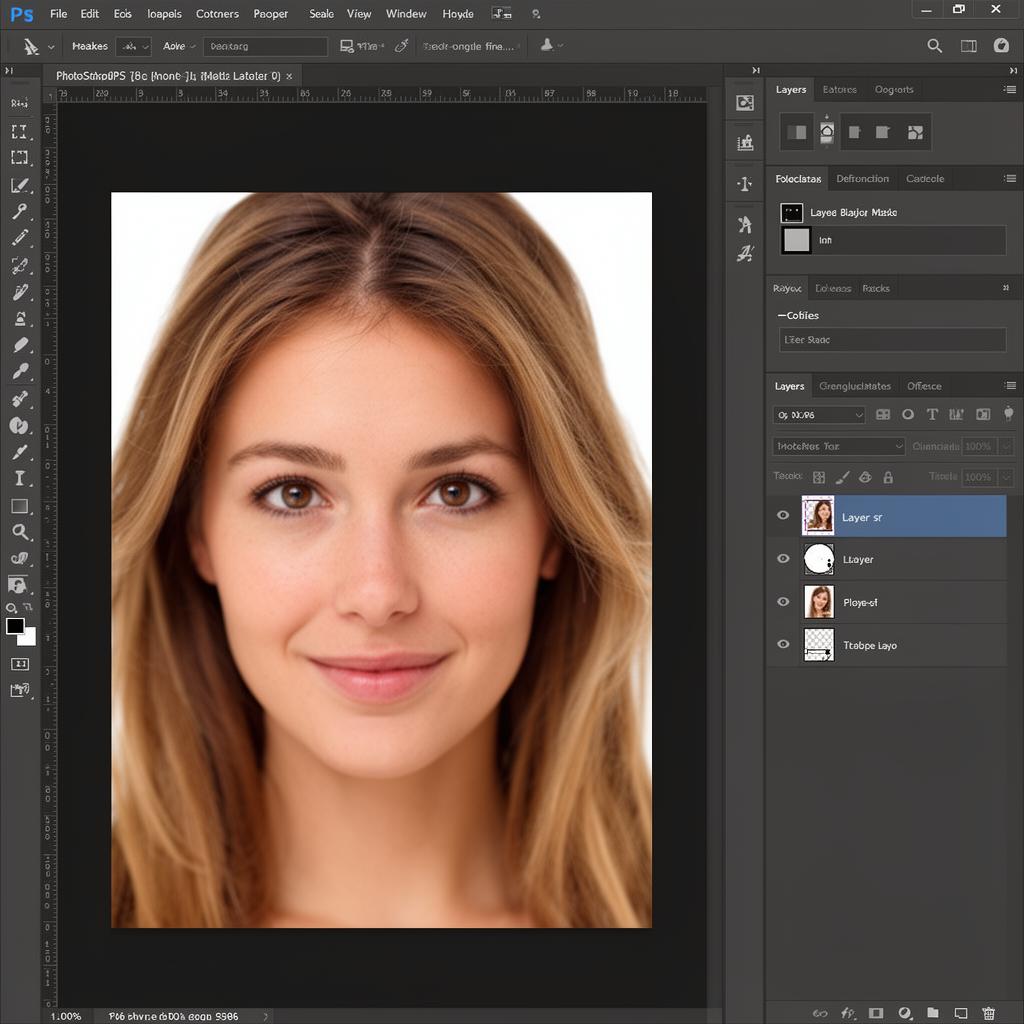
In Photoshop you use Select Subject, refine with Select and Mask, then add a layer mask and delete the background layer. It's the most powerful option for complex edges like hair, but it's also the slowest and needs a Creative Cloud subscription. For most everyday cutouts, a dedicated AI tool may provide a suitable result with less manual editing.
Illustrator
Illustrator is a vector app, so "removing a background" there usually means Image Trace plus a clipping mask — ideal for turning a logo into scalable vector art, but the wrong tool for photographic subjects. For photos, remove the background as a PNG first, then place that transparent file into your Illustrator artboard.
Changing (not just removing) the background with AI

Want a new background rather than none? The reliable two-step recipe is: remove the original background to get a clean cutout, then place it on a new color, gradient, or AI-generated scene. Doing it in this order keeps edges crisp and avoids the muddy artifacts you get when a single AI pass tries to swap the background and cut the subject at the same time.
Free PNG maker
A "PNG maker" is simply a background remover that hands you a transparent PNG at the end. The best ones run entirely in your browser, so your image never uploads to a server, and they add no watermark and no per-image limit — exactly what MagicBG does.
Transparent background maker FAQ
What is the easiest way to make a background transparent?
Open a browser-based AI transparent background maker like MagicBG, upload your image, and download the transparent PNG in under five seconds. No signup, no install, and the image never leaves your device.
Is there a free transparent background maker without watermark?
Yes. MagicBG removes backgrounds for free with no watermark and no daily limit because the AI runs locally in your browser via WebGPU instead of on expensive cloud servers.
What file format supports transparent backgrounds?
PNG is the most widely supported format for transparent images. WebP also supports transparency at smaller file sizes. JPG does not support transparency at all.
Can I make a background transparent on my phone?
Yes. iPhone users can long-press a subject in Photos to lift it from the background. For higher quality or non-portrait images, open MagicBG in Safari or Chrome on your phone and process the image in the browser.
Will I lose image quality when I make the background transparent?
No — the general quality criterion to look for is that a transparent background maker preserves the original pixels of the foreground subject and exports at the same resolution as your input, with only the background pixels removed. Free in-browser tools can cap output size: MagicBG's free tool, for example, exports up to 1024 px on the longest side.
Bottom line
Making an image background transparent is no longer a task reserved for designers with expensive software. A free AI transparent background maker can process many common subjects, preserve fine details where the source image allows, and deliver a transparent PNG for ecommerce previews, social media, marketing, and personal projects.
The workflow is simple: upload your photo, let the AI segment the subject, and download the result. Start with a sharp, well-lit image, avoid common format mistakes like exporting to JPG, and preview your cutout on multiple background colors before publishing. With these habits, every background you remove will look clean, credible, and ready for any platform.
Try MagicBG now — the free transparent background maker that runs entirely in your browser.