
July 4, 2026 · 11 min read
AI Product Photography in 2026: Free Studio Shots Without a Camera
AI product photography is the trending way to get studio-quality product photos for free in 2026. Remove backgrounds, add clean scenes, and boost sales — no camera or Photoshop.
AI product photography is one of the fastest-growing trends in e-commerce right now. Instead of renting a studio, buying softboxes, and spending an afternoon in Photoshop, sellers in 2026 are turning ordinary phone snapshots into polished, conversion-ready product images in minutes — for free. The workflow that used to cost hundreds of dollars per shoot is now a browser tab. This guide breaks down exactly how AI product photography works, why it is trending, and how to do it yourself starting today.
What is AI product photography?
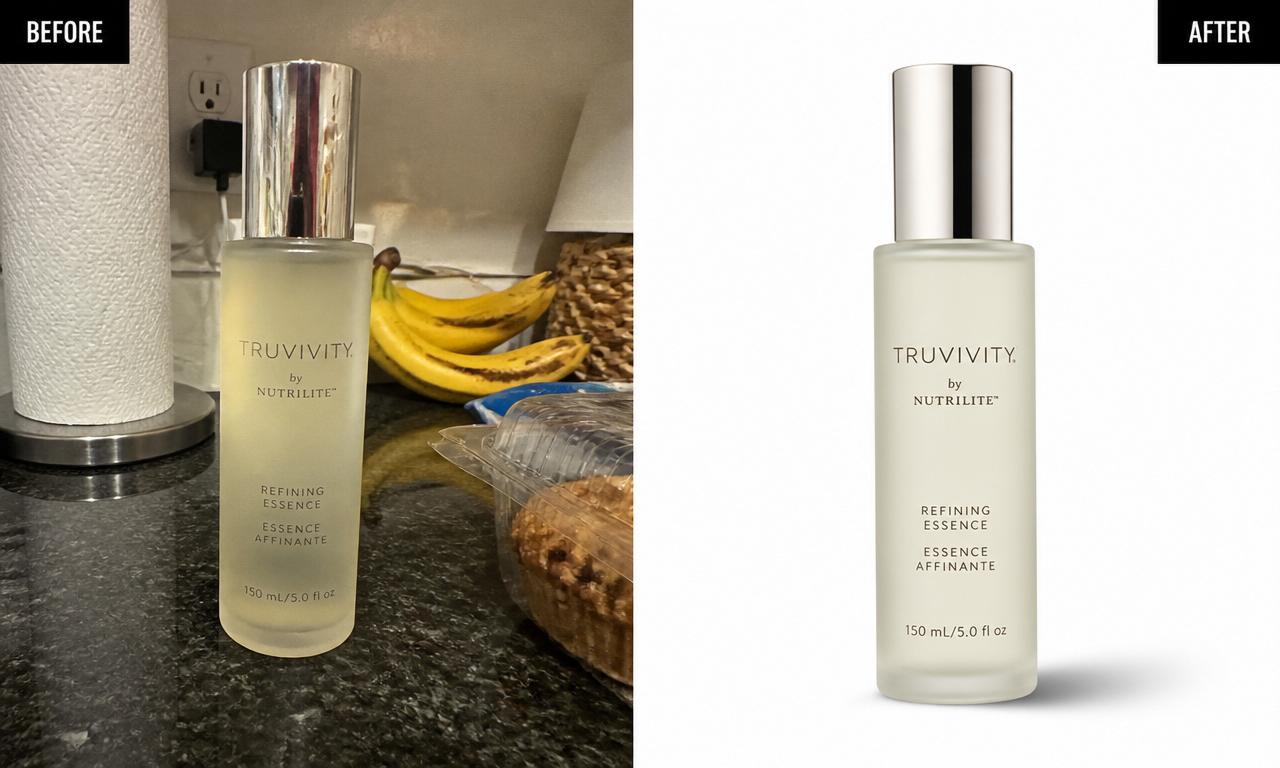
AI product photography is the use of machine-learning models to create, clean up, or restyle product images without a traditional camera studio. In practice it covers three overlapping jobs: cutting the product out of its messy background, placing it on a clean or branded scene, and enhancing lighting, shadows, and color. The most important step — and the one everything else depends on — is background removal. Once your product is a clean transparent PNG, you can drop it onto any background you like.
The reason this matters is simple: shoppers judge products in a fraction of a second. A cluttered kitchen counter behind your item signals "amateur," while a crisp white or styled background signals "trustworthy brand." AI closes that gap without the cost. You can start right now with the free MagicBG background remover, which runs entirely in your browser.
Why AI product photography is trending in 2026
Several trends collided to make this the moment for AI product photos:
- Marketplaces demand clean images. Amazon, Etsy, Shopify, eBay, and TikTok Shop all reward — or outright require — clean, distraction-free backgrounds.
- On-device AI got good. Segmentation models now run in the browser via WebGPU, so cutouts are instant, private, and free.
- Social commerce exploded. Reels, TikTok Shop, and Pinterest shopping push sellers to produce dozens of fresh product visuals a week.
- Costs are under pressure. Small sellers can't afford a photographer per SKU, so free AI tools win.
Put together, "ai product photography" has become one of the hottest search terms among online sellers — and the good news is the core technique is genuinely easy to learn.
The 3-step AI product photography workflow
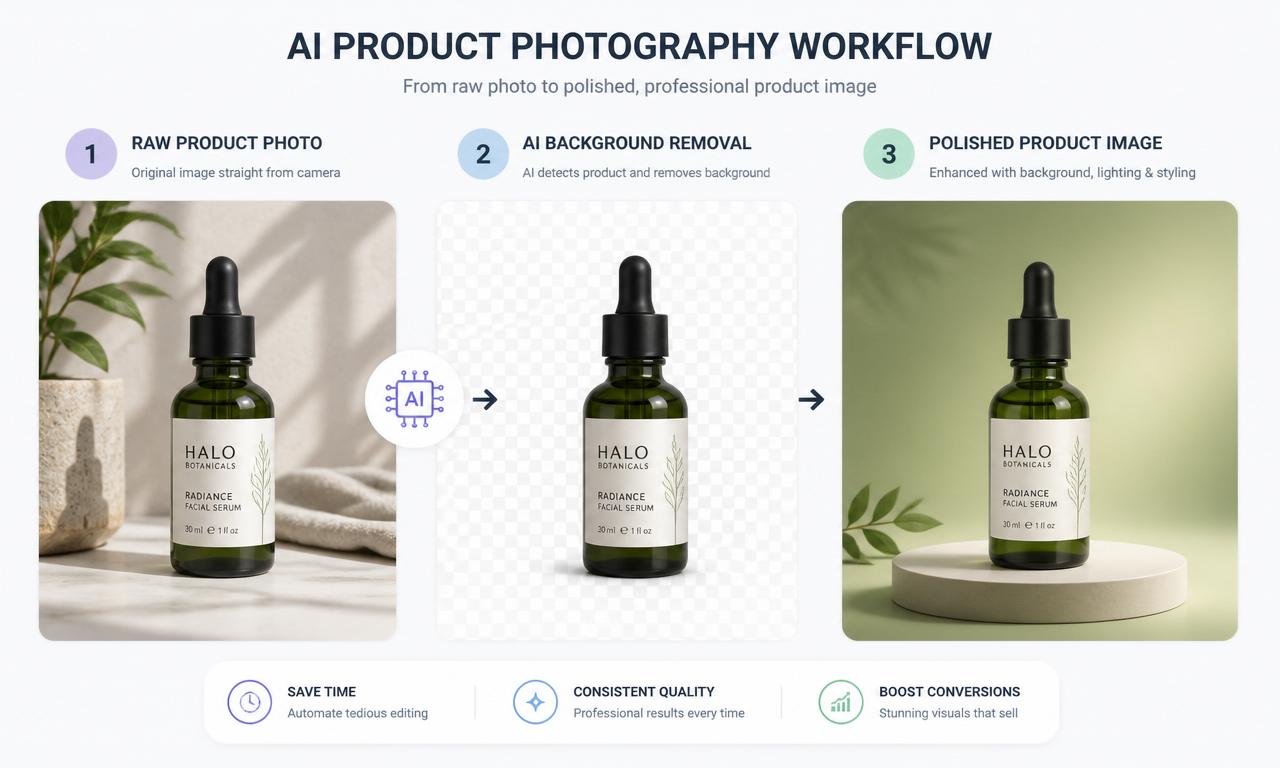
Step 1 — Shoot a decent raw photo
AI is powerful, but it works best with a clean input. You don't need a camera — a modern phone is plenty. Aim for even, soft light (a window works great), a background that contrasts with the product, and a steady, sharp shot. Fill most of the frame with the item and shoot at eye level. The better the source, the cleaner the AI cutout.
Step 2 — Remove the background with AI
Open the free AI product photography tool and drop your photo in. The model isolates the product from the background in a few seconds and gives you a transparent PNG. Because MagicBG runs on-device, your images never get uploaded to a server — a real advantage when you're shooting unreleased products. If you run into fuzzy edges, our guide on fixing jagged edges and removing the white halo will get you crisp results.
Step 3 — Place it on a clean or branded scene
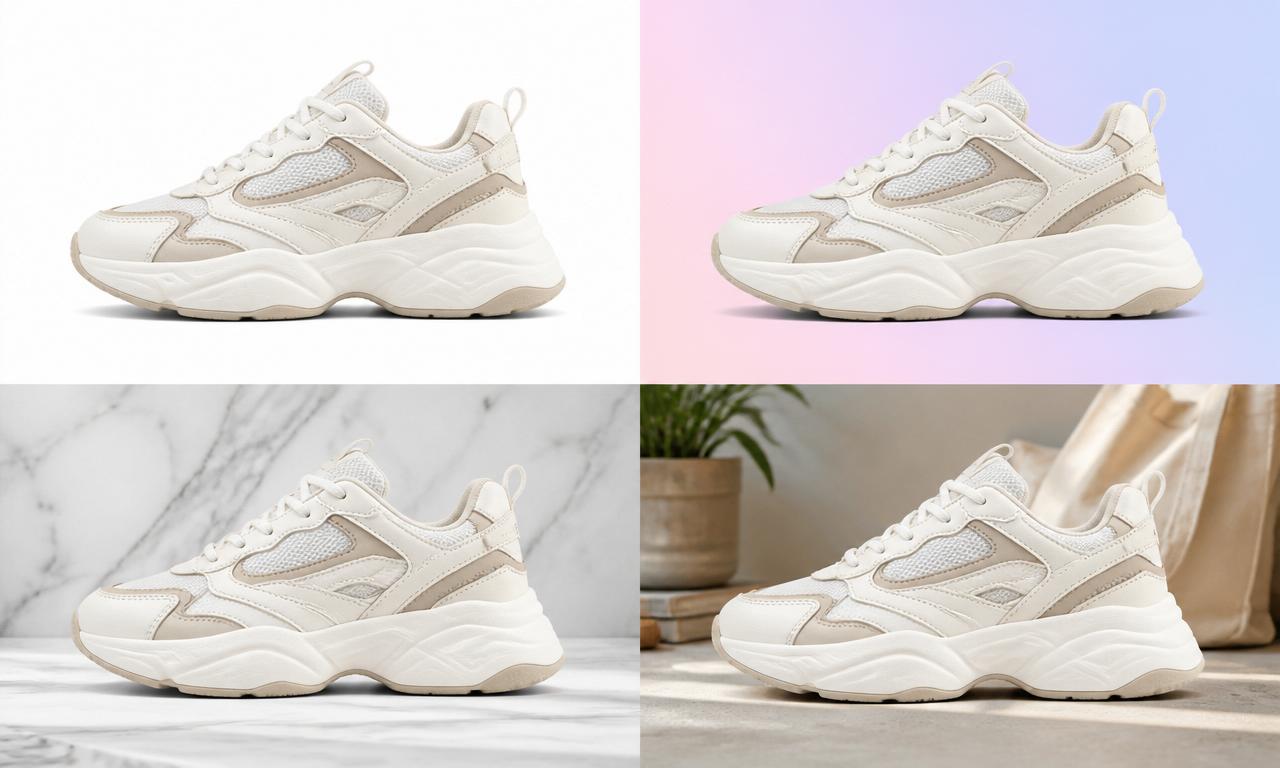
With a transparent cutout, you're free to compose. Drop the product onto pure white for marketplace listings, a soft pastel gradient for social posts, marble or wood for lifestyle appeal, or a branded color for ads. You can create an entire cohesive catalog from a single cutout — see our full e-commerce product photos guide for scene ideas.
AI product photography for each platform
Different marketplaces have different rules and vibes. Here's how to adapt your AI product photos:
- Amazon: Main image must be a pure white background (RGB 255, 255, 255) with the product filling ~85% of the frame. See our Amazon listings guide.
- Etsy: Mix clean white hero shots with warm, styled lifestyle scenes. Details in the e-commerce guide.
- Shopify: Consistency is king — use the same background and framing across every product for a premium storefront.
- TikTok Shop & Reels: Bold, colorful backgrounds stop the scroll. See TikTok Shop product photos.
- eBay & resale apps: Clean white cutouts build instant trust — read the eBay product photos guide.
Handling tricky products
Some products are harder for AI than others. Here's how to get clean results on the tough ones:
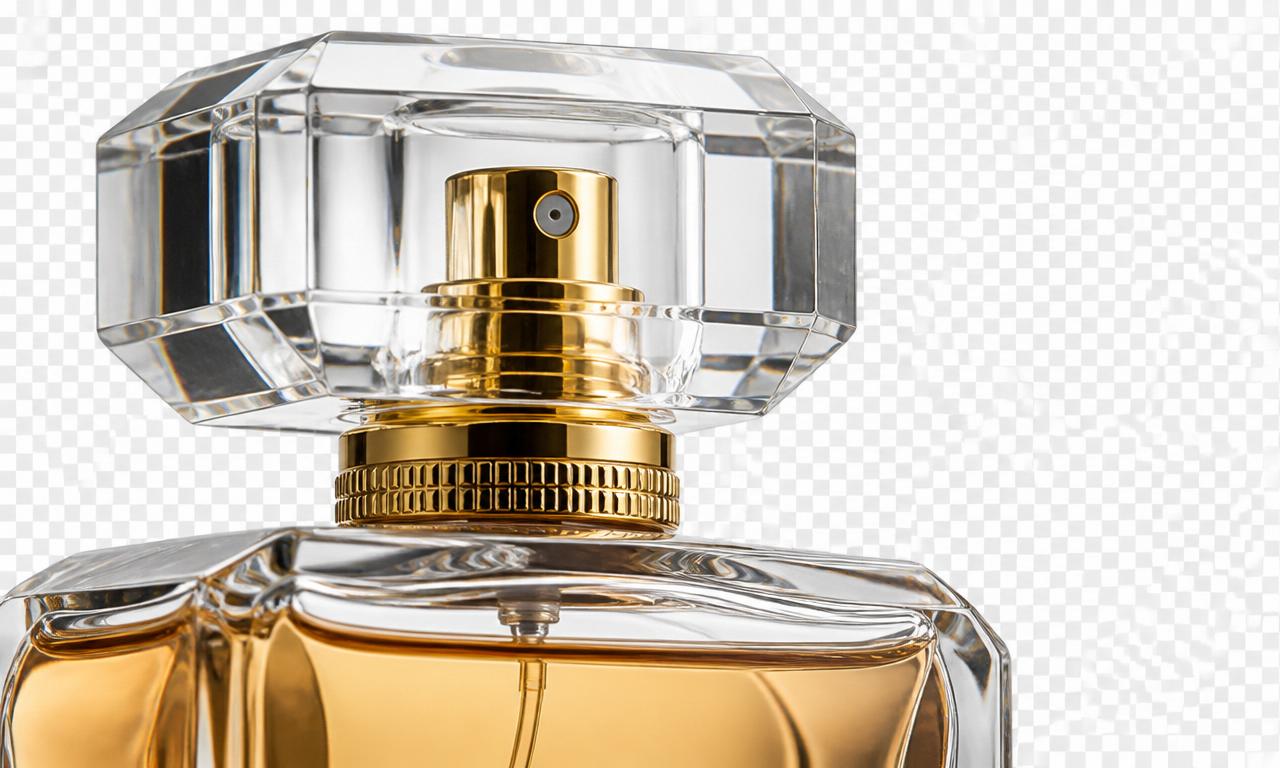
- Glass & transparent items: Shoot against a contrasting background and expect to keep a hint of the original reflection for realism.
- Jewelry & fine chains: Use a high-resolution photo so thin details survive the cutout.
- Fluffy or textured goods: Soft, even lighting keeps fuzzy edges from blending into the background.
- Shiny metal & electronics: Diffuse your light source to avoid blown-out highlights that confuse the model.
AI product photography vs traditional studio shoots
A traditional product shoot means a camera, lighting kit, backdrop, and hours of editing — or a photographer's invoice. AI product photography compresses that into minutes at zero cost, and it scales: you can process a hundred SKUs in the time a studio shoots one. Traditional photography still wins for hero campaign imagery where physical set design matters, but for the everyday catalog work that fills most listings, AI is faster, cheaper, and consistently good. For a deeper comparison, see AI background remover vs Photoshop.
Common mistakes to avoid
- Feeding the AI blurry photos. Garbage in, garbage out — start sharp.
- Ignoring shadows. A product floating with no shadow looks fake; add a soft drop shadow for realism.
- Inconsistent backgrounds. Mixing white, gray, and gradients across a catalog looks sloppy.
- Over-editing. Don't distort colors — buyers expect the product to match what arrives.
- Exporting the wrong format. Use PNG for transparency and web-friendly sizes; see PNG vs WebP.
Do it in bulk
If you're launching a store or refreshing an entire catalog, you don't have to process images one by one. Our batch background removal guide shows a free workflow to cut out hundreds of product photos without uploading a single file to a server — perfect for AI product photography at scale.
Is AI product photography really free and private?
With MagicBG, yes on both counts. The AI segmentation model runs locally in your browser using WebGPU and WebAssembly, so your product photos never leave your device — no uploads, no signup, no watermark, and no per-image fees. That privacy matters when you're photographing products before launch. Curious how it works under the hood? Read how AI background removal works.
Bottom line
AI product photography is trending in 2026 because it finally delivers studio-quality product images to anyone with a phone — for free. Shoot a clean raw photo, remove the background with AI, drop the cutout on the right scene for your platform, and you have a listing that competes with brands spending thousands on photography. Start your first cutout now on the MagicBG home page — no camera, no Photoshop, no signup.