
May 23, 2026 · 11 min read · By MagicBG Team
Last updated: September 25, 2026
Remove Backgrounds from Real Estate and Vehicle Listing Photos
Clean up property and car listing photos: sky swaps, virtual staging, driveway clutter and studio backdrops, plus what you must never edit.
Property and vehicle listings share the same problem: the subject is fine, but the background is not. A grey sky, power lines, a neighbour’s bins or a cluttered driveway pulls attention away from the house or the car. This guide covers both: the edits that help, the platform size targets to export for, and the edits you must never make because they misrepresent what is for sale.
The shared workflow
Both use cases start the same way. Cut the subject out with the free background remover, download the transparent PNG, then place it over a new sky or backdrop in a free layer editor such as Photopea. The free tool processes one image at a time and exports up to 1024 px on the longest side; larger files and batches of up to 50 images are part of MagicBG Pro. The cutout runs in your browser, so the photo is not uploaded — see the AI policy for exactly which features run on-device.
- Step 1. Upload the photo and download the transparent PNG.
- Step 2. In your editor, put the new sky or backdrop on the bottom layer and the cutout on top.
- Step 3. Match colour temperature and add a soft contact shadow so the subject does not float.
- Step 4. Export a JPEG in sRGB at the size your platform asks for.
For cleaner edges around antennas, branches, fence pickets or mirrors, see fixing halos and jagged edges.
Real estate photos
Sky replacement
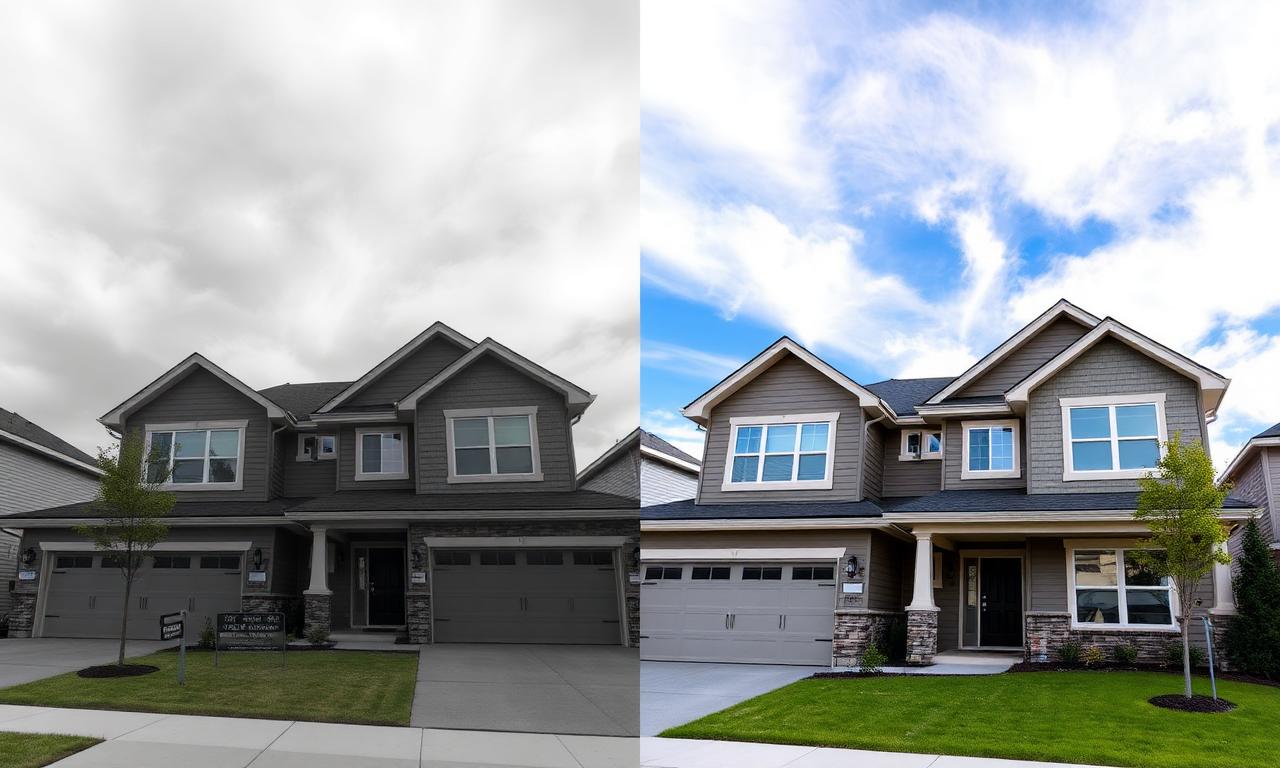
Keep a small folder of realistic blue-sky photos (for example from Unsplash or Pexels, checking each licence). Cut the house away from the old sky, drop a matching sky behind it, and keep the light direction and time of day consistent with the shadows already in the shot.
Power lines and distractions
The same mask is a starting point for removing power lines across the roofline, parked cars, bins, hoses and toys on the lawn, or sign reflections in windows. Use the cutout to isolate the area, then retouch the distraction in your editor. Removing something that is actually part of the property (see disclosure below) is a different matter.
Drone and aerial photos
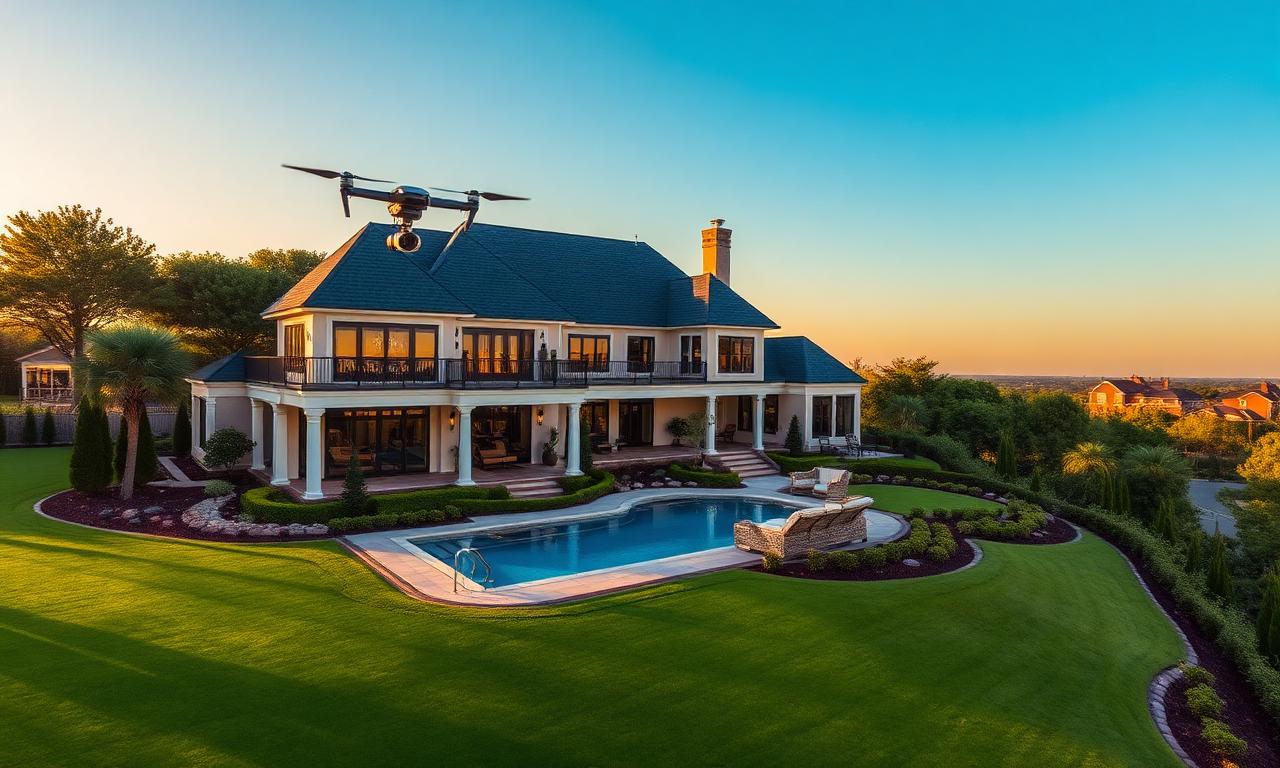
Aerial shots benefit most from sky replacement because the sky takes up so much of the frame. After the swap, a gentle gradient layer can reduce horizon haze without shifting the colours of the house itself.
Virtual staging

Bare rooms are hard to read. To stage one, shoot the empty room at chest height without ultra-wide distortion, layer transparent furniture cutouts onto it, scale each piece to the floor’s perspective, and add a soft shadow under each item. Always label the result “Virtually staged”.
MLS, Zillow and Redfin sizes
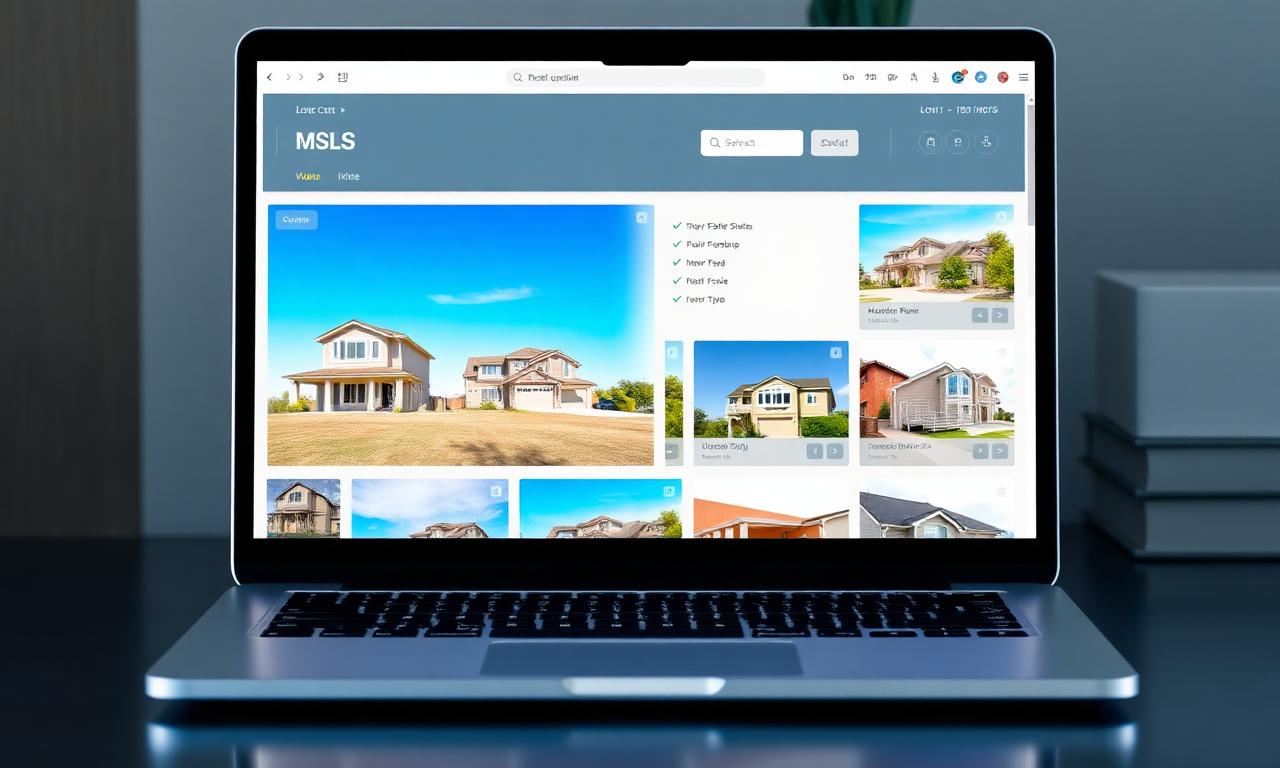
Image rules vary by MLS and change over time, and we have not verified a single official specification for each portal. As a practical starting point, many agents export landscape JPEGs in sRGB of at least 1920 px on the long edge and keep files within the upload limit of their MLS. Check your own MLS rules, and the current help pages for Zillow, Redfin and Realtor.com, before publishing.
Disclosure for property photos
- Sky replacement: generally treated as cosmetic, but follow your local MLS policy.
- Removing power lines or fixtures: disclose or avoid if they are part of the property.
- Virtual staging: label it clearly on the photo or in the listing.
- Hiding structural defects (cracks, stains, damaged siding): never — that is misrepresentation.
Vehicle photos
Exterior shots
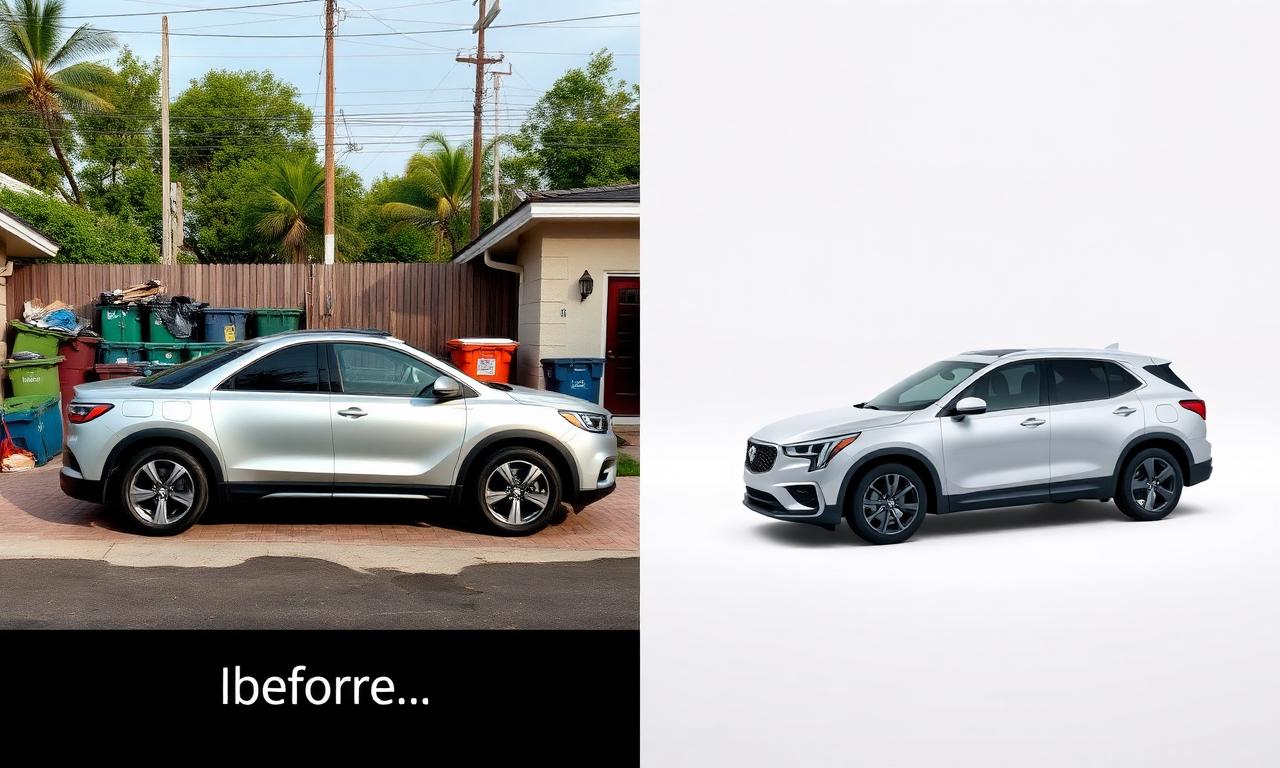
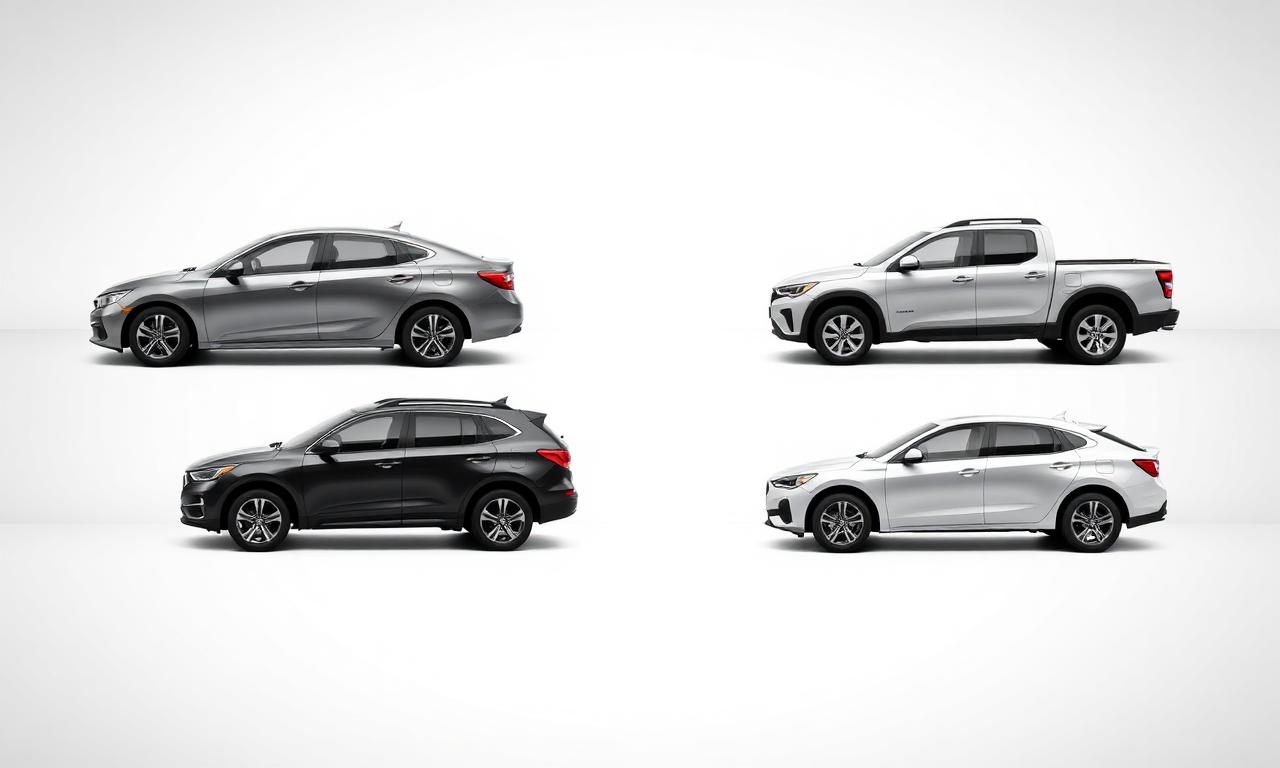
Park on level ground in even light, shoot from about door-handle height, and keep the whole vehicle in frame with a small margin. Capture a consistent sequence: front 3/4, side profile, rear 3/4, rear, other side, front. Place each cutout on the same light grey gradient with the tyres on the lower third, and add a soft elliptical shadow. Using one backdrop for every angle makes the gallery look consistent.

Interior shots: clean, don’t replace
Buyers want to see the real cabin. Photograph the dashboard, steering wheel, screen, both rows of seats and the cargo area, and only soften what shows through the windows (a car park, a garage door) rather than compositing the interior onto anything.
Platform size targets
Car-selling sites re-encode uploads and their published specs change, so treat the following as commonly used targets and confirm each platform’s current help page:
- Facebook Marketplace: a large JPEG in sRGB with the car filling most of the frame, so it survives the feed crop.
- AutoTrader and CarGurus: 4:3 landscape exports around 1600×1200 px or larger are a common choice.
- eBay Motors: eBay’s general photo guidance applies; see our eBay image requirements guide.
- Turo: landscape hero photos in natural light or on a clean backdrop.

What you can and cannot edit on a vehicle
Replacing the scenery behind the car changes the setting, not the vehicle. These edits are not acceptable and can get a listing removed or lead to a complaint:
- Erasing dents, scratches, curbed wheels or paint chips.
- Removing damage such as cracked windscreens, hail marks or bumper scrapes.
- Changing the vehicle’s colour.
- Hiding modifications (lift kits, wheel swaps, tinted lights) a buyer would find on inspection.
- Using a stock photo or a different unit instead of the actual vehicle.
Reflections in the paint are part of the vehicle as photographed and should stay. When in doubt, add an unedited photo showing any known flaws at the end of the gallery.
Bottom line
For both houses and cars, background edits should change the setting, never the thing being sold. Swap skies and backdrops, remove clutter that is not part of the listing, label staging, and keep defects visible. Then export at the size each platform asks for.
Where this fits in the workflow
Match upload limits with the resizer and the compressor, keep a consistent frame with the cropper, or run a set through the marketplace image optimizer.
Selling this photo on Amazon, Etsy, eBay, Walmart or another marketplace? MagicBG's Complete Listing Generator turns a single product photo into a full marketplace-ready listing — optimized images, title, bullets, description and keywords.